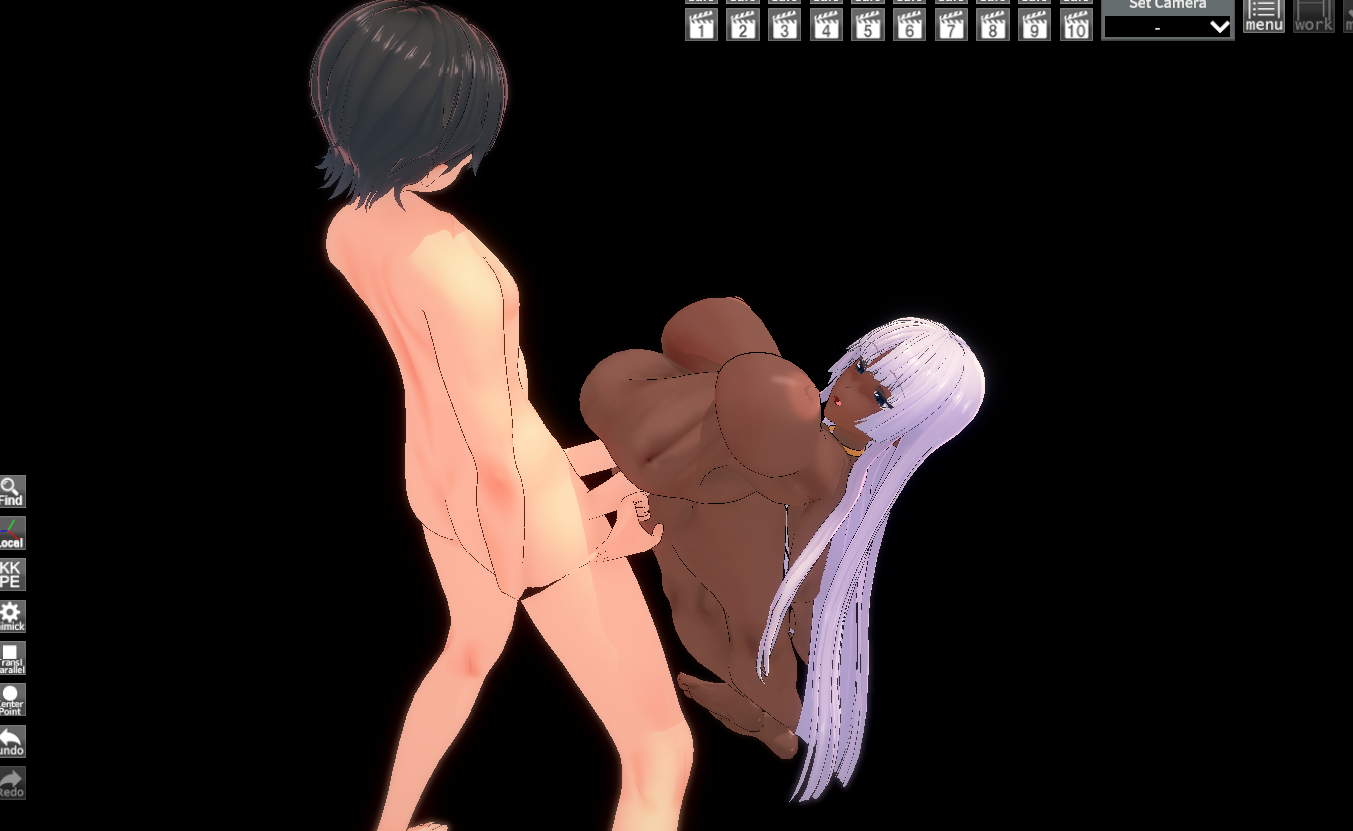
this fixed most of the scenes, thanks.
To add further, on scenes which still seem to be broken, there are a number of steps you can try to resolve them back to normal or mostly-normal states. The first thing I do if an animation seems busted is to go into the "Animation" window for each character, then go to "FK & IK" and disable it. Then, also in the "Animation" window for each character, I select the "T-Pose" animation from the basic -> character category. Then, I go back and re-enable FK & IK on all characters.
9 times out of 10 this will resolve any unusual problems with animations. If for whatever reason you notice spine positions seem "off", you can try loading a handful of other animations on the specific characters with these position issues. Animations are frequently built using some existing in-game animation or pose as a foundation, and these contain specific FK settings for the spine. If I see this stuff seems off or wonky, I just select a few basic animations for things like girl insertion/male insertion until it seems to look "correct".
If these steps DO NOT fix the animation, there may be broken links in NodeConstraints which have to be updated. You can usually resolve these by simply pausing the animation and unchecking various links until you find the "problematic" one, then simply click "Use current" at the top for position/rotation/scale (any applicable), then click "Update selected" and re-enable the link.
If ALL OF THIS does not get the animation to a functional state, then it was MOST LIKELY built using an older version of Timeline. I keep a copy of all versions of timeline so I can freely swap them into my BepinEx folder on a whim.