Ok, I do understand what is happening.
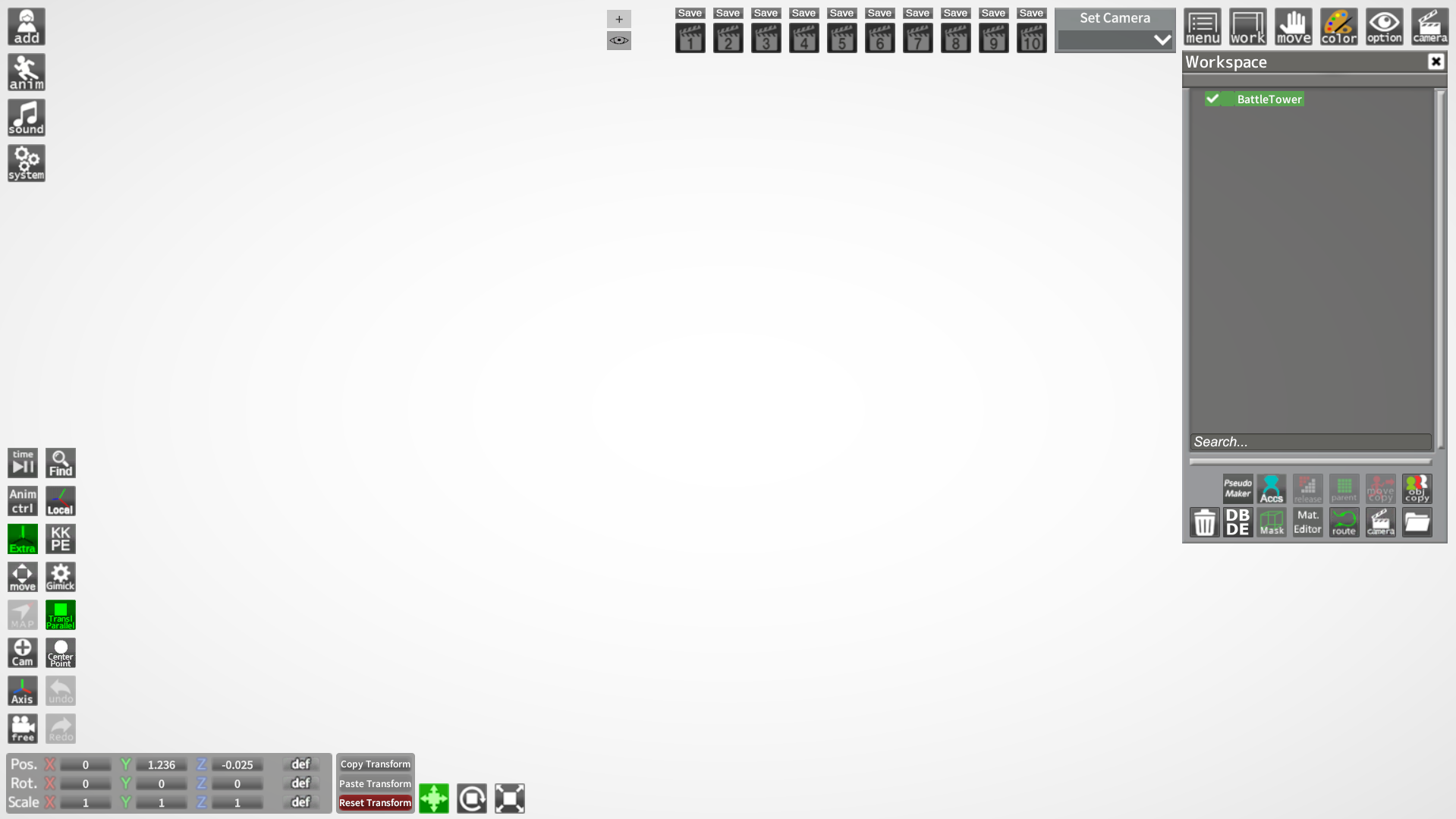
The creator of this scenario made the zipmod intended as a prop for Charastudio, which is why it is not found in the maps section, but in the props section (they are precisely found - more easily - using the
quickaccesbox; the plugin that you find as the "find" button on the HUD).
Plugin for quickly searching through studio items in games by Illusion - ManlyMarco/QuickAccessBox

github.com
Now, the detail here is that the creator has done the following, he created this prop with empty materials (that is, without texture, because it is a process that also takes time; several of these
FBX,
OBJ,
MMD) What's more, it's likely that you haven't even touched the mesh shader and are still on "
Standard", which is what Unity comes with by default in the project to create mods.
Modding tools for Koikatsu. Contribute to IllusionMods/KoikatsuModdingTools development by creating an account on GitHub.
github.com
Although this is not a problem, I have checked the
7z that comes with the zipmod and I have noticed that it comes with an
SD (Scene Data), which goes in the folder with the following address.
This is the address of the folder on my PC where you must put the SD that comes with the mod:
"C:\Illusion\[ScrewThisNoise] Koikatsu Sunshine EX BetterRepack R12\UserData\studio\scene" (Both
CharaCards and
Scenes Data are saved as
PNG images that contain metadata, which is why they are often confused with a mere image, but their weight is what differentiates them).
Now, to simplify your question, it's simple, imagine that I make a zipmod of a broom but I do it without a texture, it will appear like this, blank, the detail is that I could make an
SD (or a scene) where I load a new texture with the Material Editor for this textureless prop, and I save it, obtaining the prop but with said characteristic missing only when loading said "png image". This is how the creator of this mod did it; That is why he provided the
SD where it has what is missing; If you want to load this to an SD that already has motions or pjs in a pose already created, you only need to import this
SD, not charge (because that loads everything and deletes what is already present).
Regarding maps for the
H-Scene, here it is necessary that the map you want to create has the correct script in Unity, and it seems complicated but in the same Unity project to create these Mods they tell you how to create and leave you an example model; KoikDaisy's video is also a good guide.


 www.pixiv.net
