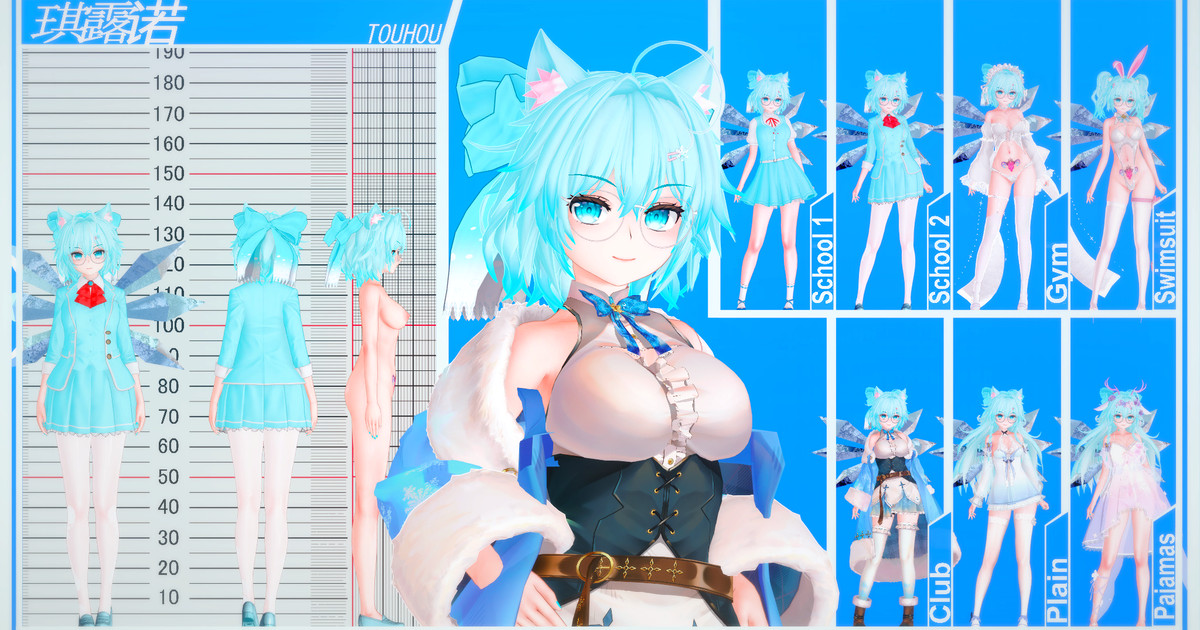
bababooey i reuploaded my dragon ball folder on gofile. enjoy. Dwagon Ball-
it wasn't his card. someone uploaded it on bepis, and 101 fixed it. some of yall ungrateful as hell and/or can't read.
probably all the same stuff but i originally shared the Tumbeti mods (and cards), click link above. Don't ask for others, I seriously doubt I'll be subscribing again bc of his shitty distribution process.
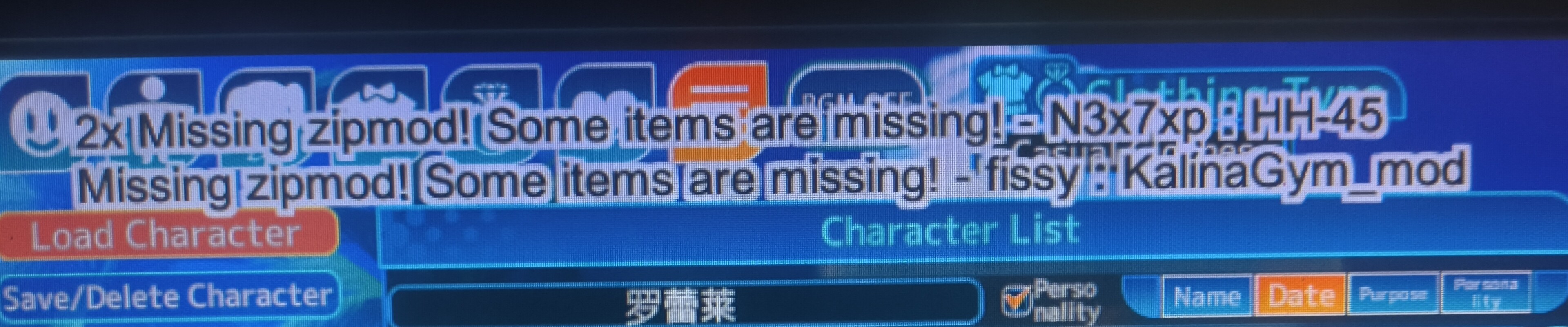
did you reply to the wrong person? eh, I'm feeling nice, so here's mine. included 2 male cards I had too, and an Alya zipmod that I THINK is from Emi. Not sure. Roshidere (Alya)
To be truthful with you, I was hoping some of the male Tumbeti Dragon Ball males that weren't shared before were included like Cabba and Beerus for example. Don't really vibe with the Cabba that's included, no offense to both you and the person who made that card.
Lots of free artists are disappearing from Pixiv these days because the キャラ配布(コイカツ) tag is just full of disgusting resellers like NETO, Urutasu, Panda, Egg, GreenTeaNeko, Koillusion, Flufftail, Wegoing2hell, yeah05, justadd, Earthship, Luminea and NHM-Cards. On all recent キャラ配布(コイカツ) tag pages you visit, one of these ugly names or more will be there, no one can blame all these free authors for leaving Pixiv.
Normal paywallers can be divided into makers and porters, most makers don´t really hurt anyone, they usually make their own custom textures and accessory coordinates, and porters are the ones modding some 3D Gacha, MMD, VRChat and other stuff to koikatsu. Yeah, it´s fair to call these paywall porters resellers too, but in the end, their actions are harming directly only people in other communities, and they all get their comeuppance by getting their stuff leaked by people here too.
But the resellers? They are way worse than paywallers, they´re winning just by existing, directly harming the koikatsu community by lowering all trust, which makes free authors reluctant to release new cards, go paywall too or delete their accounts. Resellers getting leaked doesn’t even hurt them like it does with porters because they put ZERO effort into the things they resell, it´s only giving them money.
Sure, people who arrived here a year ago may already know which authors are genuine and worth supporting and which are resellers, but what about the newbies? They see a card they want being sold for 5 bucks, not knowing that´s actually a old card from a free author, so they will think that’s just a normal thing in the community and maybe will give money to these scammers. It´s awful
If you like a free author on pixiv, you better start archiving all his cards. Keep things organized in separate folders by author, and you will always find what you're looking. If you don’t have enough space in your PC and don´t want to spend money, just get 5 different browsers, and put each of them on different MEGA accounts, 5 free MEGA accounts are 100GB, enough to save a lot of cards and mods. Unless all these resellers are mass reported and banned, which I don´t believe it´s going to happen, more free authors will just continue disappearing from pixiv.
daaamn... The thread updates extremely quickly, curiously, whenever I've looked for artists' work here, 95% of the time the links are dead😅, I guess I was too confident this time by requesting scenes instead of searching. It's my fault!.
Secure, fast and free cloud storage solution. Upload and share files instantly.
gofile.io
Edit: This will probably be the last same day upload I'm going to do for a while. I'm going to borrow a page from fucksssss book and wait 1–2 days. Except for Grafko. Grafko will always be uploaded within 6 hours.
Last time someone shared his link here, Kaoskatsu got really sad. It's better to wait for his pixiv release or sit and wait for a kemono update, because if he changes his method of future card distribution to full paywall, it would be a real tragedy.
Lots of free artists are disappearing from Pixiv these days because the キャラ配布(コイカツ) tag is just full of disgusting resellers like NETO, Urutasu, Panda, , GreenTeaNeko, Koillusion, Flufftail, Wegoing2hell, yeah05, justadd, Earthship, Luminea and NHM-Cards. On all recent キャラ配布(コイカツ) tag pages you visit, one of these ugly names or more will be there, no one can blame all these free authors for leaving Pixiv.
Normal paywallers can be divided into makers and porters, most makers don´t really hurt anyone, they usually make their own custom textures and accessory coordinates, and porters are the ones modding some 3D Gacha, MMD, VRChat and other stuff to koikatsu. Yeah, it´s fair to call these paywall porters resellers too, but in the end, their actions are harming directly only people in other communities, and they all get their comeuppance by getting their stuff leaked by people here too.
But the resellers? They are way worse than paywallers, they´re winning just by existing, directly harming the koikatsu community by lowering all trust, which makes free authors reluctant to release new cards, go paywall too or delete their accounts. Resellers getting leaked doesn’t even hurt them like it does with porters because they put ZERO effort into the things they resell, it´s only giving them money.
Sure, people who arrived here a year ago may already know which authors are genuine and worth supporting and which are resellers, but what about the newbies? They see a card they want being sold for 5 bucks, not knowing that´s actually a old card from a free author, so they will think that’s just a normal thing in the community and maybe will give money to these scammers. It´s awful
If you like a free author on pixiv, you better start archiving all his cards. Keep things organized in separate folders by author, and you will always find what you're looking. If you don’t have enough space in your PC and don´t want to spend money, just get 5 different browsers, and put each of them on different MEGA accounts, 5 free MEGA accounts are 100GB, enough to save a lot of cards and mods. Unless all these resellers are mass reported and banned, which I don´t believe it´s going to happen, more free authors will just continue disappearing from pixiv.
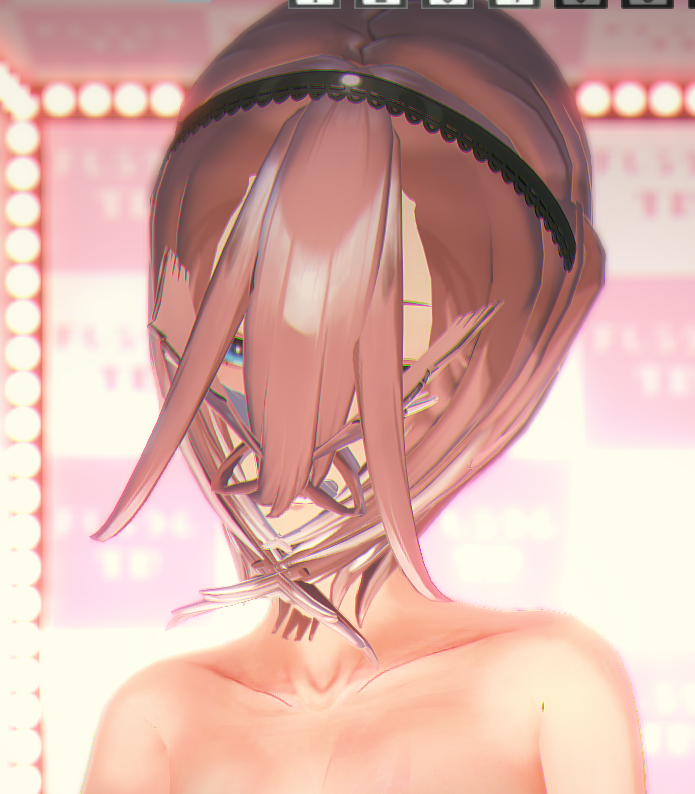
Sorry to bother, but with this very same scene, would you happen to know what causes this? Only scene so far that causes this to happen, so I don't have much experience with it, and nodes didn't seem to have anything in relation to it.
Thank you, but I’m looking for the password-protected zips. Someone here shared the password, so I thought someone else might have saved them or the cards in them. Here is what I saved, 4gb of cards and it´s not even the full archive.
Secure, fast and free cloud storage solution. Upload and share files instantly.
gofile.io
To tell the truth, I had all of them at that date, but they all required paid mods from authors like Asbdaz, Void, Dearest, Grafko, FrankMe, and other Chinese ones. I was so heartbroken and thought I wouldn't be able to find/buy all those mods, I deleted all the cards. Now I finally got most of the missing mods of that time, but I don´t have all those cards anymore and the author deleted his fanbox 💔
bababooey i reuploaded my dragon ball folder on gofile. enjoy. Dwagon Ball-
it wasn't his card. someone uploaded it on bepis, and 101 fixed it. some of yall ungrateful as hell and/or can't read.
probably all the same stuff but i originally shared the Tumbeti mods (and cards), click link above. Don't ask for others, I seriously doubt I'll be subscribing again bc of his shitty distribution process.
did you reply to the wrong person? eh, I'm feeling nice, so here's mine. included 2 male cards I had too, and an Alya zipmod that I THINK is from Emi. Not sure. Roshidere (Alya)
I don´t regret this, but I should have visited his pixiv to see you if it was ''This user has left Pixiv" (Deleted) or "Profile not found" (Banned), I was lazy.
I don´t regret this, but I should have visited his pixiv to see you if it was ''This user has left Pixiv" (Deleted) or "Profile not found" (Banned), I was lazy.