Back again with another set of trivial issues. Caused by a bepinex update I did a while back, as all my issues have been. Love y'all btw.
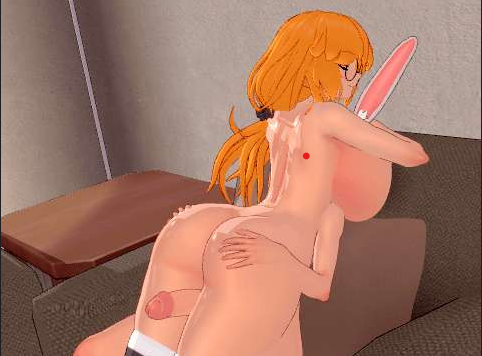
• First issue: I have various scenes where character limbs are attached to objects & such, and then those objects are animated which in turn moves the body parts. I have a number of scenes where they used to work fine, but now it seems to not animate well/animate out of position. Some are off slightly, some are off by huge distances, and not easily fixed.
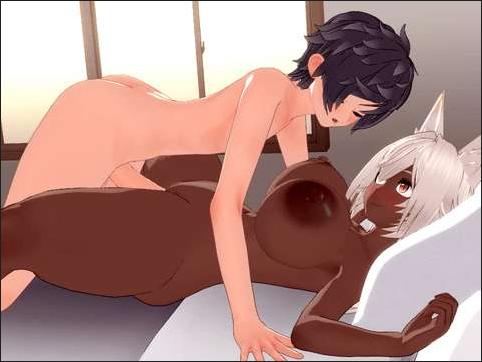
• Second issue: I have is some scenes only load partially. Some items populate in workspace, and then it gives up, with the "scene loader" menu still up. They're modified versions of scenes I downloaded, with the original working. Mostly. Unless they experience the first issue as well, lmao.
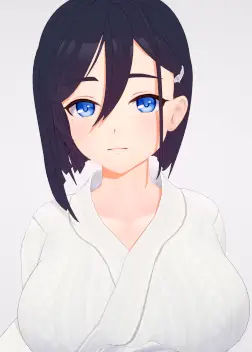
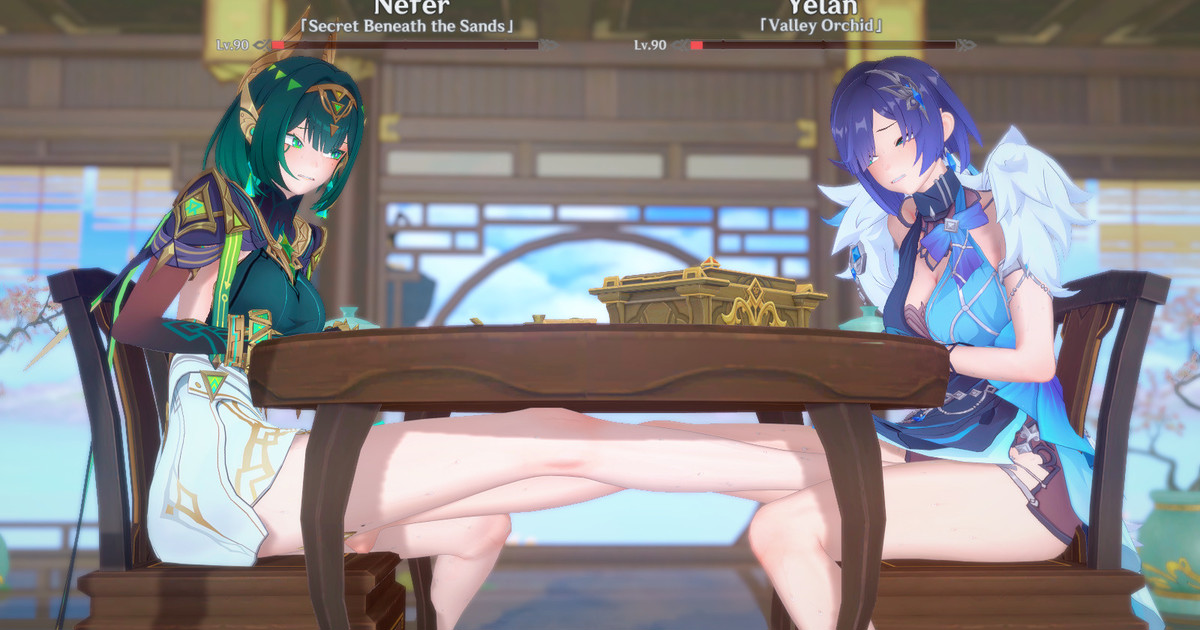
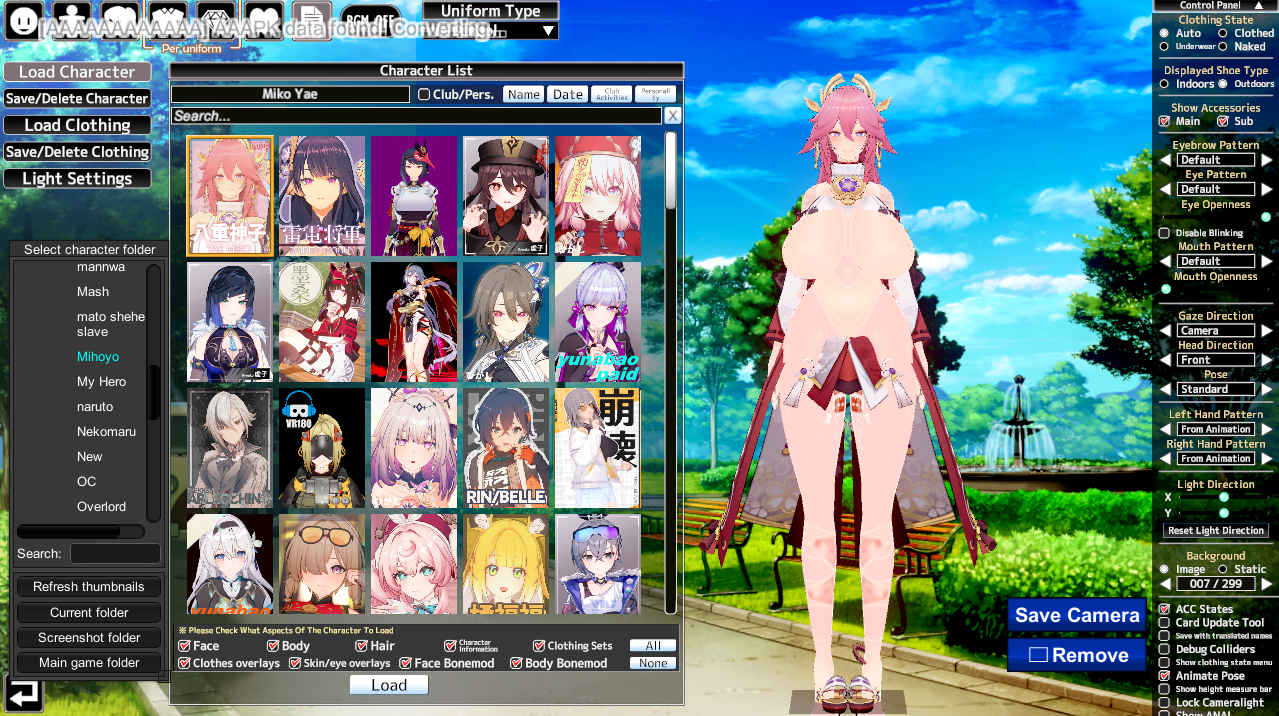
• Third issue is some chars having their skin tear through clothing, with no amount of bonemodding that I can muster up fixing it.
A little worse in studio than in chara creator too.
• Fourth issue: Some scenes have crazy weird lighting. I'm probably outright missing something in this case. I notice that in the scene preview, it looks like it is supposed to be evening.
I have to turn off both Fog and Sunshafts to see anything. Adjusting the numbers does nothing to remedy it.
First issue:
Most likely a mismatch with nodeconstraints versions, or possibly a mismatch with Timeline versions. Animations made with older versions are likely to break in unpredictable ways. You can remedy this by trying different versions of each plugin until it loads right, OR try to fix the existing animations so they work. I prefer to attempt fixing them, as loading older versions of plugins on newer frameworks can cause a lot of possible issues.
Most of the time you can fix broken nodeconstraints animations by just updating the positions/rotations of the suspect objects. What I usually do when encountering a busted one is bring the timeline all the way to the beginning, then disable each nodeconstraint which is causing problems, then update each one's properties so they are working off new position/rotation data, then re-enable them. 9 times out of 10 this resolves issues.
Second issue:
I'm not sure what this could be, you should check the terminal logs for CharaStudio to see what it fucked up loading. It sounds like there may be missing mods or something else in those scenes is screwing it up. If you can post the scenes I can check them out for you.
Third issue:
This is not an issue with bonemods, but rather alphamasks. A quick and dirty fix is to use a Tesselation shader on the clothing object, then tweak the displacefull/displacemultiplier sliders until the clipping disappears. Most of the time this works fine, but you may still have clipping you can't quite eliminate. The fix for that is to make a new alphamask or edit the existing one for it, so it completely hides parts of the body occluded by the clothing. Why these things sometimes break on new versions of plugins, I do not know, but I've had to fix quite a few of them, particularly on older coordinate cards or mods.
Fourth issue:
Seems like an issue with Post Processing Effects to me, again, if you can provide the scene in question, I can check it out for you. Some scenes were made with specific PPE settings in mind, and if they're old enough, that data will NOT be saved into the scene file. Often times these scenes would come packaged with a PPE preset you are supposed to use alongside of it.