D
Don't Lewd the loli
Veteran Member
apologies, forgot to attach the link, it should be there nowWhat should cover the mods? Either I'm a moron or there's nothing there.

apologies, forgot to attach the link, it should be there nowWhat should cover the mods? Either I'm a moron or there's nothing there.

I think I found a slightly faster method, tried looking on winrar and it failed so went looking as you had suggested. The "add to archive" button when you right click it normally instead of adding it to a rar of itself seems to just give you all the options.This is done directly from WinRAR on your computer. When compressing a folder or file, you can choose between RAR or ZIP (I believe 7z is done with the same compression program called 7-Zip). There you'll find the compression type option (normal, fast, etc.) and the one you're looking for: setting a password.
If my explanation isn't clear, you can also search on YouTube. There are several videos about this, and some even show you how to compress properly.

And you, good Samaritan, have earned my gratitude for your contribution. 😤Koikatsu and Koikatsu Sunshine have a saturation and brightness filter baked into them. There's a plugin to toggle it off, but it'll make pretty much everything need manual adjustment. Basically, when importing any texture into Koi, you have to decrease saturation by 15~20 and increase lightness by the same amount.
afaik there's no way around this, but you can preview what things look like with the filter off by using "Vivid" lighting in Studio.

Thank youapologies, forgot to attach the link, it should be there now

Thanks you very much vera 🙏
Sure. I'll throw in all of StaticLullaby's cards while I'm at it since he's no longer on Pixiv.
Pinging @Makaron_01417 as well since he wanted it:
Loading…
gofile.io

You're reminding me I had to finish these
Loading…
gofile.io
Link contains:
EMILIA 2025 COLLECTION
SOLITYL 2025 COLLECTION
To be added later:
XISHUIFANG 2025 COLLECTION
VIOLETV3 2025 COLLECTION

 www.pixiv.net
appreciate it champ!HIGASI ~[2025-12]Ye Shunguang
https://ranoz.gg/file/IbRL6G3R
https://gofile.io/d/ER2bVe
I threw out my back 🥶 🥶🥶🥶

can you reup this againSorry to have kept you all waiting 🙏
Due to recent scheduling issues, this has been delayed significantly from the original plan; 📅
however, I am pleased to announce that it is being uploaded this time ! ✍
This is the Higashi (Gakuen Idolmaster series) piece I had promised previously 👍
hope you have a great time
Thank you ! 🙇
1. Kotone Fujita - FREE

【キャラ】藤田ことね
*6/14 mod更新 感謝ZONE佬支援!* *請注意! 不含任何衣服,只有捏臉* 皮卡丘阿,你什麼時候能讓我把你衝上S阿! ------------------------------------------------------------------------
File folder on MEGA
mega.nz
2. Hiro Shinosawa


【キャラ】篠澤広
開個新系列~!老廣阿老廣 SD感謝! ------------------------------------------------------------------------- mod來自 : https://www.pixiv.net/artworks/12727
Gofile - Cloud Storage Made Simple
Secure, fast and free cloud storage solution. Upload and share files instantly.gofile.io
3. Ume Hanami


【キャラ】花海佑芽
身為偶像最棒的肉體!妹妹真的是很色 SD感謝! ------------------------------------------------------------------------- mod來自 : https://www.pixiv.net/artworks/127Gofile - Cloud Storage Made Simple
Secure, fast and free cloud storage solution. Upload and share files instantly.
4. Lilja Katsuragi


【キャラ】葛城リーリヤ
這次試著還原看看遊戲內的瞳孔,效果不錯。 不過頂著感冒生出來還是有點痛苦,來去好好休息一下了。 SD感謝! ------------------------------------------------------------------------- mod來自 : httpGofile - Cloud Storage Made Simple
Secure, fast and free cloud storage solution. Upload and share files instantly.
5. Temari Tsukimura


【キャラ】月村手毬
有趣的女人(X,毛球你真的是蒼系嗎? SD感謝! ------------------------------------------------------------------------- mod來自 : https://www.pixiv.net/artworks/12Gofile - Cloud Storage Made Simple
Secure, fast and free cloud storage solution. Upload and share files instantly.
6. Misuzu Hataya


【キャラ】秦谷美鈴
怎麼美玲實裝後,二創裡重女屬性反而多了不少阿(ry 萬代你到底什麼時候要開美玲的NIA!!! SD感謝! ------------------------------------------------------------------------- mod來自 : hGofile - Cloud Storage Made Simple
Secure, fast and free cloud storage solution. Upload and share files instantly.
7. Rinami Himesaki


【キャラ】姫崎莉波
趁著今天上了莉波的S3之際趕緊生出來,機器人啟動起來很可怕的! SD感謝! ------------------------------------------------------------------------- mod來自 : https://www.pixivGofile - Cloud Storage Made Simple
Secure, fast and free cloud storage solution. Upload and share files instantly.
This material is prohibited from being posted on external forums ( Telegram, Southplus, Bepis, Shitaraba, Discord, or any other site )
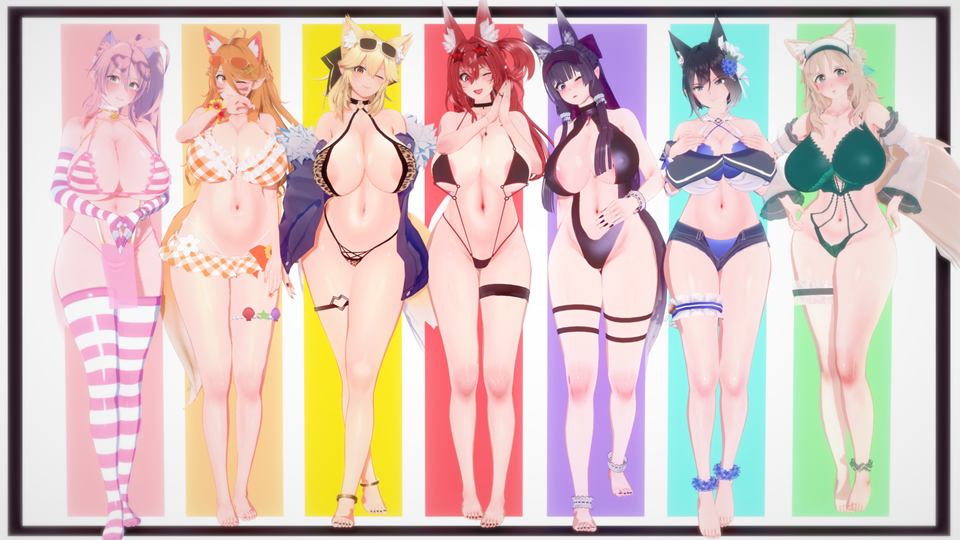

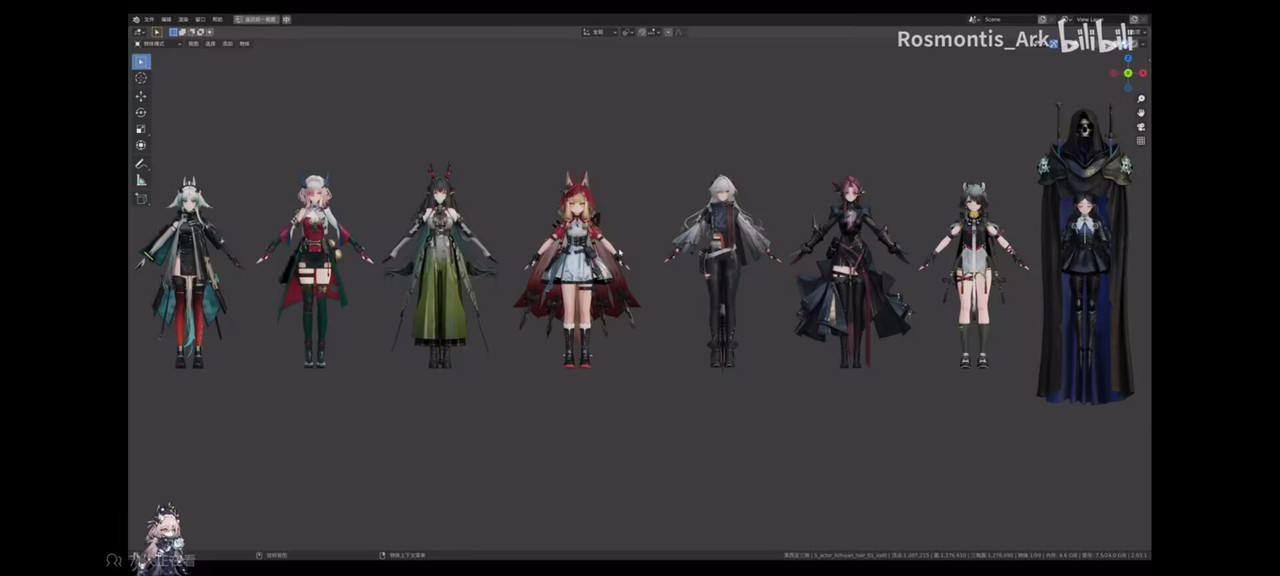
Thank you so much! Thanks to you, I finally solved it. I was trying to solve it here and there yesterday, but I gave up. Thank you so much.read his guide
Please make sure you're using or installed the EXACT VERSION of below things if you can't load my scene data: **Don't update them through HF or KK Manager
** I would highly recommend that please check their discord link first in order to get more information of those mods, pay a visit as respect~!
1) Koikatsu! (コイカツ!) BetterRepack RX14
https://discord.gg/pSGZ4uz
https://dl.betterrepack.com/public/
** 26/03/2023 UPDATED
Koikatsu! (コイカツ!) BetterRepack RX17
(Seems the direct download link is down, please get it by googling torrent)
2) Mixamo animations for CharaStudio v3
Post: https://discord.com/channels/447114928785063977/447115303449657354/1025721715273252904
Download: https://www.mediafire.com/file/l51udija4ujk903/Mixamo_animations_for_CharaStudio_v3.1.2.7z/file
3) Vanilla Plus Shaders v1.3
Post: https://discord.com/channels/447114928785063977/447115303449657354/937101971469525063
Download: https://mega.nz/folder/VcdVjYgL#dqSaQ1l0_NEeuq4EV-CQKA
4) [Creamstar] Map Collection v1.4 ** 03/05/2023 UPDATED
https://www.patreon.com/posts/kk-medieval-inn-78494184
5) [ShalltyB] BlendshapeCreator v1.0 ** 14/01/2025 UPDATED
https://github.com/ShalltyB/BlendshapeCreator/releases/tag/v1.0
6) ShalltyUtils v0.3 ** 14/01/2025 UPDATED
Post: https://discord.com/channels/447114928785063977/1091473728740786236/1093969118748745779
Download: https://mega.nz/file/1eUlDT6A#wP3cCyGnEnpl96axzbRHenpWIaN0AWlYCS5JxSxsFe4
You may also need:
XukmiFX Shaders v1.0
Post: https://discord.com/channels/447114928785063977/447115303449657354/1026921291850203177
Download: https://mega.nz/folder/gBVDFCYY#Wg6c9Ljr6dnkOKyTw-ehpw
https://twitter.com/Delirium_Bear
Iuno - https://mega.nz/file/l2chwChb#s7xJytx9GJoVmtWwFfnkzE8OQVzD5esBhzhTX5gOSBAmay i ask for a reupload of iuno and augusta + lupa from OoOoO as well, this dude made the most accurate cards imo
im absolutely not planning to do things like i did to ciaccona card 👀


HOLY SHIT the Qu has invaded koikatsu already
Anyone know how to fix this kind of things? Or how to prevent it from happening? Using KKS CharaStudio and a scene from MastaPOV
thank you so much, sir
sir can u share those characters? is good to lookThank you ! tytyty2999
I've been wondering for a long time how to fix XukmiFX, and finally I can now use the scenes that were previously causing problems.
Thank you so much!

Could you upload on gofile too?
My Ettole Archieve (Everything up to 01/16/26)
have the character card? please?Hi, can you share some of your static scenes like that ?

any chance of a reupload?, thanks.Finally managed to snag it after scanning Kemono for forever
Natubea (Natural Beauty) full collection (up to Clorinde - 10/03)


hereany chance of a reupload?, thanks.
Who create that? maybe i can solve it
nanaminkoi All no Timeline, Chika Versionanyone got full collection of nanaminkoi? dude is long dead but i didnt get his scenes on time
Kemono
kemono.cr
this by Boid44Who create that? maybe i can solve it
wdymnanaminkoi All no Timeline, Chika Version

It wont let me edit the file properties outside of premium, unless I'm doing it wrong. Either way, how do you add a password to the zip file? I've always wondered that, but never could figure it out.


HOLY SHIT the Qu has invaded koikatsu already

You da goat for posting Grafko stuff everytimeYubao Columbina

【キャラ】哥伦比娅 コロンビーナ Columbina
哥伦比娅!本来想一起和桑多涅一起做了,但是感觉桑多涅上线还要一些时间! 不知道大家觉得怎么样呢,如果希望的人多的话我可以提前做桑多涅! 上半个月有好多事情拖慢了节奏哇!下半个月我努力捏一些卡把上半个月补救一下! -- CARD:https://www.patreon.com/usGrafko Lynae CostumeLoading…
gofile.io

【鸣潮】琳奈Lynae Costume
状态不佳…… 感谢SD作者 card+mod:https://mbd.pub/o/bread/YZWamZpwZg== https://www.patreon.com/Graf_chinchinLoading…
gofile.io
 www.pixiv.net


u can change the eye from anim>kinematic>brows/eyes/mouth> pattern (1-50), just use pattern 1,Noticing this after I had to reinstall koikatsu, but would anyone happen to know what would cause a characters eyes to be the heart eyes by default, when the scene is supposed to have default? Currently the scene in question is MastaPOV's Ubel scene.
www.pixiv.net I mean yeah, I can change the eyes for sure, but I want to know WHY it's happening so I don't have to keep doing it, especially if it starts popping up in other scenes.u can change the eye from anim>kinematic>brows/eyes/mouth> pattern (1-50), just use pattern 1,
or just open timeline control, check hitomi and eye constrant, select the key node when eye iris shape will change, delete the key node

I think the issue is related to a plugin that you have currently which always sets the eyes to heart shaped , Press F1 and try to view the settings for the plugins already available which are running. For example , UncensorSelector Plugin , if you set it to a specific crotch type for female characters , i think that each type a female character is detected , they're more likely to take that crotch shape you set in the plugin. And just another tip but i noticed when u select a character and use Ctrl(right)+P on it, it refreshes the character so that might help fix some issues but i'm not too sure. I don't know the exact cause for your case though sorryI mean yeah, I can change the eyes for sure, but I want to know WHY it's happening so I don't have to keep doing it, especially if it starts popping up in other scenes.
As of the moment, I'm also trying to figure out why some of his scenes completely break, like this one with the shoulders that refuse to let me edit them, and what he means by "refresh all nodes position if you got the wrong body part"
I've already tried t-posing the animation, that doesn't work, I think it makes it a bit worse to be honest.
Alucid Moryene anyone?

[キャラ配布] 莫宁/モーニエ
※商用利用禁止/二次配布禁止 这次莫宁的制作也是花费了相当大的精力,也算是制作出了令自己也相当满意的效果 本来想等到up那天再发的,但是想着做都做完了早发晚发都一样索性就先发了吧,希望大家能够喜欢 PS.有制作2种款式的面部overlays,带红晕的更加接近游戏内的效果,大家选
The scene I downloaded here https://gofile.io/d/oEHu8W, whose scene card is this?
Can someone tell me the author's name and address?
www.pixiv.net 


