Pandaman
Map
替换原先的mod文件即可,包含数个新地图,以及神秘内容 mod:https://drive.google.com/file/d/14ZvrTCOSplyt3OtQ9xiPd_wOmurGLIaL/view?usp=drive_link scene:https://mega.nz/

www.pixiv.net
Map1
新的地图mod,无需替换老文件。内含几十个地图和各种地图相关mod。 mod:https://drive.google.com/file/d/1mpWvWfP5etCUeARhfs9Z-Yz_xYI7O_vK/view?usp=sharing scene:https://me
www.pixiv.net
Map2
map2最终版本,大小2.1gb mod:https://mega.nz/file/cQsXxSCT#IVJMoSFFi9E-bM9HMpVRfM8pGB_kgm91_Z3YO1b_VqI 本贴图片均为sd
www.pixiv.net
A-fan
Asgf mod
There is none, and it´s even worse now that Giddora also started using unreleased mods like NightOwl: Fluorite and marked Lor mods for some scenes. You will have to start replacing the characters to make the scene usable.
I only found the map of the 1st scene:
deadshark: World is mine Map
🗺️✨This is a h map for koikatsu sunshine and studio !✨🗺️ Download: https://www.patreon.com/posts/deadshark-kks-is-78195048
www.pixiv.net
Aoko uses some chinese KKs modpack with updated KKS madevil plugins to make his cards, I can load those cards and they look ok, but I also don´t have that updated BendUrAcc for KKS.
I use HF-Patch with this old madevil pack here
转自虚子大佬:https://afdian.net/p/a4a0dd1eed2411ec8bde52540025c377 插件/plugins kk:https://mega.nz/file/cJxgxZhC#0Z8pjoonnhIy4kdtsSSNhQGDiStykRNfpS
www.pixiv.net
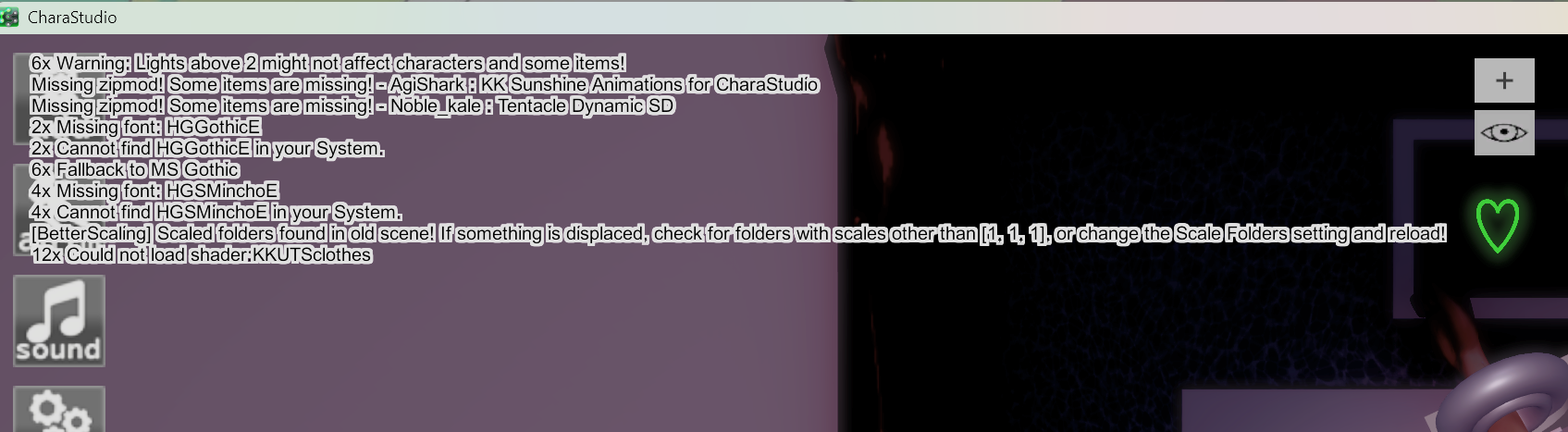
About the crashes, besides the madevil plugins, I think it also can be related to shaders and 4k textures, if you don´t have enough RAM, the game is not going to run smooth.
If you run that Aoko card here, you will see a lot of ME 4k textures, if you combine that with Acezen's shaders, it´s going to be really awful.
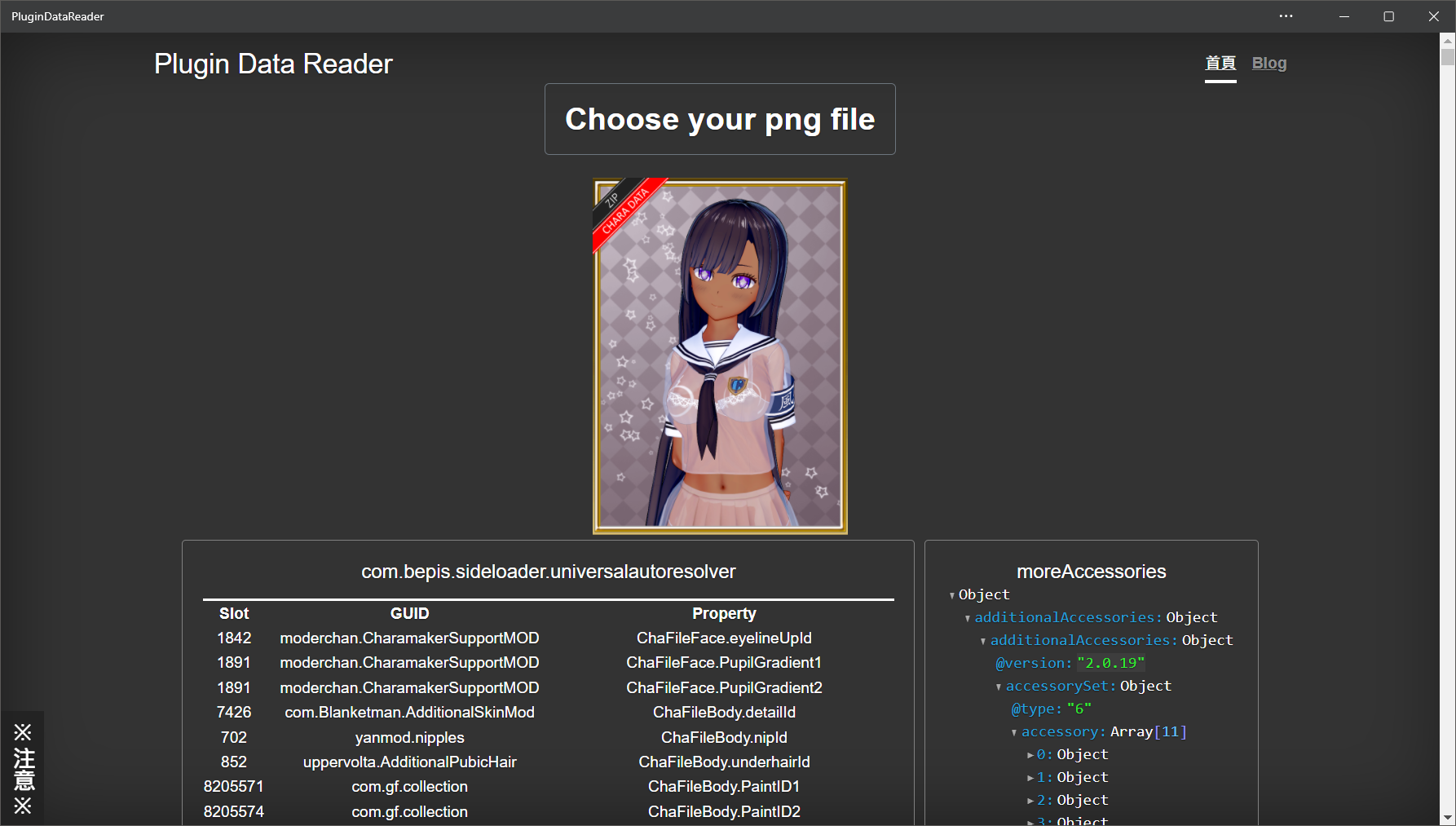
Plugin Data Reader - Read out all ExtendedSave Plugin Data in the png file. This is very suitable for checking the Sideloader mods used. 讀出存檔中的所有ExtendedSaveData。這很適合用於檢查使用到的Sideloader mods。 Koikatsu plugin data reader

plugindatareader.maki0419.com
I don´t know what you can do about the shaders, but you can use image compressors on some of those 4k textures to make things less heavy,
I think the Detail Mask (Blue Face), Normal Map (Gray Body) and other Body/Face overlays are the most easy to switch, you can just:
- Download these textures from plugindatareader.
- Run the compressors
- Before you open the card in charamaker, you unselect the Face/Body overlays.
- You apply the compressed textures to their correct places
- Save the card
It would be nice if we had something to automatically export the textures or switch these textures, but we don´t have anything close to that, so you are going to have to it manually.