[ILLUSION] Koikatu! - Questions & General Discussion Thread

D

Duoham

New member
Joined
Sep 13, 2025
Messages
2
Reaction score
1
Points
3
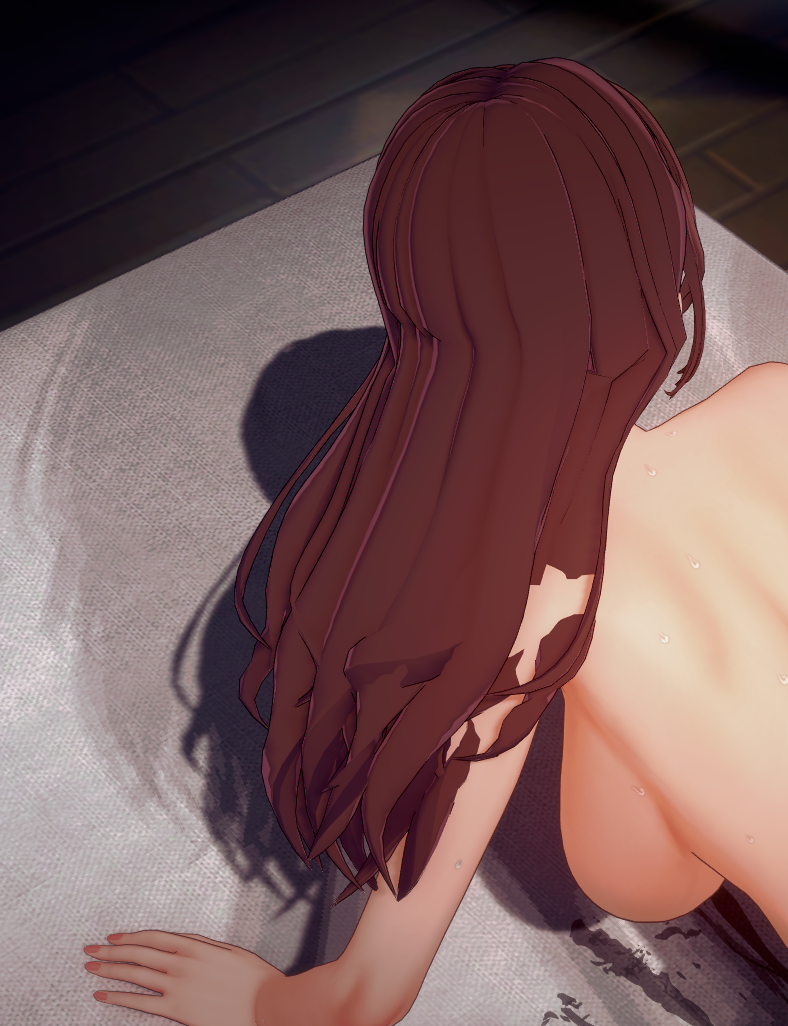
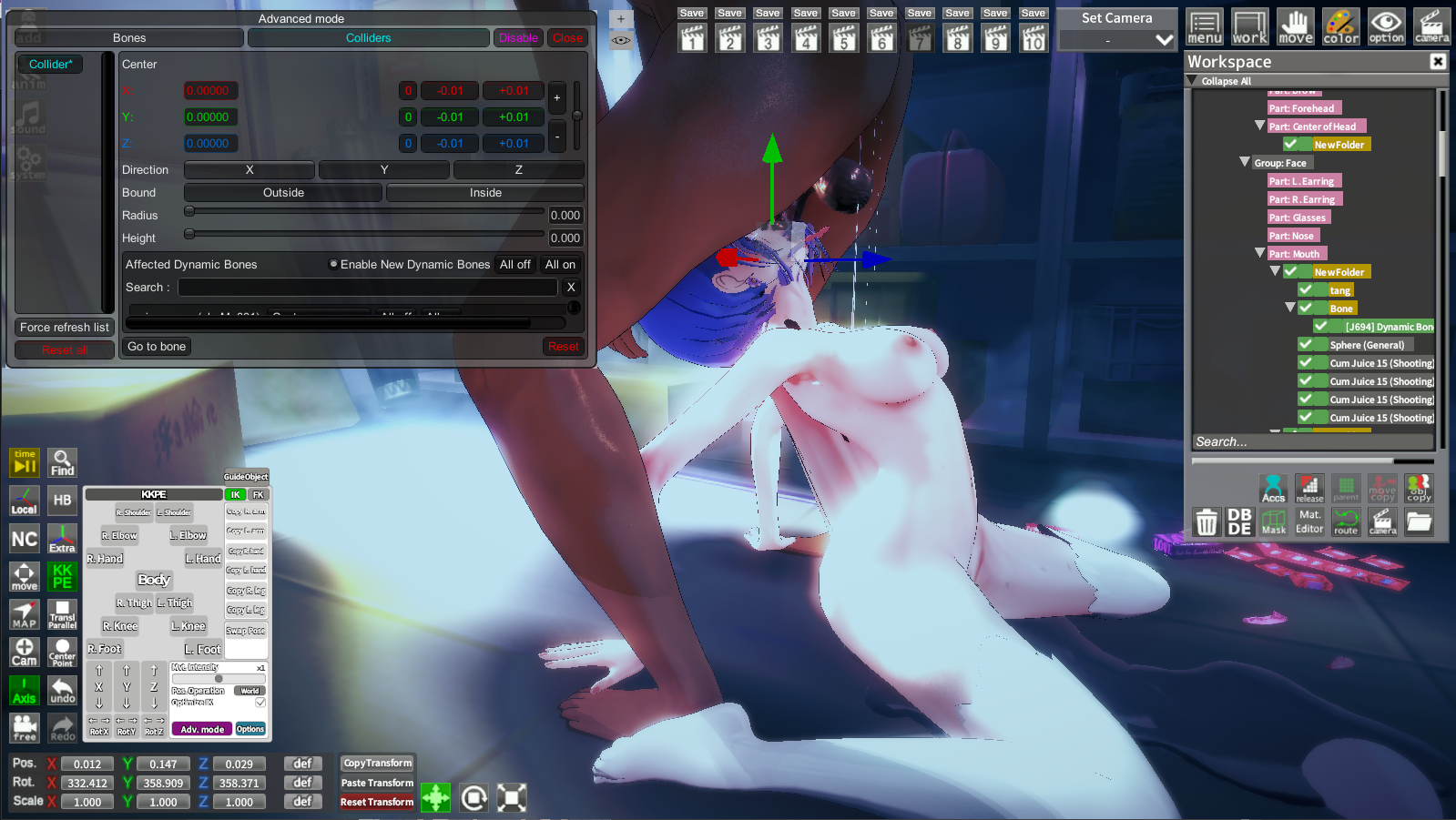
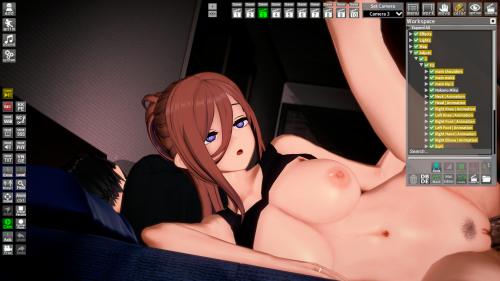
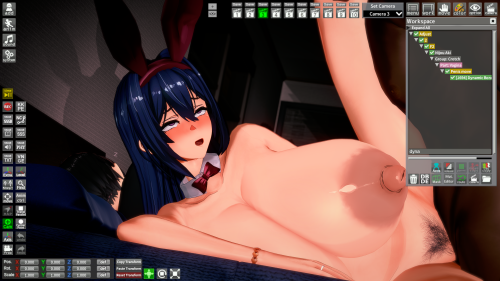
For a lot of scenes, particularly by hongcha, all of the character cards I move into the scene have their "hair" stuck in a specific position, then when I reduce the weight of them ofc they become less "realistic". Is there a way to fix this so the hair of the any card I swap out doesn't keep glitching in a sense? Image for ref.

 
V

vadsdasd

New member
Joined
Oct 14, 2025
Messages
1
Reaction score
0
Points
1
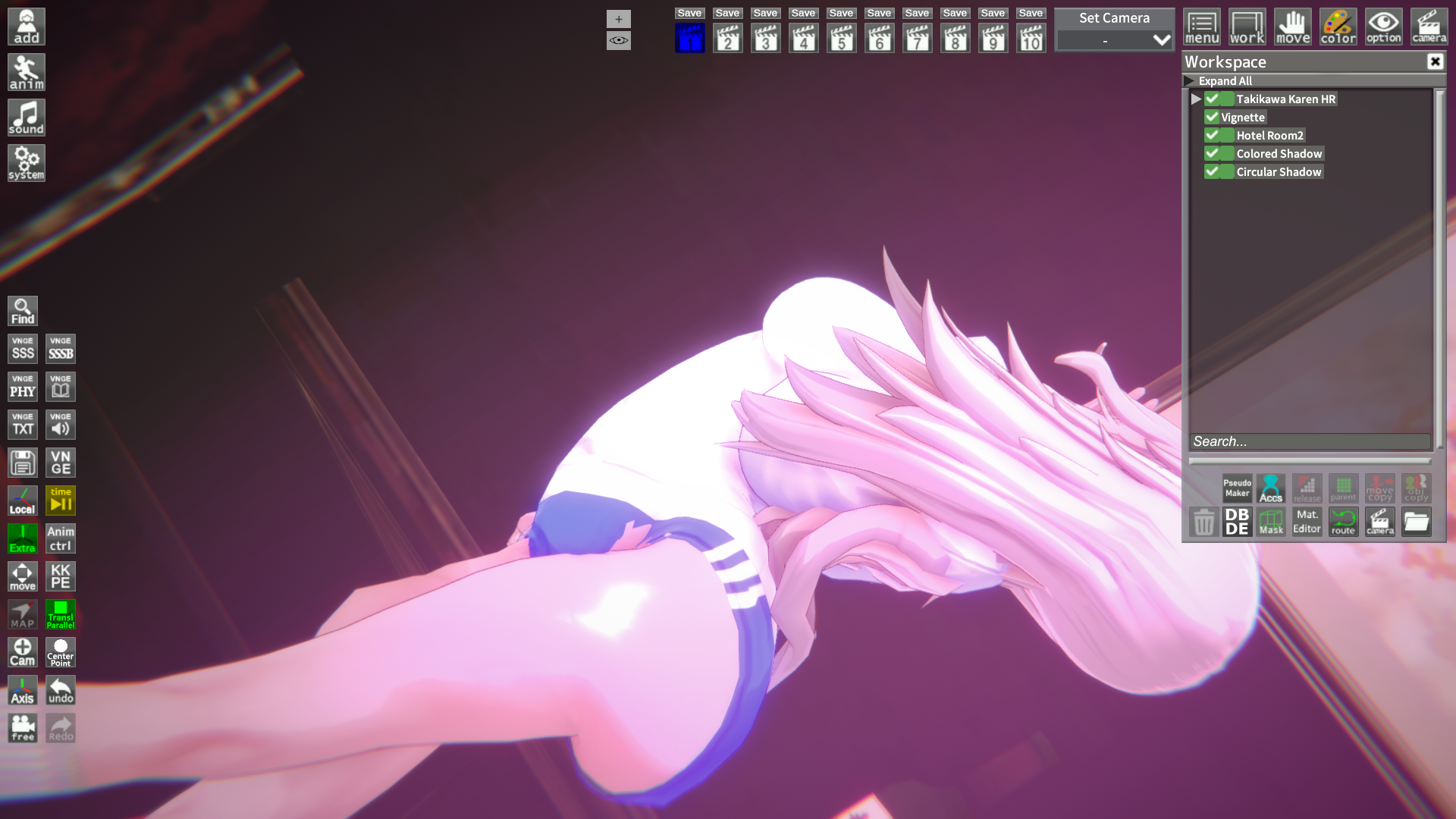
anyone know how to fix this...

 
LETHIMCOOK

LETHIMCOOK

Veteran Member
Joined
Jan 3, 2025
Messages
31
Reaction score
328
Points
53
For a lot of scenes, particularly by hongcha, all of the character cards I move into the scene have their "hair" stuck in a specific position, then when I reduce the weight of them ofc they become less "realistic". Is there a way to fix this so the hair of the any card I swap out doesn't keep glitching in a sense? Image for ref.

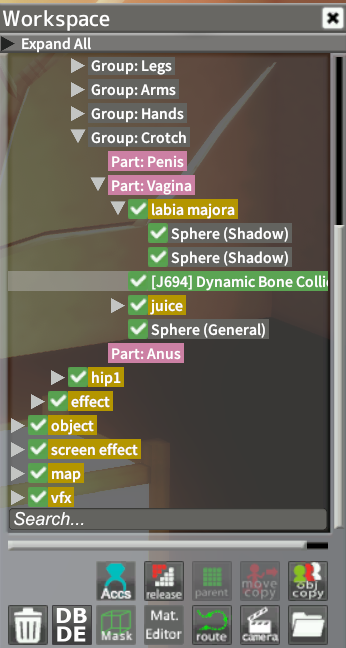
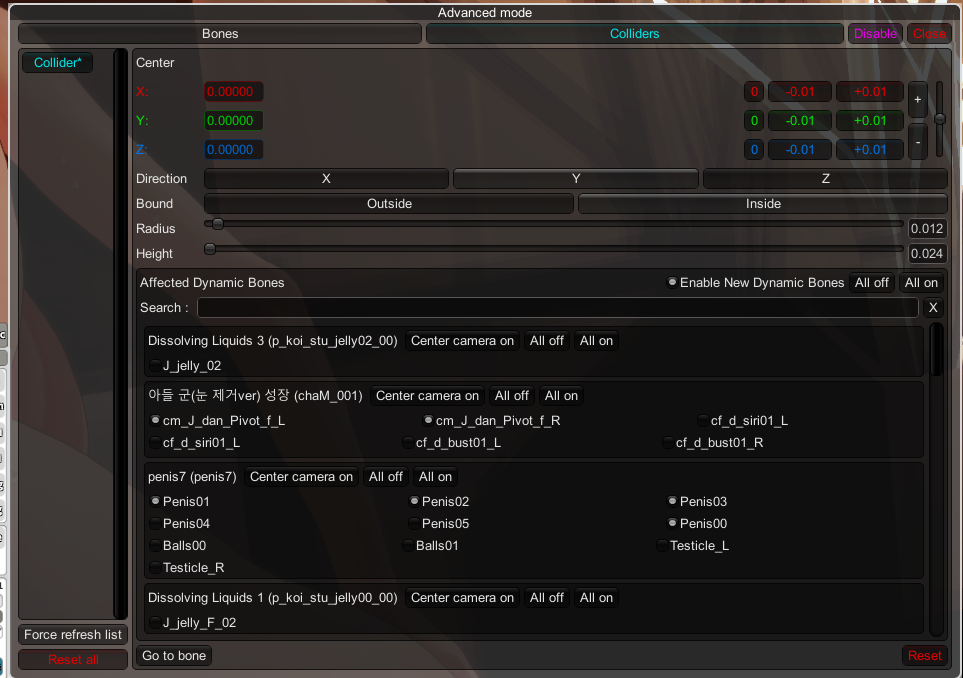
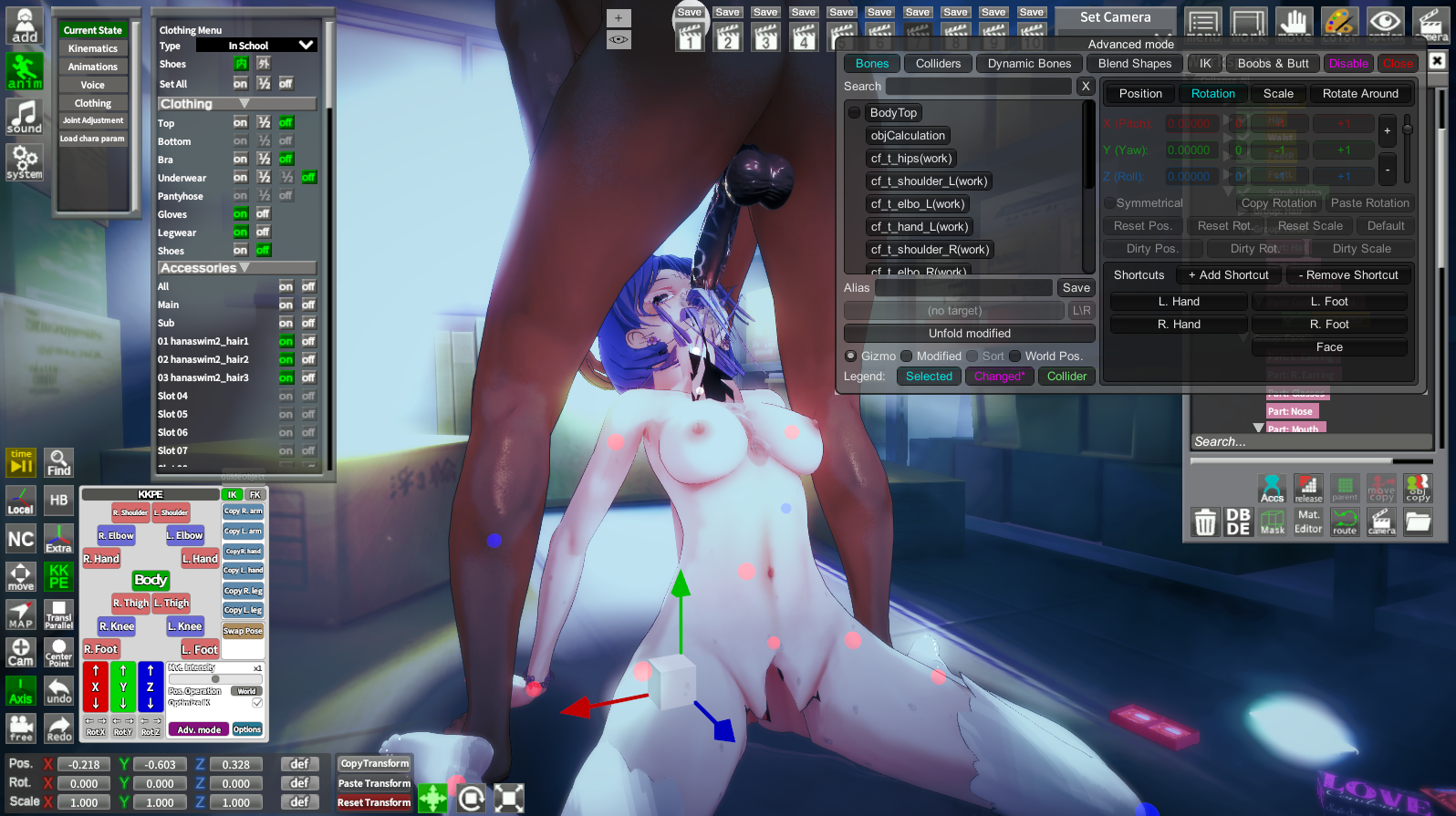
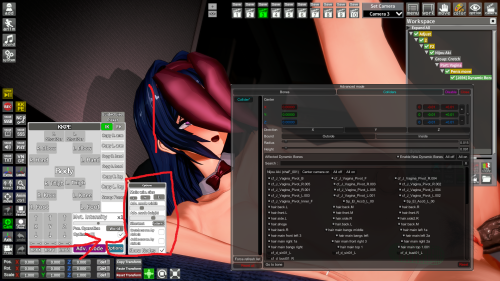
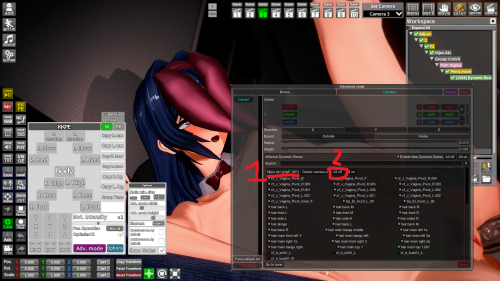
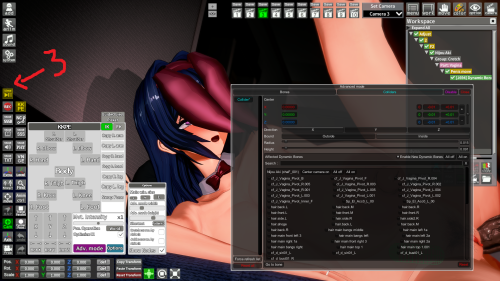
There's an easy way thankfully, it's due to the dynamic bone colliders. All you have to do is select the bone collider under your character (usually under Part: Vagina), click on Adv. Mode in KKPE (bottom left), and then just tick off Enable New Dynamic Bones. Now every time you switch the character it should be fine.


A

a5688910246

New member
Joined
Sep 29, 2025
Messages
4
Reaction score
1
Points
3
How can I solve the genital misalignment caused by changing male characters?
 
D

Duoham

New member
Joined
Sep 13, 2025
Messages
2
Reaction score
1
Points
3
There's an easy way thankfully, it's due to the dynamic bone colliders. All you have to do is select the bone collider under your character (usually under Part: Vagina), click on Adv. Mode in KKPE (bottom left), and then just tick off Enable New Dynamic Bones. Now every time you switch the character it should be fine.


much appreciated. This made it soooo much better and less annoying.
 
quantumstapler

quantumstapler

New member
Joined
Jul 26, 2025
Messages
12
Reaction score
2
Points
3
Guys, I need a little help. Is there any way to import the .obj file of some clothes back, after I edit it with blender?
 
quantumstapler

quantumstapler

New member
Joined
Jul 26, 2025
Messages
12
Reaction score
2
Points
3
Guys, I need a little help. Is there any way to import the .obj file of some clothes back, after I edit it with blender?
After getting bored of those scene cards, I'm into creating mmd with koikatsu now, but you know, you can't simply import the clothes file in mmd into koikatsu, because it's not a card... So, how can I do that?
 
White_Runner

White_Runner

Senior Member
Joined
Sep 13, 2025
Messages
48
Reaction score
167
Points
33
I have a few cards namely from ABCEEFG, Aihara Honami and Akane Nanao that always makes studio crash. Is there a way to identify what specifically is causing studio to crash even though the character editor is able to load them just fine?
Open KK Manager.
Then, open the folder where your "suspicious cards" are located.
Cards with error will be displayed. (Sometimes will crash the KKManager but its easier to launch that one compared to the studio)
Program will also display missing zipmods.

L5cJ9gM.png
 
White_Runner

White_Runner

Senior Member
Joined
Sep 13, 2025
Messages
48
Reaction score
167
Points
33
After getting bored of those scene cards, I'm into creating mmd with koikatsu now, but you know, you can't simply import the clothes file in mmd into koikatsu, because it's not a card... So, how can I do that?
Refer to this doc:

Good luck.
 
quantumstapler

quantumstapler

New member
Joined
Jul 26, 2025
Messages
12
Reaction score
2
Points
3
Refer to this doc:

Good luck.
Thanks!!!
 
G

Guardian

Active Member
Joined
Jun 6, 2025
Messages
228
Reaction score
49
Points
28
Figure I would ask here just in case anybody knows.

Does anyone know how to change the way states look/clothing appearance? From my understanding, when you load a character there are three states for clothing, on, half, and off (if I'm wrong do correct me) I want to have a full state obviously with all the clothes on, then make it to where the half state setting has the ripped version of the clothing I want to have in place without needing to make a separate outfit/coordinate for it, then off state as normal. Some cards from some authors already have this, so I know it's possible, and if need be I can provide screenshots to help show what I'm trying to do.

I was told in the discord that half-state can sometimes have its own renderer and you can edit the material for it, but when I asked about it, it wasn't elaborated.
 
White_Runner

White_Runner

Senior Member
Joined
Sep 13, 2025
Messages
48
Reaction score
167
Points
33
anyone know how to fix this...

Update the Illusion Overlay Mods:

It fixed the Sandevistan error on my tesselated cards.
cpRdAc7.png


But be warned that you will need to re-tesselate your cards clothes again.
aUmhu0E.png
 
J

julay

New member
Joined
Aug 18, 2025
Messages
4
Reaction score
0
Points
1


how to fix this xcalibur scene
 
Creamcat

Creamcat

New member
Joined
Sep 27, 2025
Messages
2
Reaction score
0
Points
1
I wonder if there are any plugins that can make accessories disappear or appear as clothes are put on or taken off? Just like how AccStateSync works?Thank you.
 
J

Jumanji

New member
Joined
Jul 12, 2025
Messages
1
Reaction score
0
Points
1
Mf0VxKq.png

Anyone knows why plugins/mods I have installed do not appear here, and how to fix it? All plugins work fine, but I don't wanna reinstall everything just to fix this.
 
S

Stigma

KK Master ❤
Joined
Apr 5, 2025
Messages
403
Reaction score
1,298
Points
93
LETHIMCOOK

LETHIMCOOK

Veteran Member
Joined
Jan 3, 2025
Messages
31
Reaction score
328
Points
53
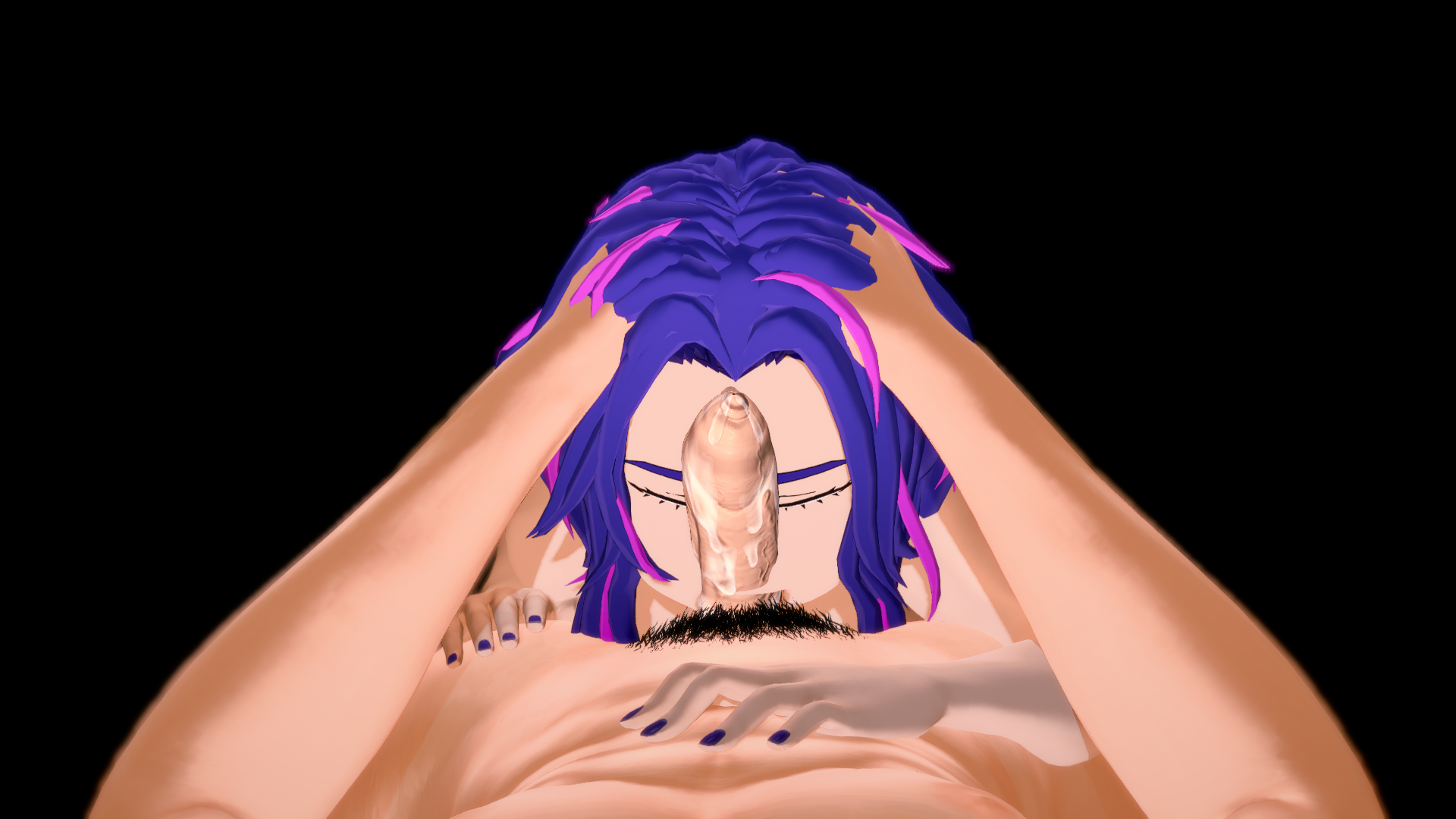
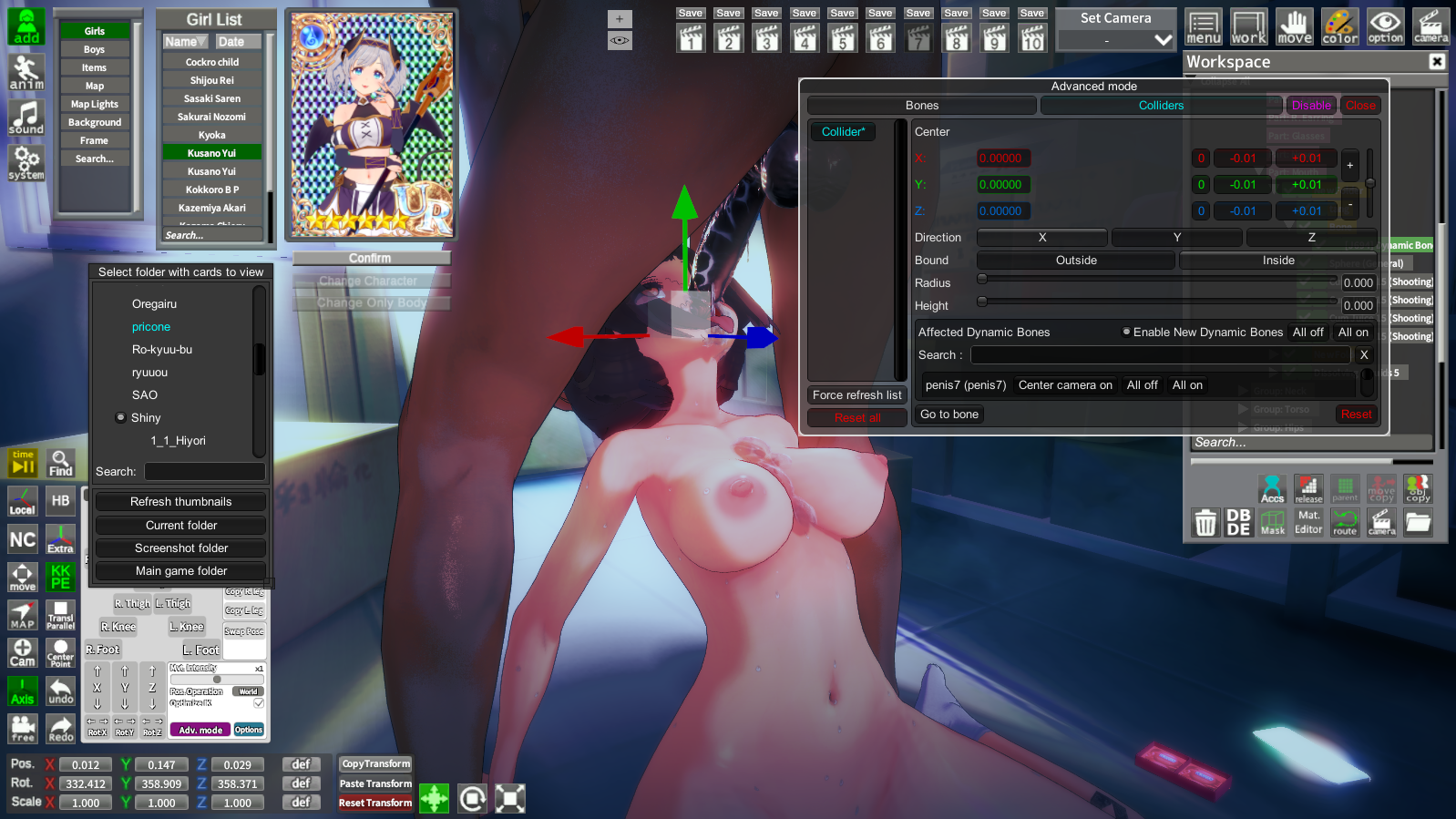
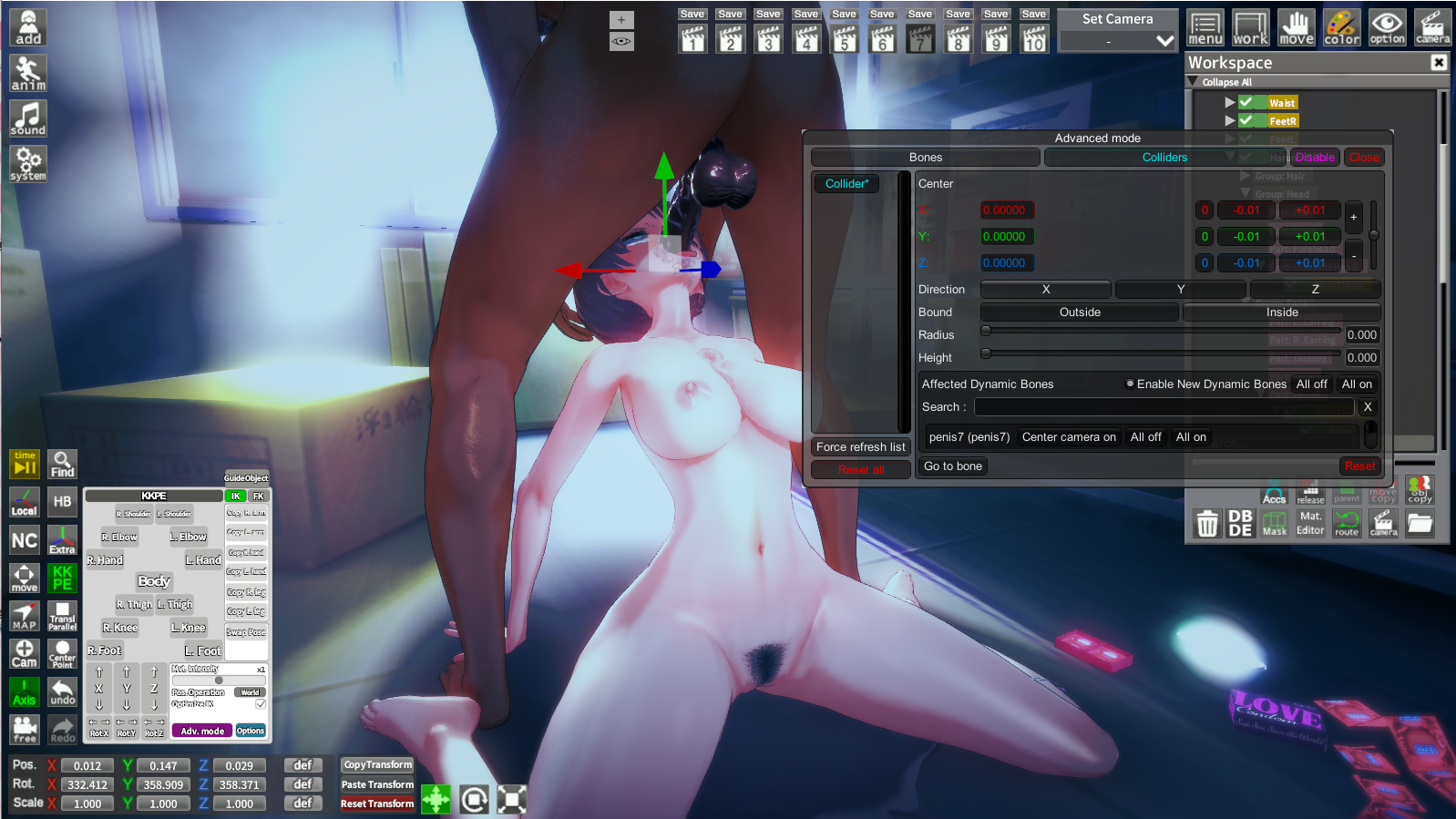
Heyo fellas, I've got a question in regards to some ImSayaa34 scenes. In some of them, particularly scenes where it's a BJ, after switching out the character, the penis glitches out and starts pointing upwards and not staying in the mouth. I don't have the Better Scaling plugin either so it's not that messing it up. It's just after switching characters, as when I just load it up normally with the original character that's in the scene it works fine.

Image for reference.

 
A

akasaka

New member
Joined
Sep 21, 2025
Messages
4
Reaction score
0
Points
1
The mirror in the VR studio looks weird, is there any good solution?
 
kuropibz

kuropibz

Member
Joined
Oct 6, 2025
Messages
20
Reaction score
23
Points
3
dccPVNp.png

xp1Faas.png

I'm loaded a scene but the model become like this, how can i fix it?
 
M

margento

Member
Joined
Feb 13, 2025
Messages
20
Reaction score
22
Points
3
sorry for the stupid question, but if I upgrade to win11 from win10 will I have problems with the game and mods?
This is because today the support for Win10 ends.
 
Luchok4515

Luchok4515

Active Member
Joined
Sep 18, 2024
Messages
56
Reaction score
46
Points
18
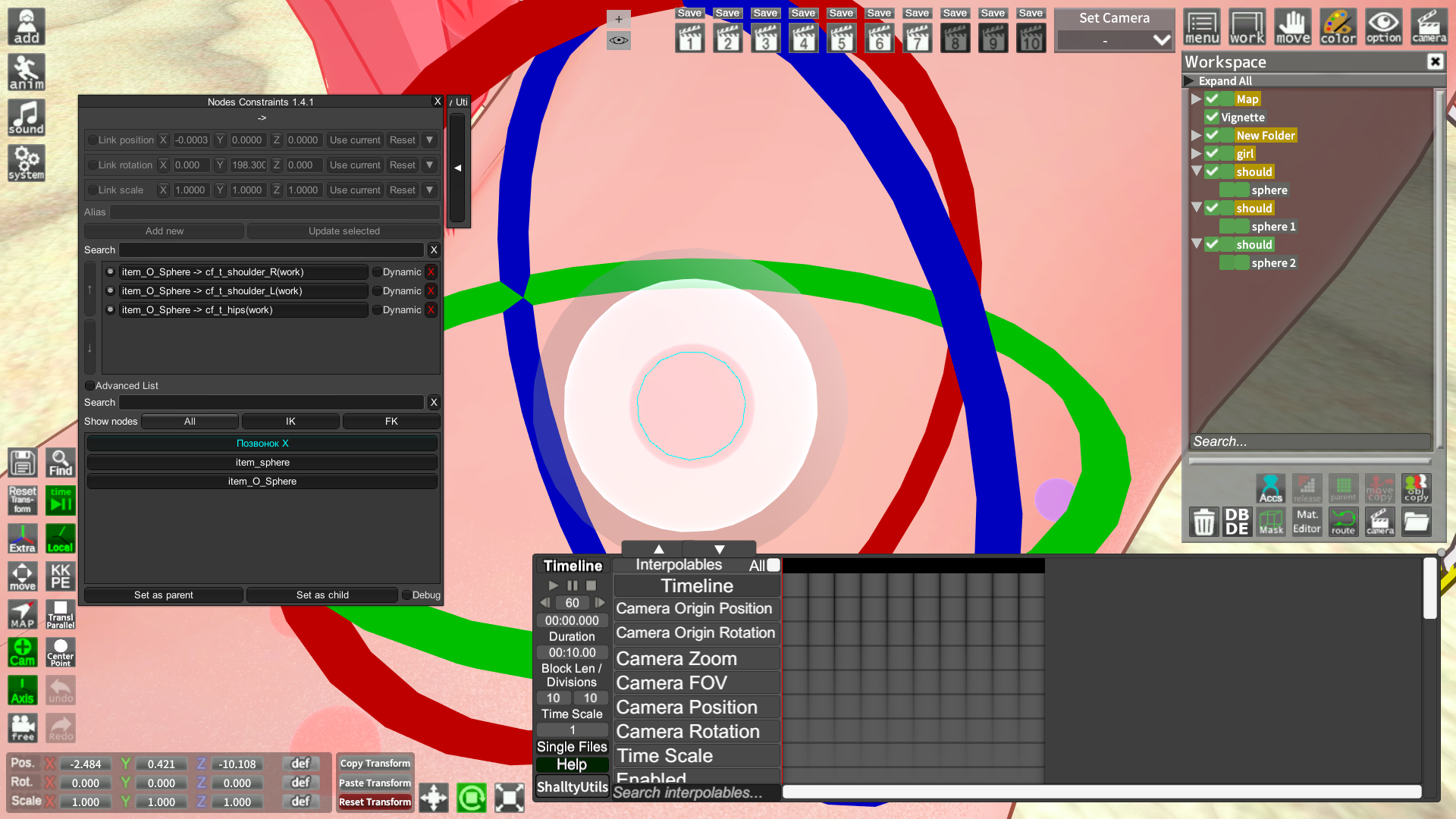
I do not know if anyone will understand me, but the question concerns animation. Does anyone know if it is possible to bind this white sphere to the bones faster than manually one at a time? I tried to repeat the spheres like Giddora's, but linking each one over again every time is so tiring

UPD: Nvm. I found a way. If someone needs it in the future: Click on the arrow on the right side of Nodes Constraints, there will be a quick sphere and subfolders.

 
Last edited:
Heineken

Heineken

New member
Joined
Oct 19, 2025
Messages
10
Reaction score
2
Points
3
I recently discovered Koikatsu, and there are a few things I’d like to learn. For example, how can I make my characters look better? In some games, the characters look really good. The colors, the lighting, the shading, everything looks amazing.

But the characters I create, at best, look... average. You know, like those characters from the hundreds of games that get abandoned after the first or second chapter because the developer didn’t put much effort into them. There are a few popular games made with Koikatsu, and their characters look incredibly well-made. What’s the secret behind that? What do you guys pay attention to when creating your characters?

For some reason, I can’t upload a photo right now, but to give an example; the characters in Futa’s World of NTR look really good. I’m not talking about facial or body attractiveness, but rather how the colors and shading look so professional. I also want to make good looking characters that have been worked on, but I have no idea how to do it. Any help would be appreciated.
 
LETHIMCOOK

LETHIMCOOK

Veteran Member
Joined
Jan 3, 2025
Messages
31
Reaction score
328
Points
53
dccPVNp.png

xp1Faas.png

I'm loaded a scene but the model become like this, how can i fix it?
Looks like a dynamic bone collider issue. Scroll up to my previous post of #444, I explained it to someone else there that had the same issue. If you can't fix it, just reply to me and I'll post a video.
 
kuropibz

kuropibz

Member
Joined
Oct 6, 2025
Messages
20
Reaction score
23
Points
3

Looks like a dynamic bone collider issue. Scroll up to my previous post of #444, I explained it to someone else there that had the same issue. If you can't fix it, just reply to me and I'll post a video.
Tks for your answer but it seem not worked on my case 😭
 
LETHIMCOOK

LETHIMCOOK

Veteran Member
Joined
Jan 3, 2025
Messages
31
Reaction score
328
Points
53


Tks for your answer but it seem not worked on my case 😭
Did you tick off the Enable New Dynamic Bones and then tried replacing the character with someone else (or the same one works too.)?
 
kuropibz

kuropibz

Member
Joined
Oct 6, 2025
Messages
20
Reaction score
23
Points
3
Did you tick off the Enable New Dynamic Bones and then tried replacing the character with someone else (or the same one works too.)?
When i load this scene, It's the basic charater (Haruno Chika). On Advanced mode, [Enable new dynamic bones] was default ticked and her model seem don't have any problem. But when i replace her with other girl, this happened. The character hair, sometimes even the body was distorted.


cesarnator

cesarnator

Veteran Member
Joined
May 13, 2025
Messages
112
Reaction score
435
Points
63
When i load this scene, It's the basic charater (Haruno Chika). On Advanced mode, [Enable new dynamic bones] was default ticked and her model seem don't have any problem. But when i replace her with other girl, this happened. The character hair, sometimes even the body was distorted.
original scene

you can change the size of the collider window

look for your chara/charas then click "all off"

if nothing happens just play the timeline

and that should fix it
 
kuropibz

kuropibz

Member
Joined
Oct 6, 2025
Messages
20
Reaction score
23
Points
3
original scene

you can change the size of the collider window

look for your chara/charas then click "all off"

if nothing happens just play the timeline

and that should fix it
Tks you, it worked! That's great help!
 
Spidey

Spidey

KK Master
Joined
Aug 23, 2024
Messages
153
Reaction score
885
Points
93
anyone know how to fix this...

Kinda funny seeing my cards out in the wild like this lmao, but it's a post processing issue, you might wanna update that plugin
 
Unknowntoad7

Unknowntoad7

Active Member
Joined
Jul 10, 2025
Messages
5
Reaction score
33
Points
13


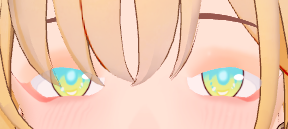
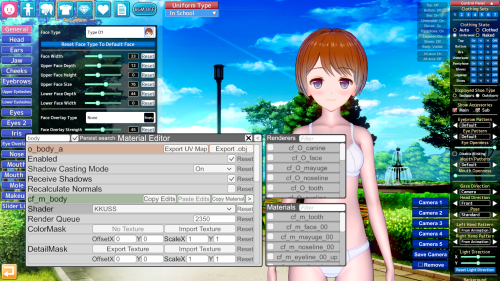
I need help with this eyelashes problem, i've tried changing shaders and stuffs but it's still the same, i'm not missing any mods either, just a few cards i loaded look like this, thx.
 
S

Stigma

KK Master ❤
Joined
Apr 5, 2025
Messages
403
Reaction score
1,298
Points
93


I need help with this eyelashes problem, i've tried changing shaders and stuffs but it's still the same, i'm not missing any mods either, just a few cards i loaded look like this, thx.
You tried to change the shaders to fix that, but have also you have tried changing the render queue?
cf_m_eyeline_00_up
cf_m_eyeline_00_kage
Try 2903 or 3100, see if it changes anything. If nothing, then check cutoff too, if it´s 0 try changing to 0,5
 
cesarnator

cesarnator

Veteran Member
Joined
May 13, 2025
Messages
112
Reaction score
435
Points
63
I recently discovered Koikatsu, and there are a few things I’d like to learn. For example, how can I make my characters look better? In some games, the characters look really good. The colors, the lighting, the shading, everything looks amazing.

But the characters I create, at best, look... average. You know, like those characters from the hundreds of games that get abandoned after the first or second chapter because the developer didn’t put much effort into them. There are a few popular games made with Koikatsu, and their characters look incredibly well-made. What’s the secret behind that? What do you guys pay attention to when creating your characters?

For some reason, I can’t upload a photo right now, but to give an example; the characters in Futa’s World of NTR look really good. I’m not talking about facial or body attractiveness, but rather how the colors and shading look so professional. I also want to make good looking characters that have been worked on, but I have no idea how to do it. Any help would be appreciated.
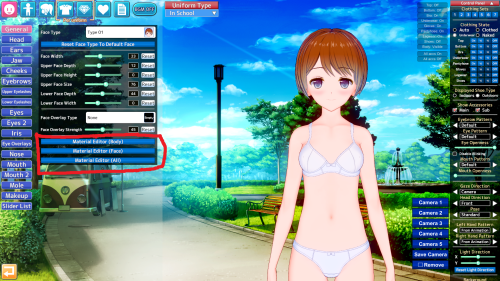
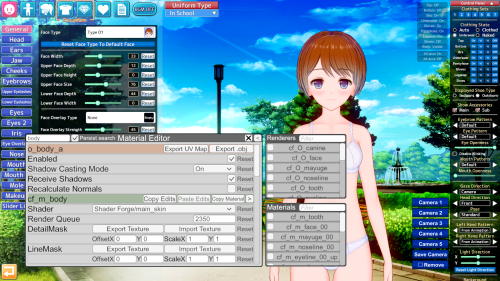
you can change the shaders of the body, face, etc. with material editor.


and adjust the light settings here

also check the #guides channel in the koikatsu discord
https://discord.gg/hevygx6
 
F

Flemiran

New member
Joined
May 20, 2025
Messages
26
Reaction score
3
Points
3
Anyone know how to mirror a motion file using mmdd?
 
White_Runner

White_Runner

Senior Member
Joined
Sep 13, 2025
Messages
48
Reaction score
167
Points
33
I recently discovered Koikatsu, and there are a few things I’d like to learn. For example, how can I make my characters look better? In some games, the characters look really good. The colors, the lighting, the shading, everything looks amazing.

But the characters I create, at best, look... average. You know, like those characters from the hundreds of games that get abandoned after the first or second chapter because the developer didn’t put much effort into them. There are a few popular games made with Koikatsu, and their characters look incredibly well-made. What’s the secret behind that? What do you guys pay attention to when creating your characters?

For some reason, I can’t upload a photo right now, but to give an example; the characters in Futa’s World of NTR look really good. I’m not talking about facial or body attractiveness, but rather how the colors and shading look so professional. I also want to make good looking characters that have been worked on, but I have no idea how to do it. Any help would be appreciated.
Theft.

"Theft path is not about gaining without effort, its the path of greatest efficiency!"
Masters and Immortals want to obtain cards, be it by creating it themselves, transactions, or loot.
These methods have high costs and risks.
Theft path steals cards, therefore, saving time and costs, allowing you to learn from others and therefore, raising your efficiency!"

Don't think that theft path is shameless or vicious.
Many things can be looked at with another perspective:
pUd6bKz.jpeg

Steal a coin and they will hang you, steal the whole country and they will make you a prince!

Any clan or sect makes their members contribute towards the organization, this is an open form of thievery but is taken for granted.
For example, many political parties, secret societies, and religious institutions require their members to pay entrance fees.
Some of these fees involve money, time, belief, or even human sacrifices.
This is clearly a theft of a person's earnings... life... freedom... and innocence. But many see it as a form of glory and honor.
OoUF2TS.jpeg

People would even die for the chance to be part of this scam.

Some people are also capable of stealing from their peers.
Look at divorced women stealing all the money from husbands who once loved them....
Or the government, using your taxes however it pleases.
But this world treats that as a norm, it is the culture.

Thievery is merely the most efficient way of gaining something.
Creating an organization and making rules, making up honor or using emotions and culture, these are all theft path methods.

"The most powerful theft path method is — Assimilation."
When everything is destroyed, the winds of annihilation will blow and turn everything into nothingness.
bP2rAu9.jpeg

Everything, including your body, soul and memories will be absorbed by this sky and this earth.

“The greatest thief is this world itself!”
It steals the time and dreams of countless generations, absorbing their efforts to sustain a system that does not belong to them.
It accumulates knowledge, art, and life, and turns them into data, value, and noise, only to laugh and discard them later.
It steals the hope of those who are born, exhausts the soul, and ensures that all forms of life end up paying the price of existing in it.
33oMQ6J.png

It stealed me, molding my destiny according to its rules, making me a stranger even to myself.

Theft path thus imitates heaven and earth!

So, gather as many cards and scenes as you can.
Learn about the art styles of the cards and scenes you gathered.
Improve over other people corpses, use their efforts as steps to ascend beyond heaven!

 
HaseKenji

HaseKenji

Active Member
Joined
Jun 1, 2025
Messages
60
Reaction score
70
Points
18
Anyone know where the folder on this Animations ?
pNI8SMh.png
 
Top