
-LiuGong-
Senior Member
It worked, thank you very much.are you perhaps installing some pluigns from postprocessing effect ? then delete it.

It worked, thank you very much.are you perhaps installing some pluigns from postprocessing effect ? then delete it.

You don't have a mod for this shader. You just need to install it.
How can I fix this?

 gofile.io
 god dammm. Thank bro!You don't have a mod for this shader. You just need to install it.
Here is a link to this shader.
Gofile - Cloud Storage Made Simple
Secure, fast and free cloud storage solution. Upload and share files instantly.

Click here:
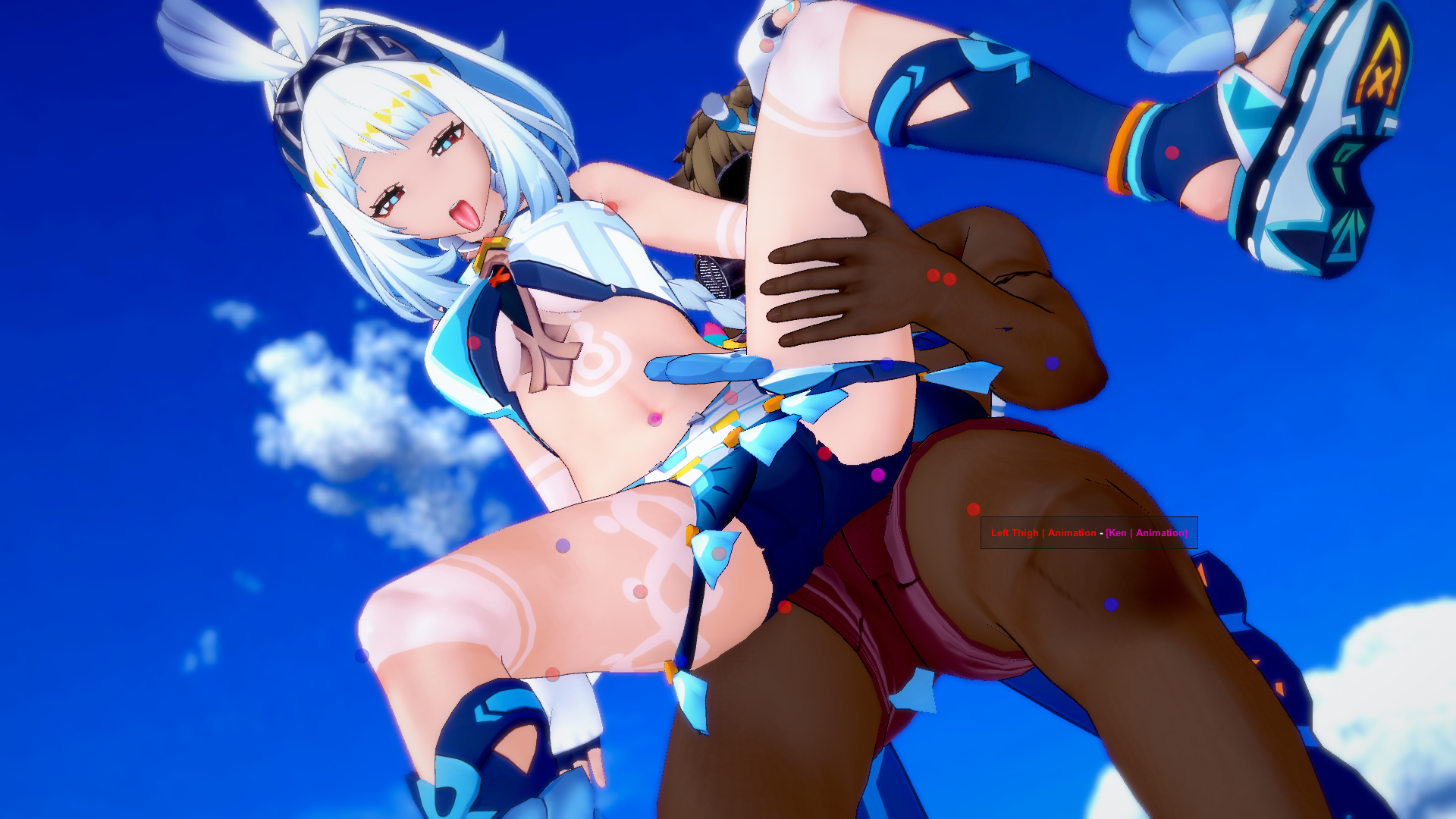
Anyone know how to hide or disable the red and blue sphere? It happen with violetrose34 scenes.
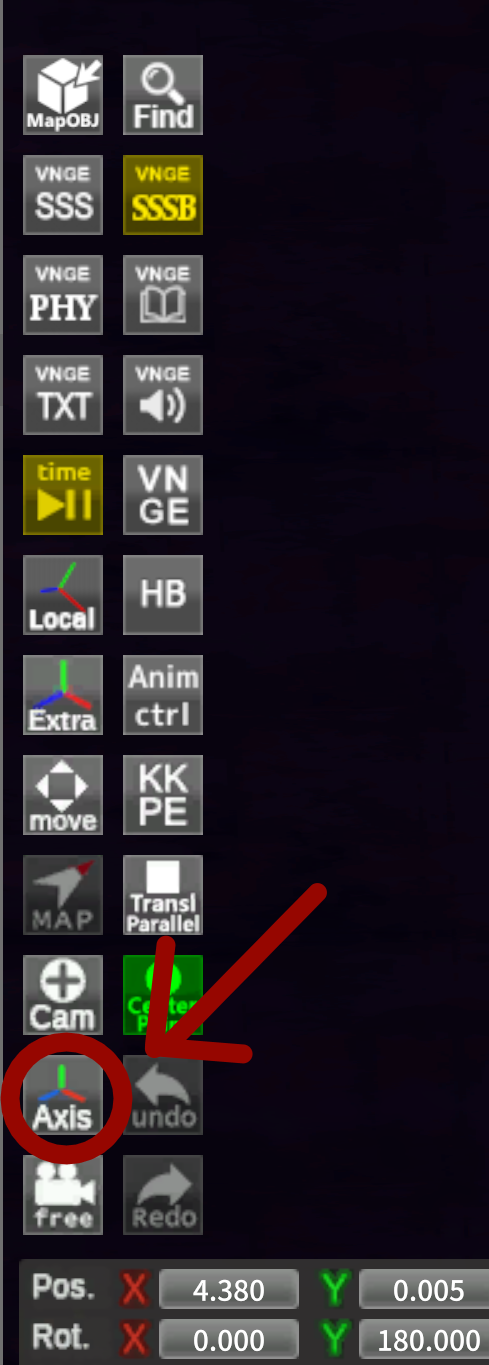
Im blind lol. Thanks man it workedClick here:
Your welcome o/Im blind lol. Thanks man it worked

As far as I know, such a plugin does not exist. If such a plugin existed, it would in any case be included in the plugin database with the HF patch, because problems with characters are too common. All I can advise you is not to use characters that differ in size and height from the original model that comes with the scene.In some scenes, when I replace a character, their bones break and I have to manually fix the pose through the animation menu. How can I fix this? Is there a plugin or tool that prevents this issue?
Thanks.As far as I know, such a plugin does not exist. If such a plugin existed, it would in any case be included in the plugin database with the HF patch, because problems with characters are too common. All I can advise you is not to use characters that differ in size and height from the original model that comes with the scene.

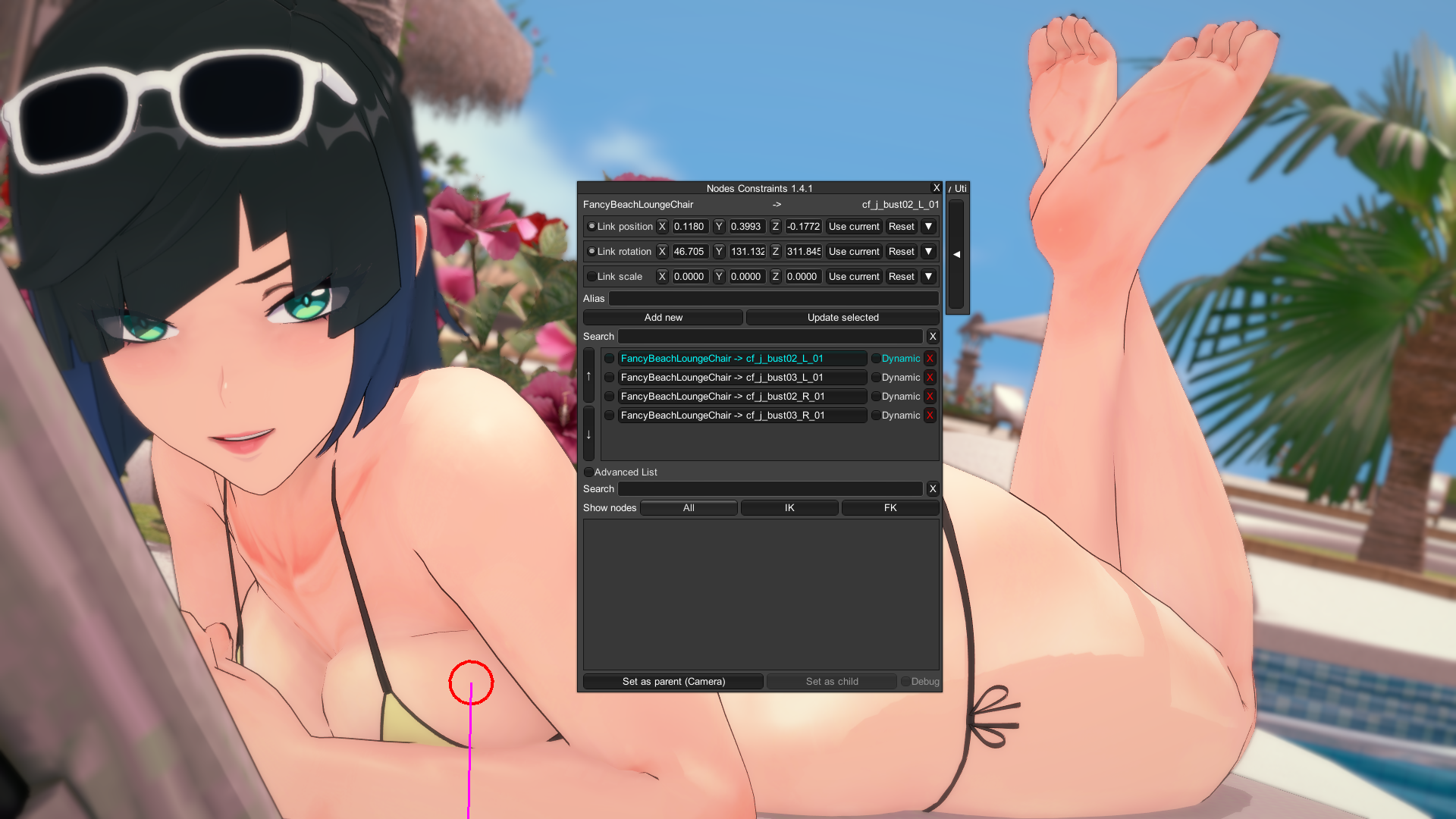
Do you happen to know why this happen to one of his new scenes?The only thing I know of is to go into the node constraints menu (should be I + Left Control by default?), and then just disabling these four that are here.

 www.pixiv.net
its probably problem with ik and fkDo you happen to know why this happen to one of his new scenes?
Everytime I change the character, the hand becomes that monstrous thing, I tried to disable the hands in nodes constraints but it didn't fix it.
[R-18G][绝区零]Ukinami Yuzuha
Friends, do you also like it when a girl’s tummy bounces smoothly and softly? ☀️🏝️
In studio go to Anim > Joint Adjustment , it's the right hand so uncheck right arm or right forearm group. Maybe this will help to resolve the problem. Someone gave an other tip in KKPE (advanced mode) for this there's very long time but i don't remember.Do you happen to know why this happen to one of his new scenes?
Everytime I change the character, the hand becomes that monstrous thing, I tried to disable the hands in nodes constraints but it didn't fix it.
[R-18G][绝区零]Ukinami Yuzuha
Friends, do you also like it when a girl’s tummy bounces smoothly and softly? ☀️🏝️

T-poseDo you happen to know why this happen to one of his new scenes?
Everytime I change the character, the hand becomes that monstrous thing, I tried to disable the hands in nodes constraints but it didn't fix it.
[R-18G][绝区零]Ukinami Yuzuha
Friends, do you also like it when a girl’s tummy bounces smoothly and softly? ☀️🏝️
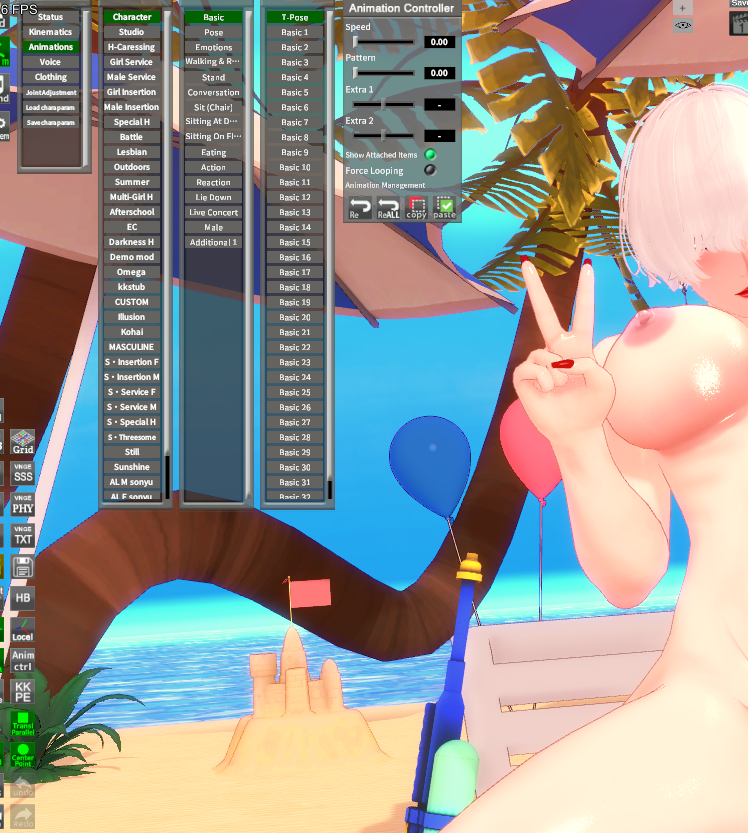
This fixed it, thanks a lot guys.T-pose
Couldn't figure out how to ping, but do you know if theres a way to permanently disable the thing with the lips U helped me with before? Is that possible without consequences to other body adjustments??If you are talking about removing restrictions on replacing a male character with a female one and vice versa, then this plugin will help you. It removes genderlock in the studio.
Gofile - Cloud Storage Made Simple
Secure, fast and free cloud storage solution. Upload and share files instantly.

 gofile.io
 Unfortunately, there is no such method. As I told you, each of the scene creators uses their own method for facial animation. For some, it is enough to turn off frames on the timeline and reset the settings in KKPE, and someone binds nodes to the mouth in NC and turning it off removes facial animation, in particular, stretching the mouth.Couldn't figure out how to ping, but do you know if theres a way to permanently disable the thing with the lips U helped me with before? Is that possible without consequences to other body adjustments??
update your plugins, maybe it will solve itanyone now how to fix this?


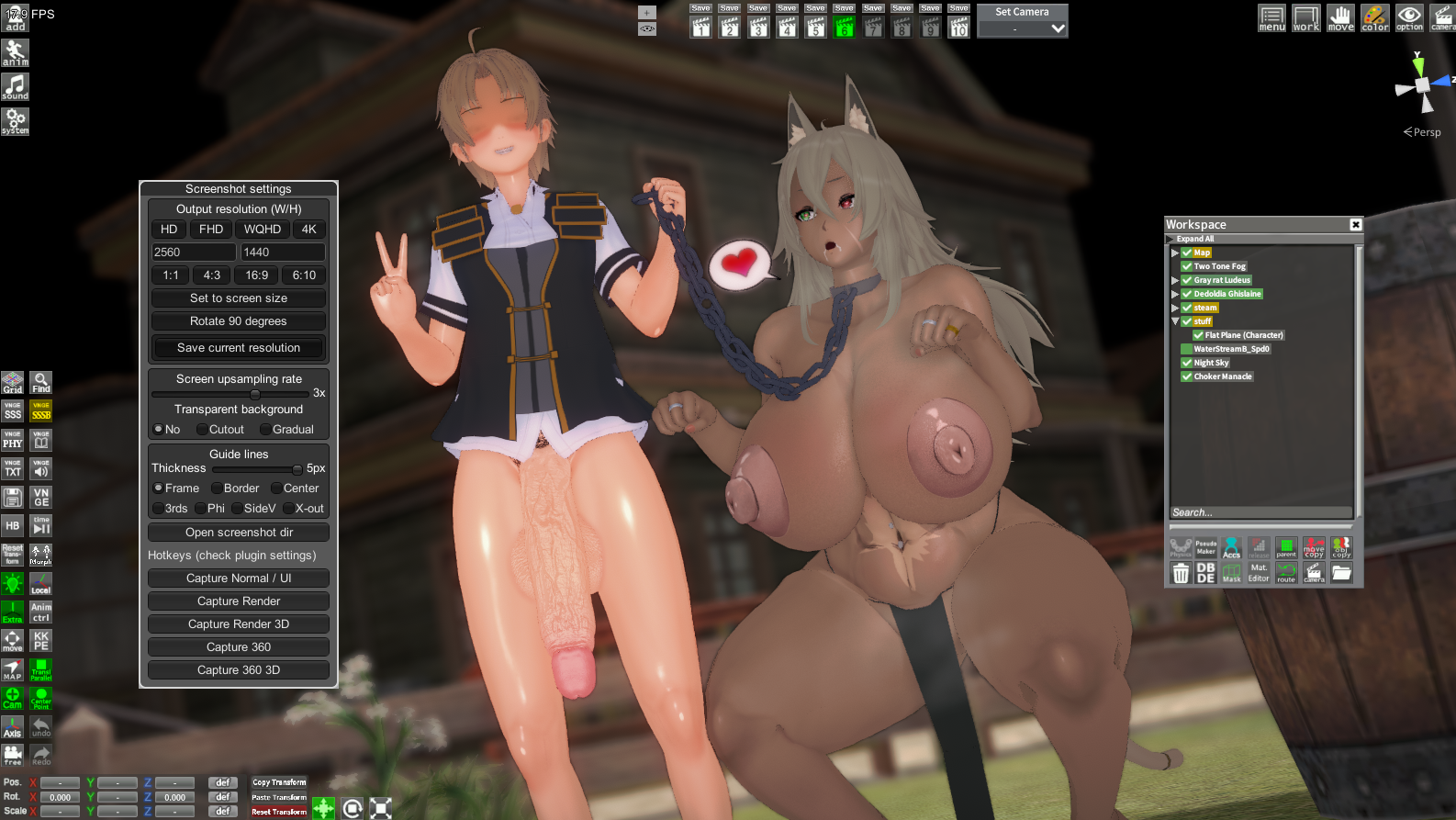
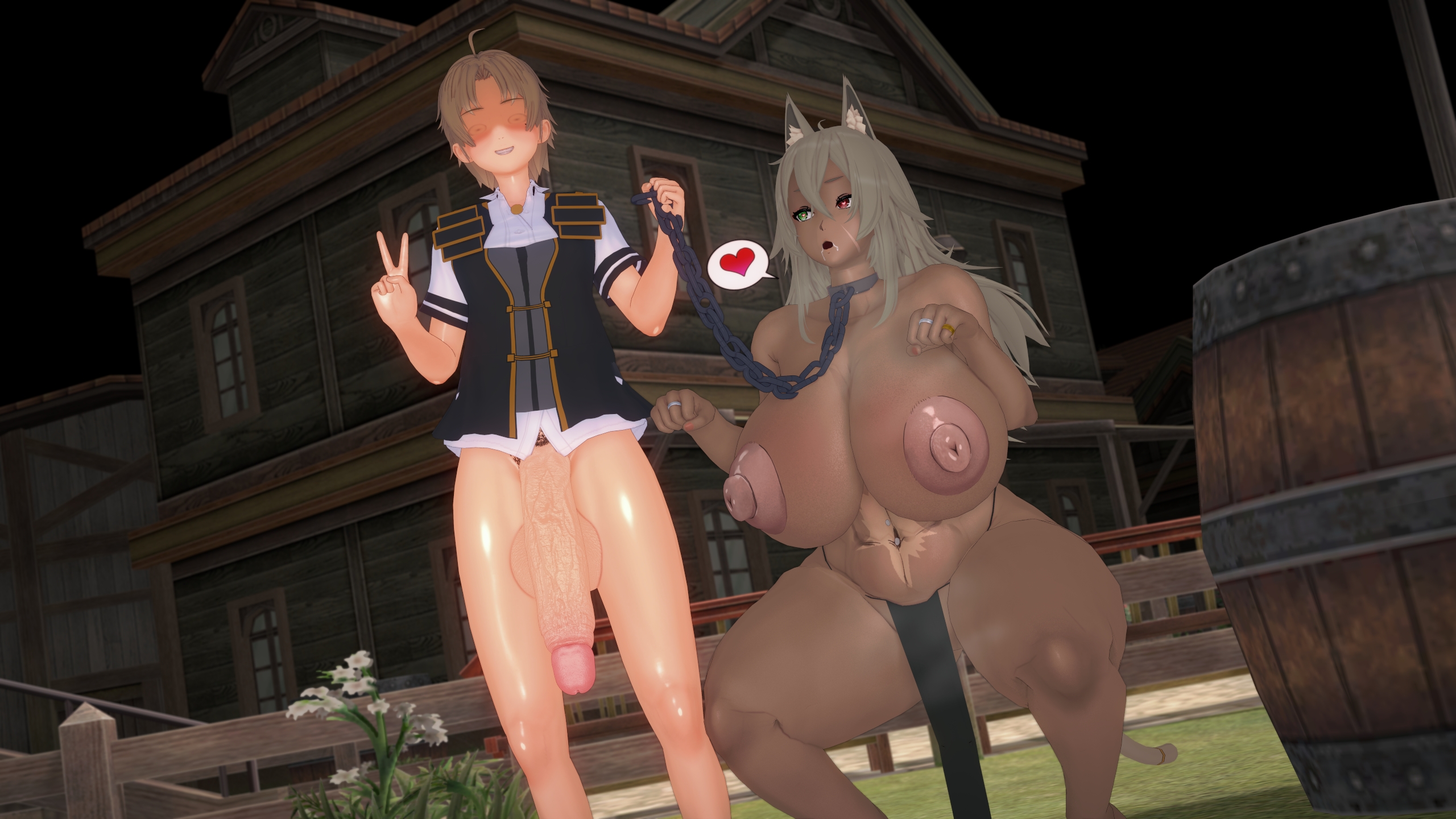
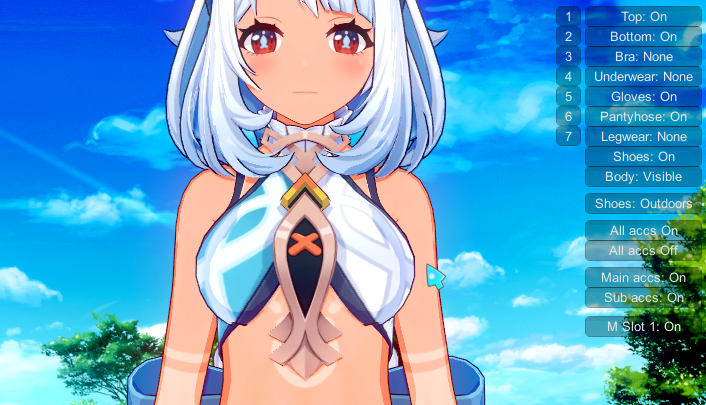
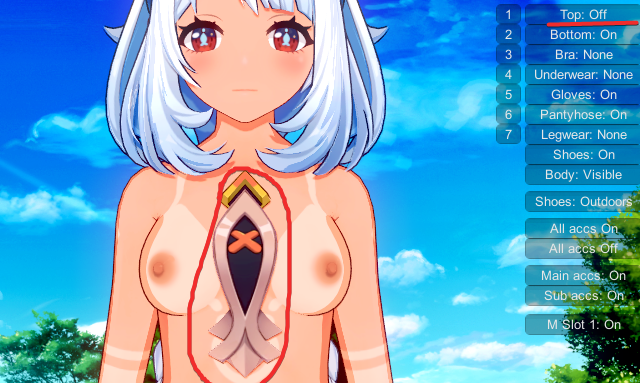
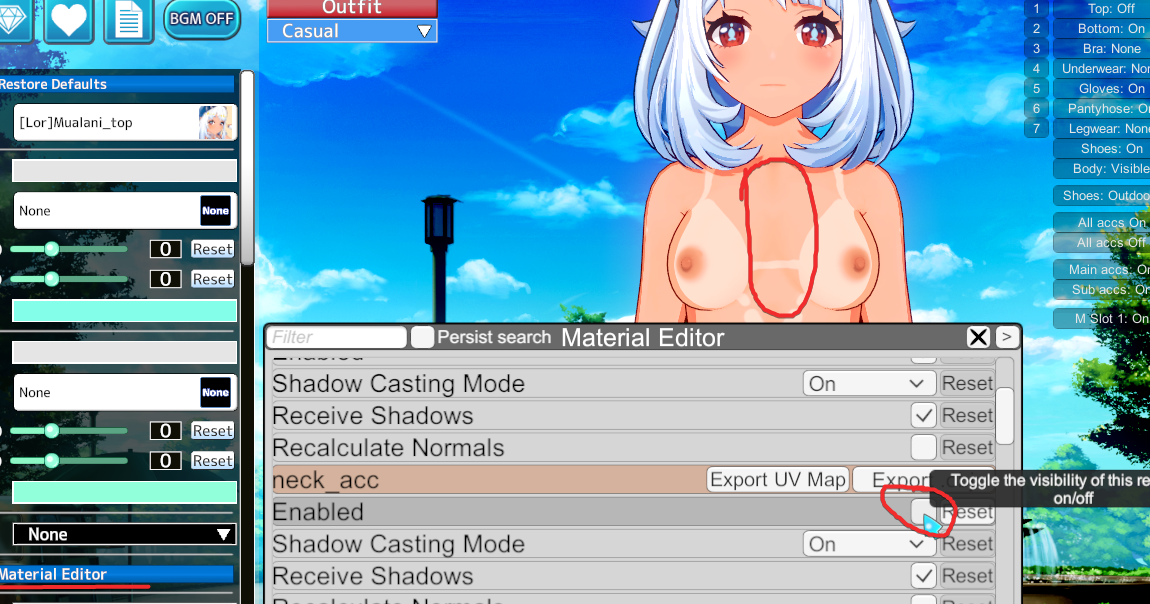

Press shift+f11 to open the screenshot plugin menu. Set the upscale to 1x. Due to how the upscaling works, depth of field and other blur effects don't work or have reduced effect when upscaled.why doesn't depthoffield work?
studio
screenshot plugin
For the purposes of Dynamic Bone Collider, there's an "All Off" button in KKPE. Otherwise there's a plugin that just toggles dynamic bones off for things by Fox hereIs there a way to group disable or disable all KKPE advanced Dynamic Bones? Picking 1 node then clicking Enabled button a lot of times is getting frustrating and it does not help that it resets when I changed character and even after saving it with all disabled

Thank you very muchPress shift+f11 to open the screenshot plugin menu. Set the upscale to 1x. Due to how the upscaling works, depth of field and other blur effects don't work or have reduced effect when upscaled.
Press shift+f11 to open the screenshot plugin menu. Set the upscale to 1x. Due to how the upscaling works, depth of field and other blur effects don't work or have reduced effect when upscaled.
For the purposes of Dynamic Bone Collider, there's an "All Off" button in KKPE. Otherwise there's a plugin that just toggles dynamic bones off for things by Fox here


There's a way to fix it, although it takes a while.Good news is the video export plugin works properly now, my PC isn't throttling up and going blue screen at all.
But I ran into some bad news... It's from giddora scene btw. Anyone know what's causing this and how to solve it? Thanks in advance
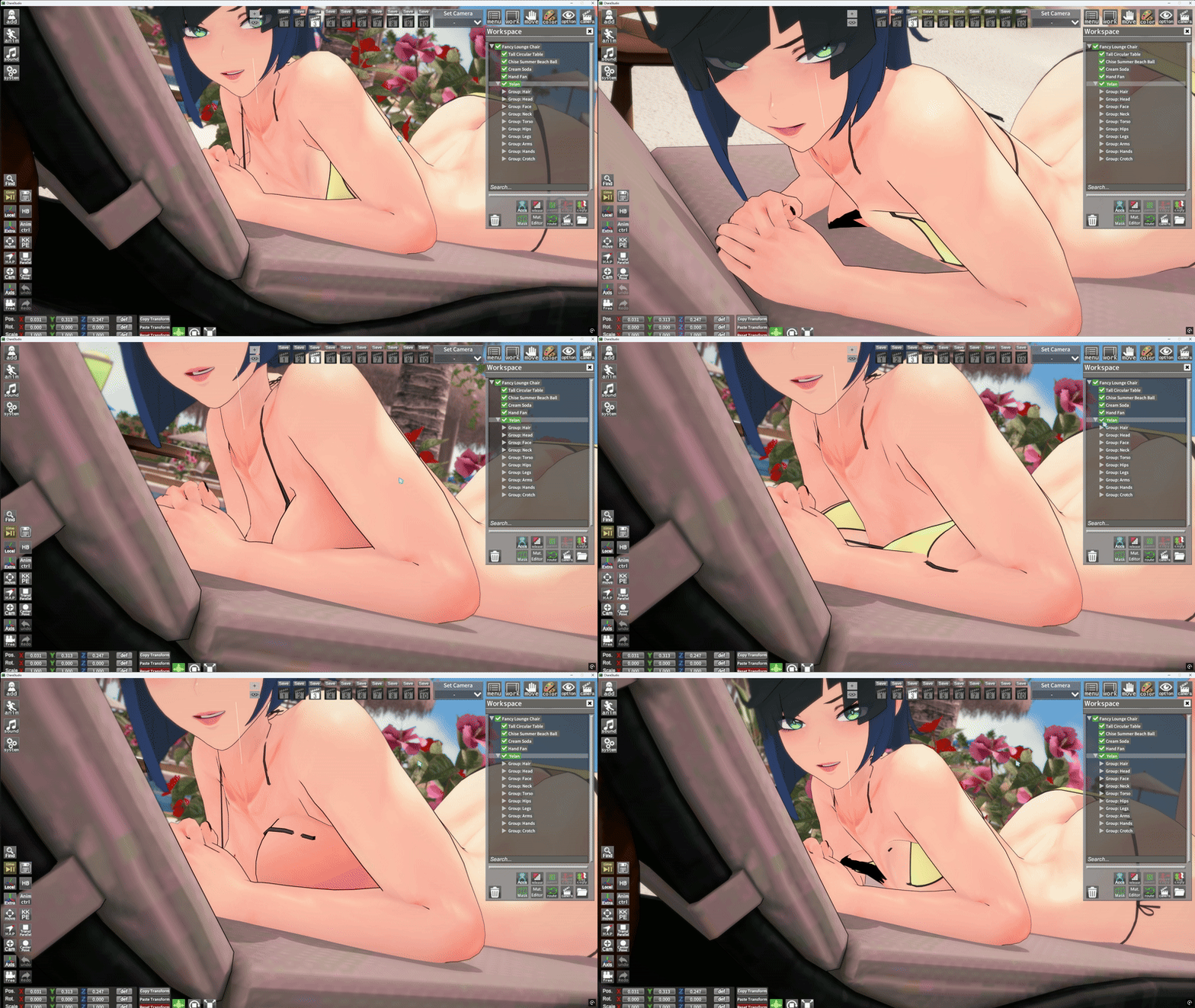


 rule34video.com

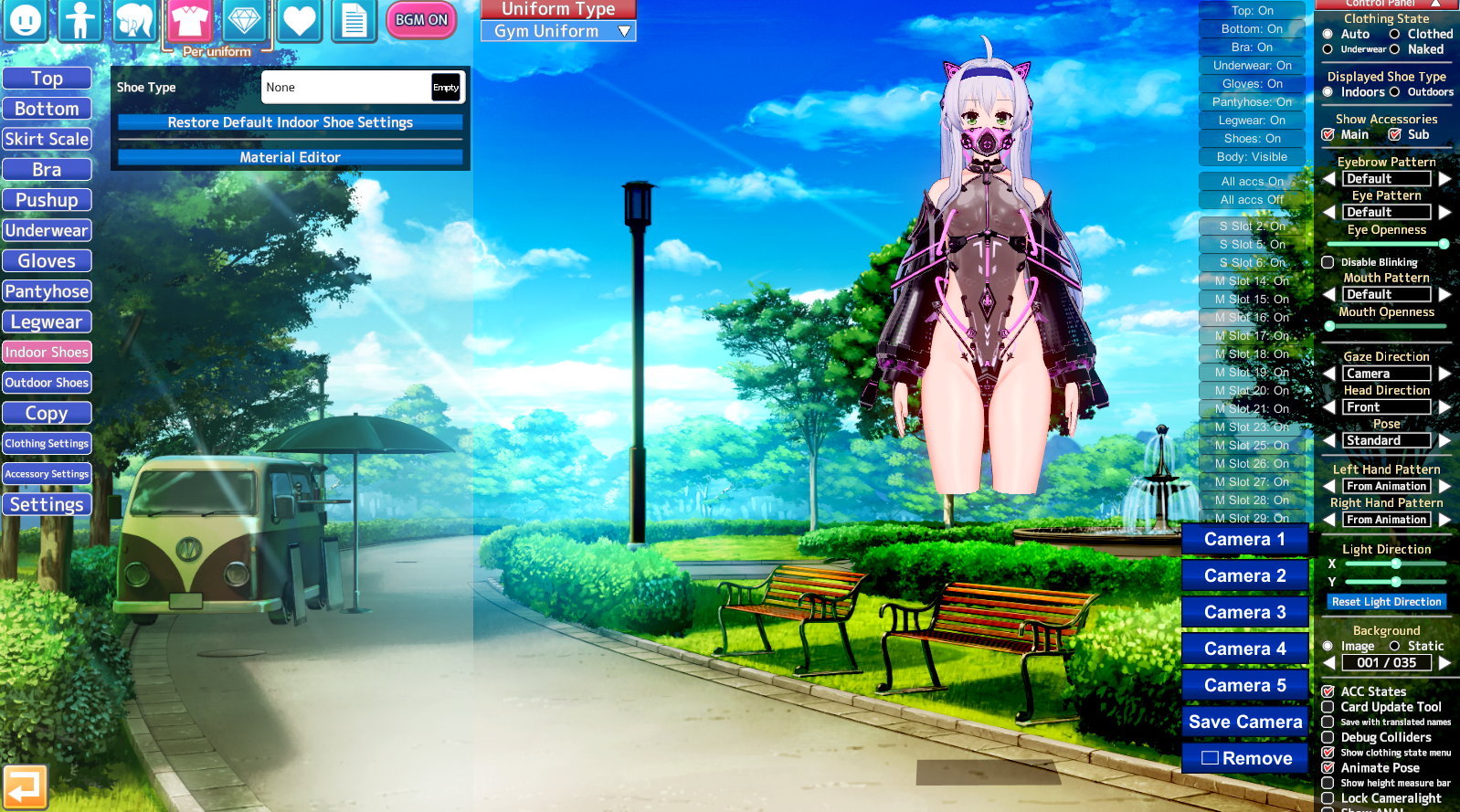
Go to the Top tab, scroll down until you find a section labeled "Body alpha mask"
Anyone know how to fix this kind of invisible body part? I dont have any clue how to make it reappear


Sometimes they're just overlays, as found in the Skin Overlays tab of the Body tab. Other times they're custom normal maps, detail masks, line maps, and/or very rarely displacement maps. The latter bunch is best edited in a third party software like substance painter or laboriously through blender. You may also find any of those resources in the Koikatsu discord in their respective channels (body overlays, material sharing etc), or you can rip them out of cards you like using Material Editor's export button.I notice that different cards from different creators have different textures/looks when it comes to certain parts like feet and armpits, how can I also edit the looks of those parts and just the skin in general for my cards? Tysm!
Do you have the xray mod?
anyone know how to fix this? its supposed to be a cross section of the vagina, used in sixpluswan's 46th scene.
this is what its supposed to look like

Two methods:Does anyone know how to lift the feet under the black bar instead of changing the height


