HllRzer
Well-known Member
Do you have postprocessing effects installed? https://ux.getuploader.com/nHaruka_KK/download/151

Do you have postprocessing effects installed? https://ux.getuploader.com/nHaruka_KK/download/151
already installedDo you have postprocessing effects installed? https://ux.getuploader.com/nHaruka_KK/download/151

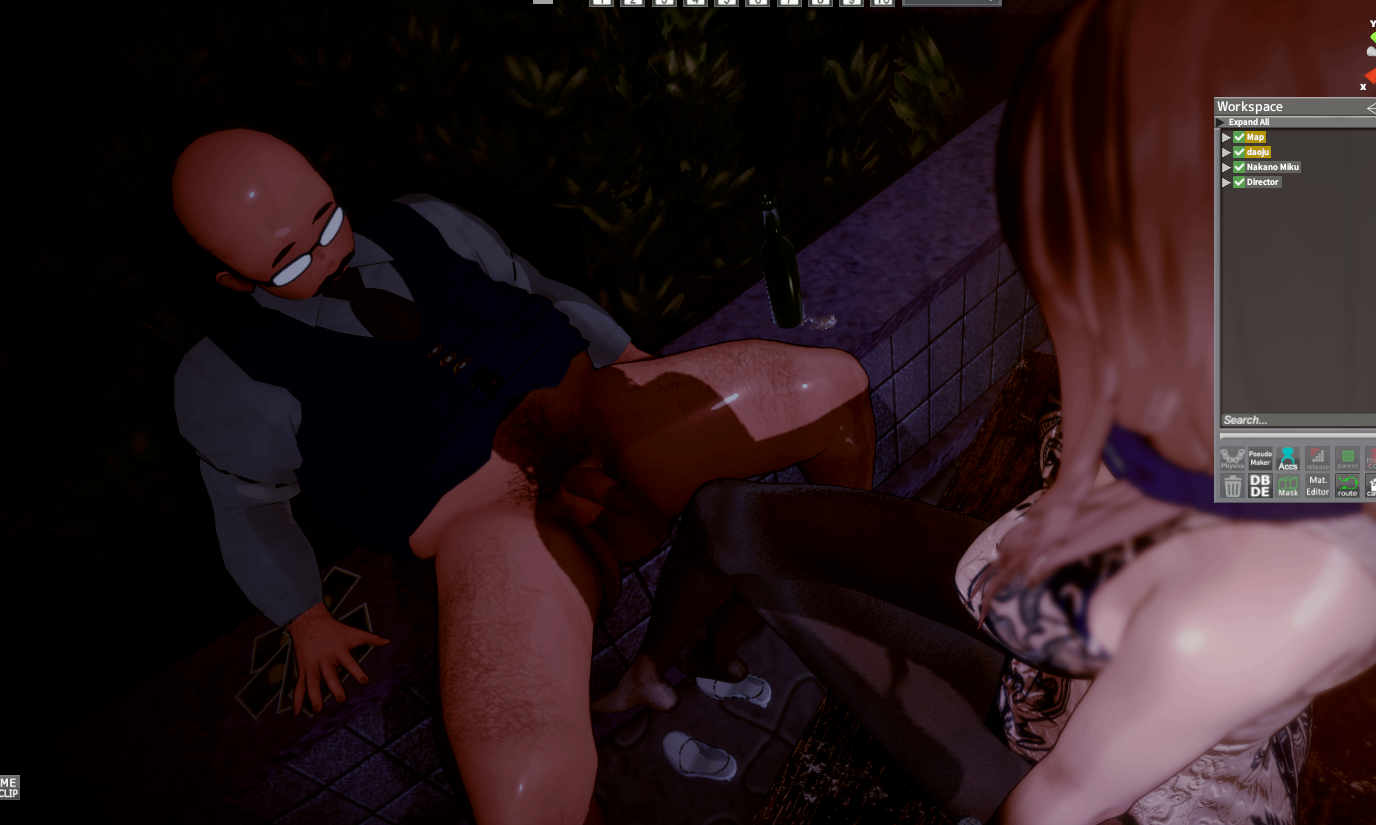
Thank you, but the lighting still seems a bit off. Could you send me a copy of your BepInEx? I think I might be missing some plugins.
The PostProcessingEffect plugin isn't working?Thank you, but the lighting still seems a bit off. Could you send me a copy of your BepInEx? I think I might be missing some plugins.

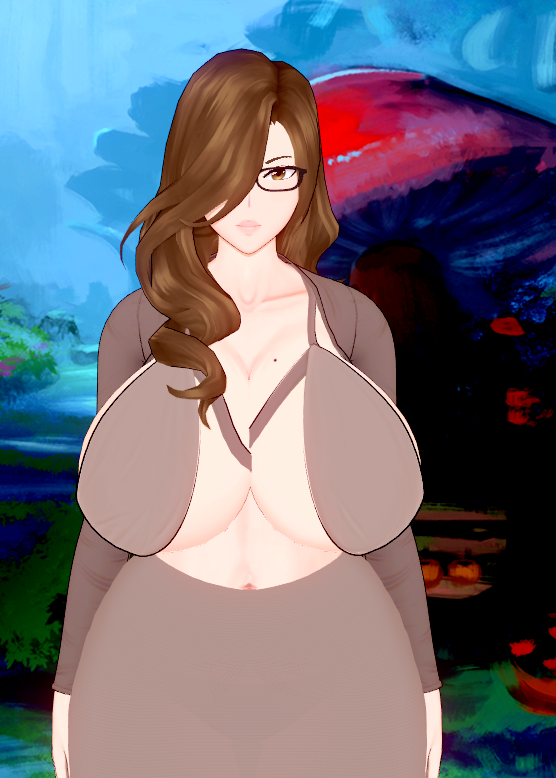
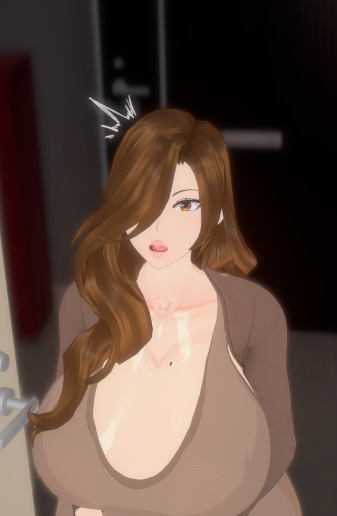
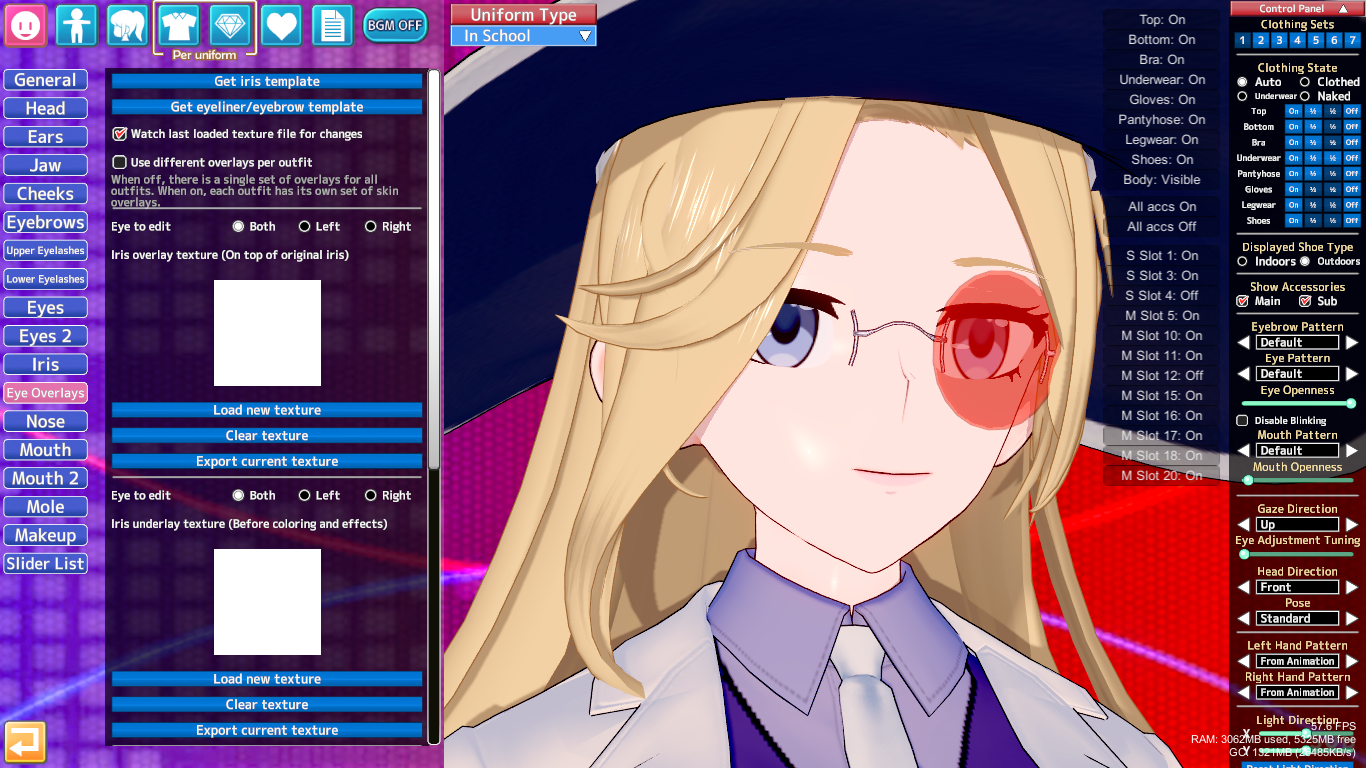
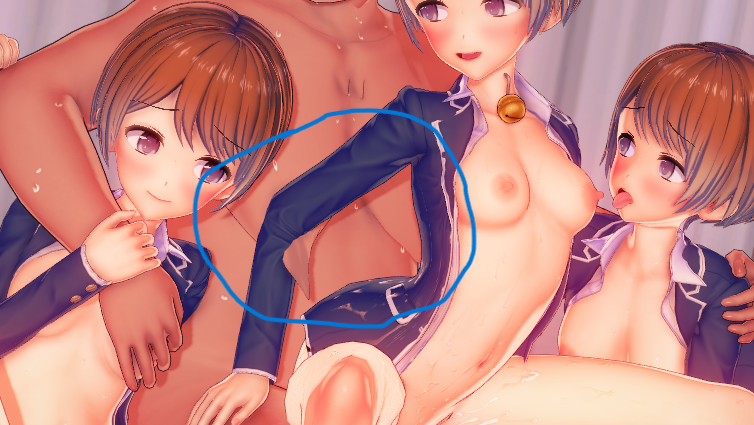
I downloaded the Kyoko card here and this is how she shows up on my end while the second screen shot is suppose to what the outfit is suppose to look like. Any pointers including telling/showing me what her bra is suppose to be would be helpful. I noticed this in some other characters too.https://gofile.io/d/vUfacV here's what I believe is all their cards, some of them were edited by me but most should be in default shape
The PostProcessingEffect plugin isn't working?
These are the lighting plugins I'm using.

It’s because the mod version doesn’t match.Once again asking for any help regarding a character card. I checked KK manager and there is no missing mods.
I downloaded the Kyoko card here and this is how she shows up on my end while the second screen shot is suppose to what the outfit is suppose to look like. Any pointers including telling/showing me what her bra is suppose to be would be helpful. I noticed this in some other characters too.

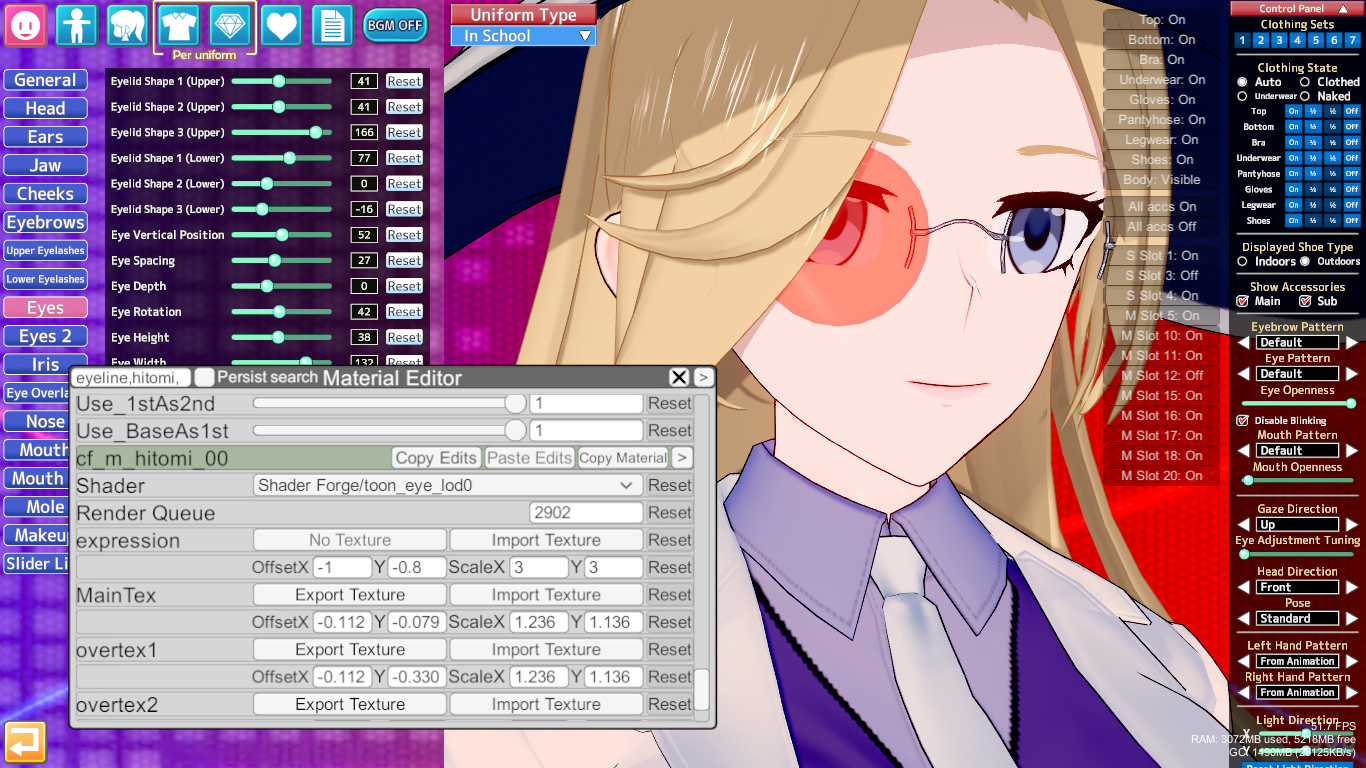


https://gofile.io/d/ZMnBU3 Here's 3 Dongtan dresses, one of them being from the Kyoko card, try replacing the outfit and outfit overlays with these and see if that worksOnce again asking for any help regarding a character card. I checked KK manager and there is no missing mods.
I downloaded the Kyoko card here and this is how she shows up on my end while the second screen shot is suppose to what the outfit is suppose to look like. Any pointers including telling/showing me what her bra is suppose to be would be helpful. I noticed this in some other characters too.

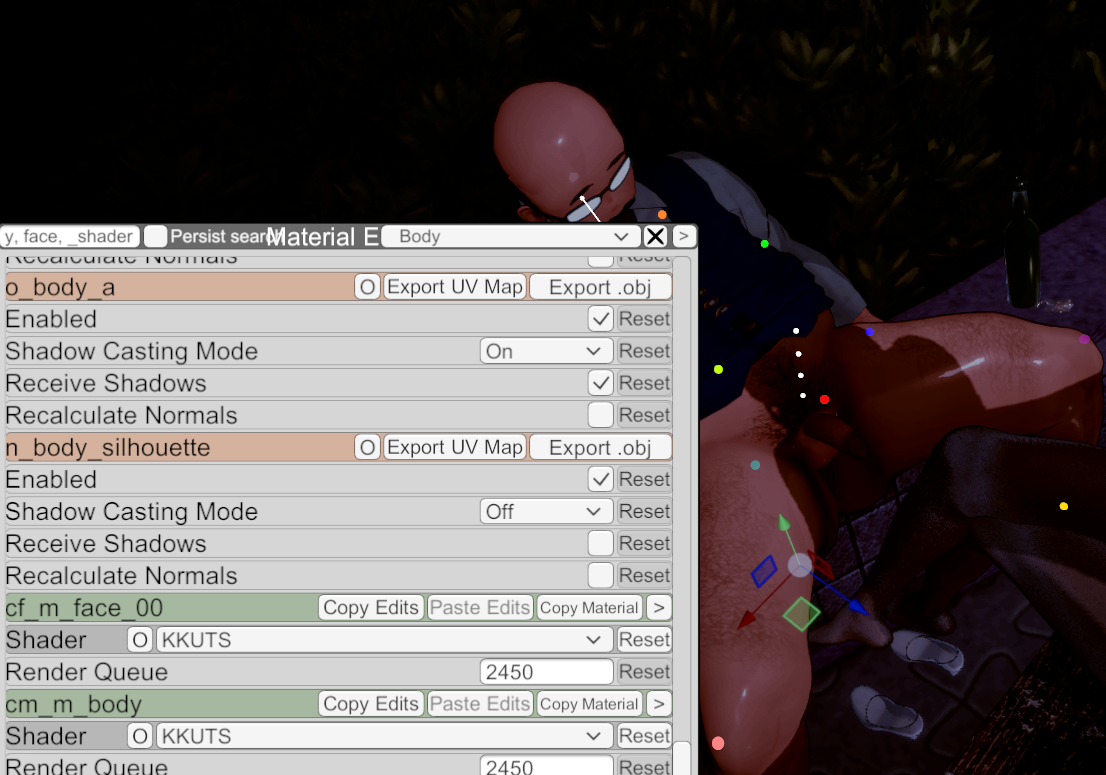
This is the version of kkuts I'm using.
Is it a problem with the renderer, or is it just a slight difference? How can I achieve your rendering effect?

 www.pixiv.net


Sorry for the silly question. In Koikatsu Studio, which settings can I use to switch between indoor and outdoor shoes?

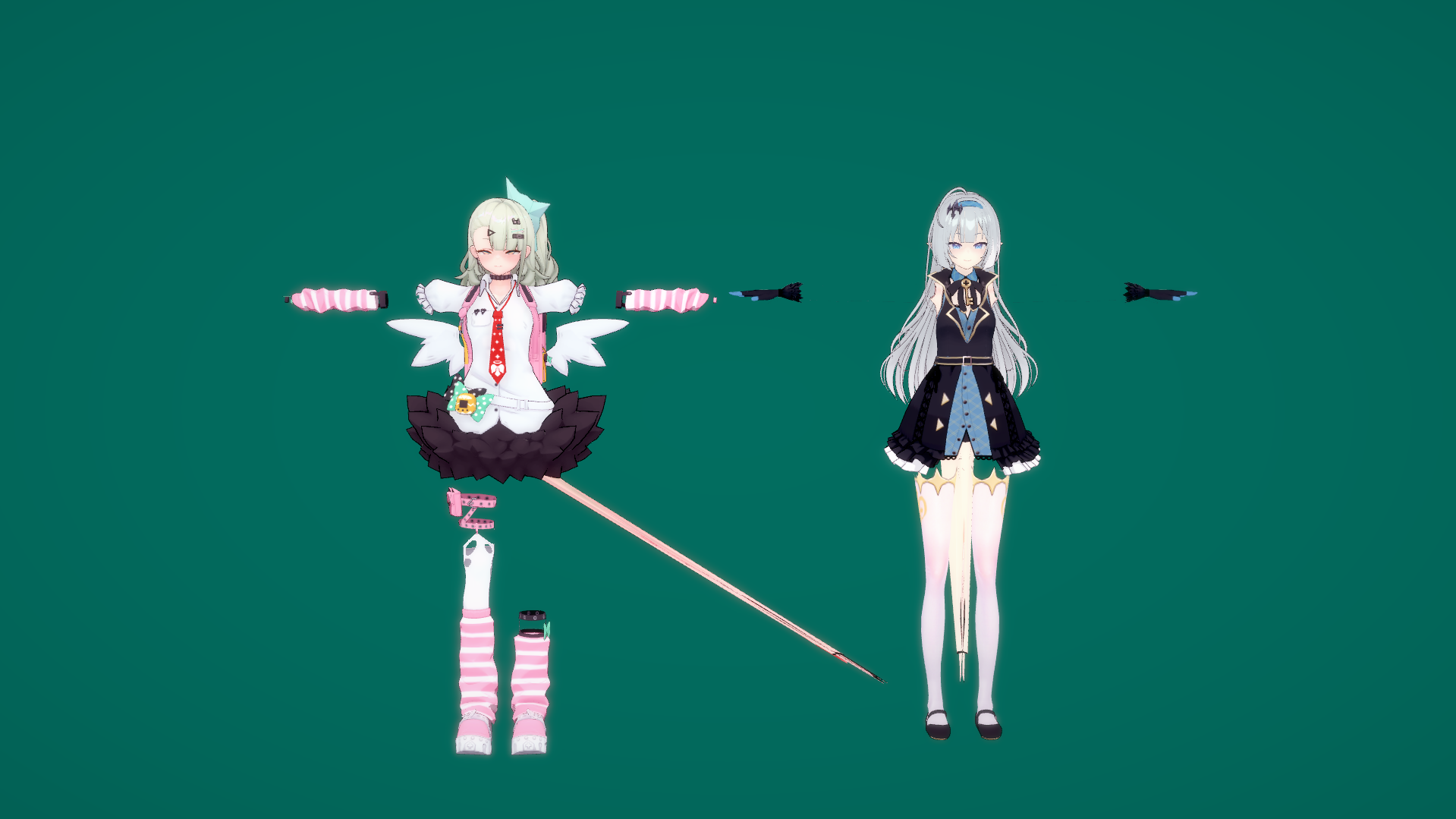
delete the kirara mod by newbieHey I've run into a couple skin texture/overlay and breast size issues with my game, the first issue is where a bunch of character skins are being replaced by this stretched out glitchy body texture and have the breast size increased (See the default model, Stelle and New Jersey). The other is where a bunch of the models I have when I load them in are suddenly like 3x the breast size (See Laevatain and Artoria, I'm pretty new to the technical side so I'm not able to really narrow down whats causing the issue on my own.
I must be blind. Wow, I totally overlooked that button. I overcomplicated it — I thought it was somewhere else.
delete the kirara mod by newbie
removing [纸鸢_Shinrou]人偶身体.zipmod seems to solve this issuecan anyone tell me why these Makisu's cards have their limbs stretching and how to fix it? i remember fixing this a while back by deleting an outdated zipmod a whileback, but this came back after getting the last HF patch and i forgot which specific one that did this.

This is one of my worries: whenever I use the Koikatsu studio for masturbation, I always end up using the same characters. I want to delete characters and scenes I don't normally use, but I keep thinking I might want to use them someday, so I can't bring myself to delete them.
Because of this, my PC's storage is getting really full.
Is there any way to deal with this?

Hey I've run into a couple skin texture/overlay and breast size issues with my game, the first issue is where a bunch of character skins are being replaced by this stretched out glitchy body texture and have the breast size increased (See the default model, Stelle and New Jersey). The other is where a bunch of the models I have when I load them in are suddenly like 3x the breast size (See Laevatain and Artoria, I'm pretty new to the technical side so I'm not able to really narrow down whats causing the issue on my own.
Thank you, it's solvedThis is the version of kkuts I'm using.

KKUTS 2.5.1
Here is KKUTS 2.5.1 With support for new ME UI. The KoiKatsu Unity Toon Shader was originally made by nharuka based on the Unity Toon Shader
www.pixiv.net 

Can anyone help?can any bro help me fix the twisting hands on kkmmd or any scene?
I'm using KKS
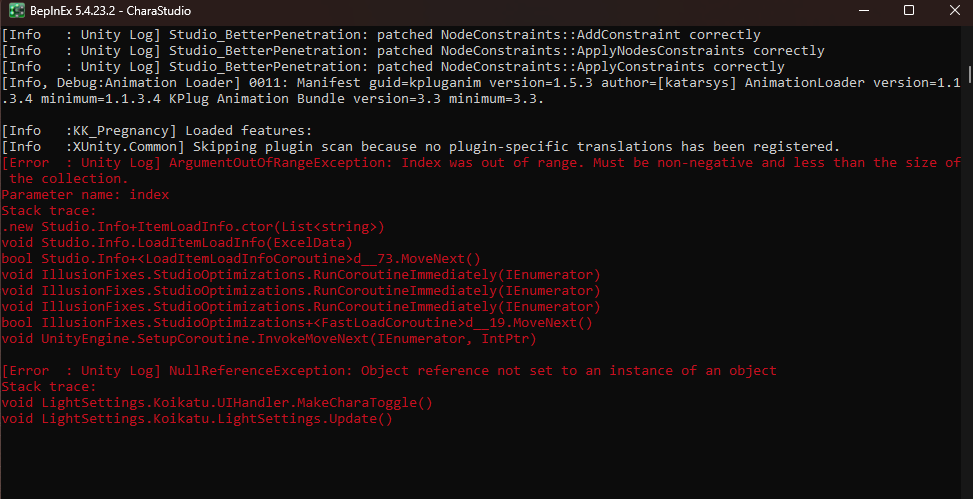


I have run into a similar issue before and unfortunately the only solution I knew of at the time was to do like a fresh install and then slowly add in all the mods in like groups until one group inevitably causes the issue. From that group, you can repeat the same thing until you isolate the mod causing the issue.Hey I need help, if anyone can help I'd apreciate it. So from one day to another, my Chara Studio stopped working (it gets stuck at loading screen). I tried deleting some of the latest scenes I installed but it didn´t help at all. Also I tried uninstalling and installing again, and works ine, but the moment I introduce all the cards, scenes, mods, overlays and coordinates, the Studio shows the exact same problem. I tried opnening the log, but I have no idea about code, so I hope somebody can help with this



Have you downloaded the versions indicated in the message?Hello! Does anyone know where to find these specific files? I redownloaded the timeline and nodeconstraints on patreon but they dont help with this issue, thanks!
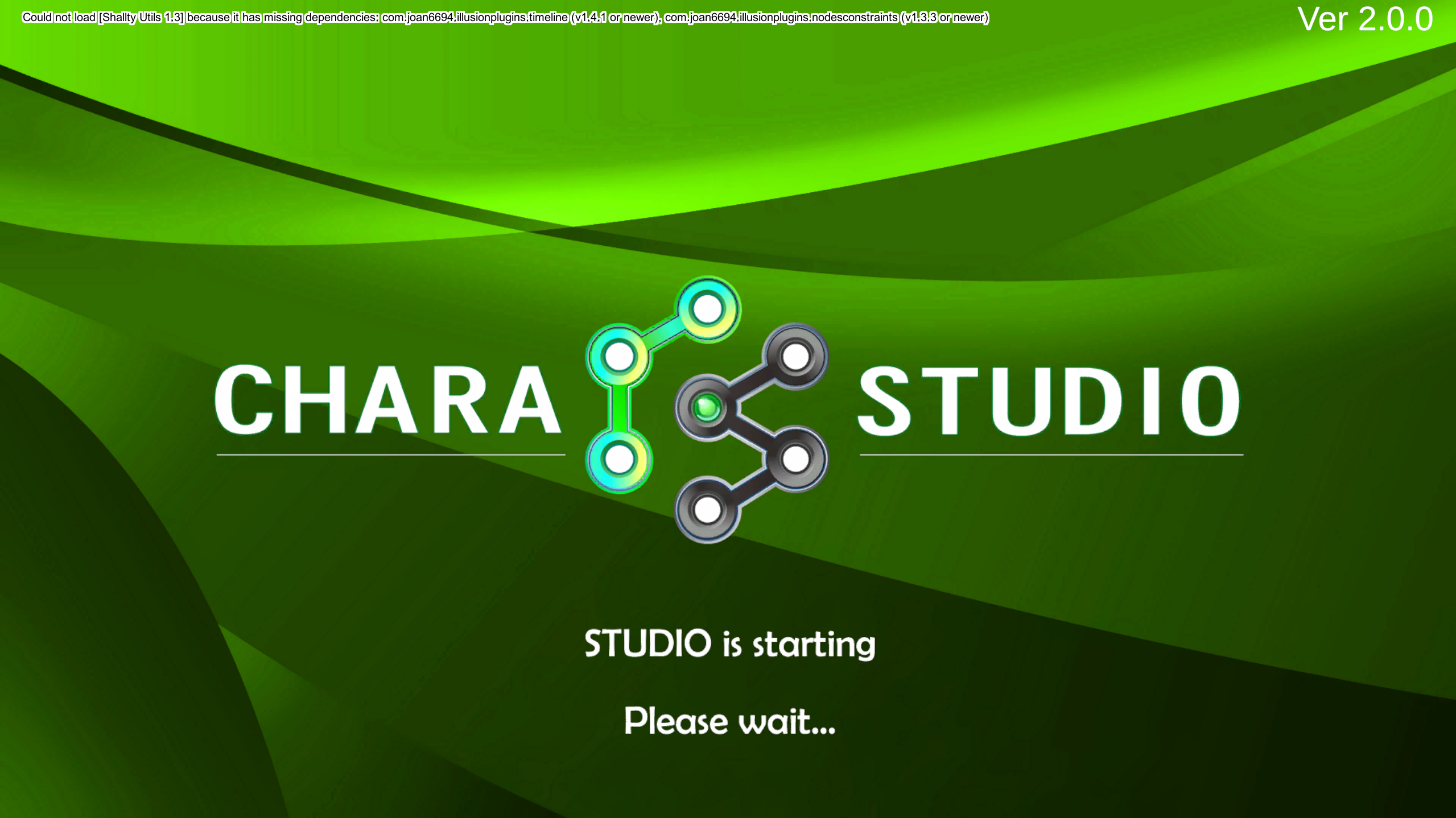


Thanks man, luckily I was able to find the mod that was causing the issue, so thanks for the help ^^I have run into a similar issue before and unfortunately the only solution I knew of at the time was to do like a fresh install and then slowly add in all the mods in like groups until one group inevitably causes the issue. From that group, you can repeat the same thing until you isolate the mod causing the issue.
I assume you have a large amount of mods so I'd just add half of them in then run the studio to see if it works. If it works, then those mods are cleared so the other half contains the mod that causes the issue so you repeat with that particular group of mods.
Of course the issue here is if multiple mods cause the issue then this method will not work too well. Hopefully someone has a far superior solution than this one cause this one took up some time but if nobody provides another solution, I guess this is one way you can try to fix the issue.
I doubt this will help but when I ran into this issue, these are the mods I eventually found to cause the issue so if you have any of these, maybe try removing those and see if studio runs. I'm also pretty certain its a mod or mods that is causing the issue and not the cards, scenes, and/or coordinates but you can add all those in and not the mods to see if studio runs to make sure.