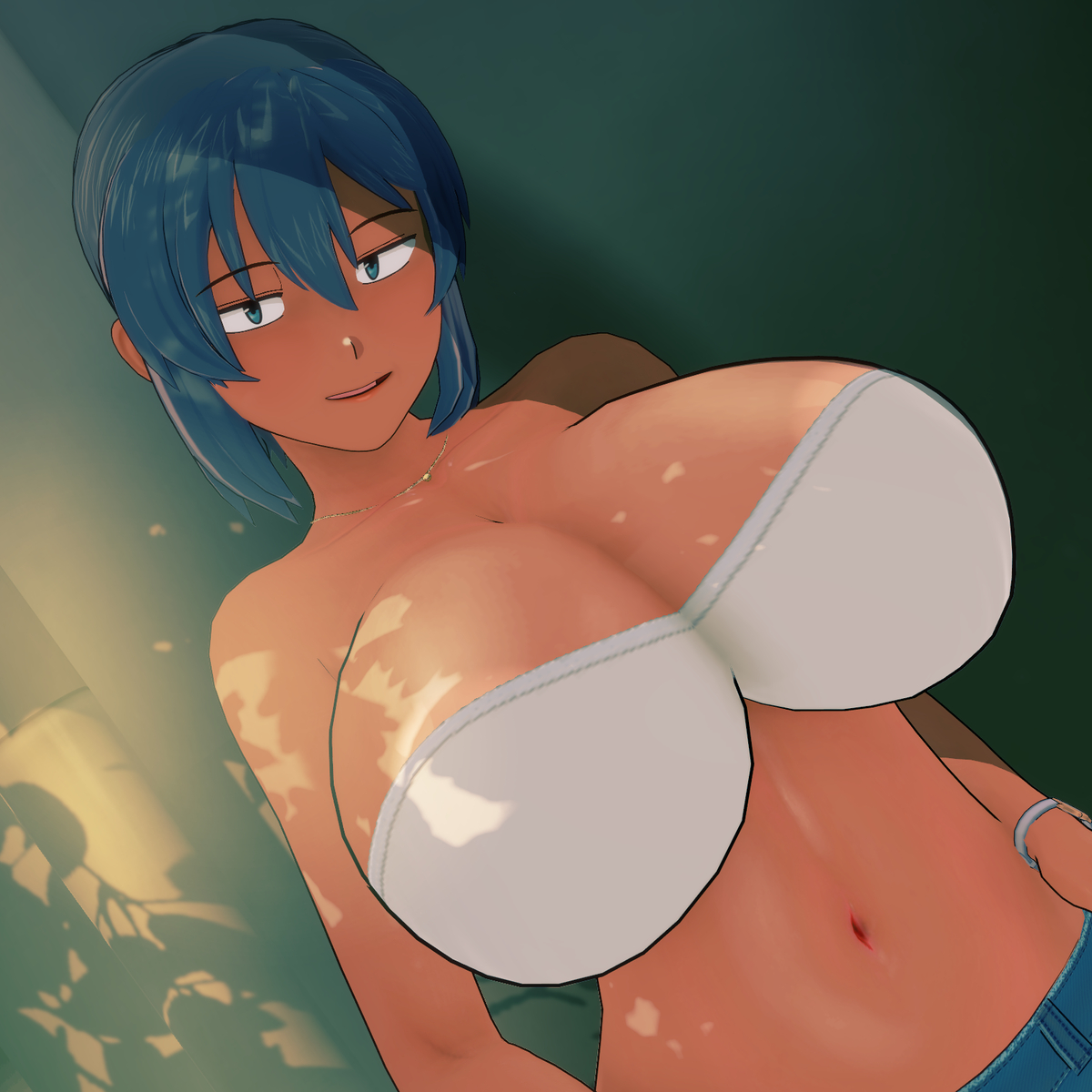
Scene mostly by me. Hello, welcome, and you're welcome! Hope you have a happy new year and find whatever treasure you're sailing these seas for.
Few things can cause this, tbh...
- SofterSelfShadowing plugin
- If you have this, just full on delete it. It's a FPS hog.
- PostProcessingEffects plugin
- Press F1
- Search "Grain".
- If it's on, turn it off or adjust to your liking.
- Projector of some sort
- Look through your workspace or type "Projector" in the search bar. If there's something, toggle them off and on and just turn off the one causing this
- Jane has some sort of matcap or NormalMap with a ridiculous resolution
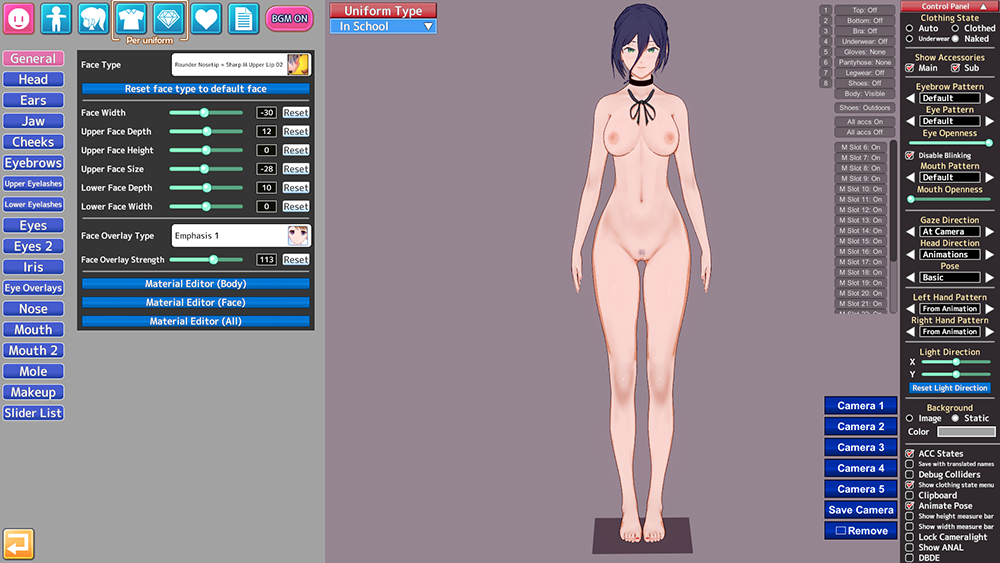
- Select Jane in the workspace.
- Press Mat Edit to open up material editor for Jane
- Type "body" in the search bar on the top left
- Scroll down and see if there are dark grey fields in all the texture stuff.
- If so, hit "reset" for NormalMap or MatCap (or both)
- You're running ReShade (a third-party shader injector program for 3D games) and somehow don't know it
- This is very unlikely, but if this is what's going on... I will laugh at you.
Big thank! Takane's a cute. Maybe I'm biased toward redheads.
Anyway, if you're on a Chromium browser, tough luck. Just mute the site. If you're on a Firefox-based browser, there's a setting to disable autoplay on websites; very useful on YouTube I've found.