Saria007
New member
oh your right. my bad.

 www.pixiv.net www.pixiv.net www.pixiv.net
 how do i change the face color?
Mornye (Frankme)

[1月] Mornye headmod
*对于12月缺更很抱歉,作为补偿这个月内容会翻倍, 并且对于12月赞助的有额外的一套衣服mod,私信可能会有延迟 *之后再重新做一做腿的效果,进去的话能看得见确实不错 *下一个是粉毛,衣服也做好了,想办法做出那种电子特效 适用于KK/KKS 感谢服装卡制作者 服装Mod:Loading…
gofile.io
🔒 : No password

I can't access the site. Maybe my computer is the problemLink updated, wdym?
you have awoken me from my hibernation
Loading…
gofile.io
Thanks for your cooperation!i guess this might help
contains card + mods + coordinateLoading…
gofile.io
its personal modification so might be way different than OC
www.pixiv.net www.pixiv.net www.pixiv.net 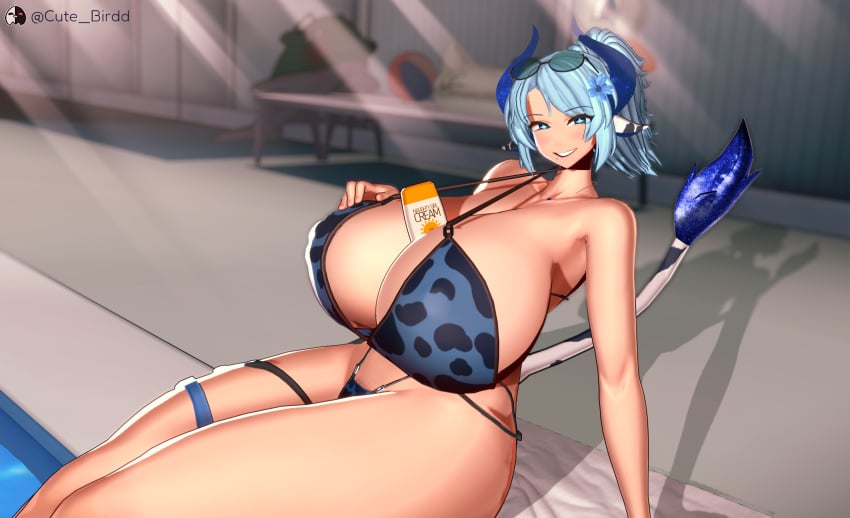

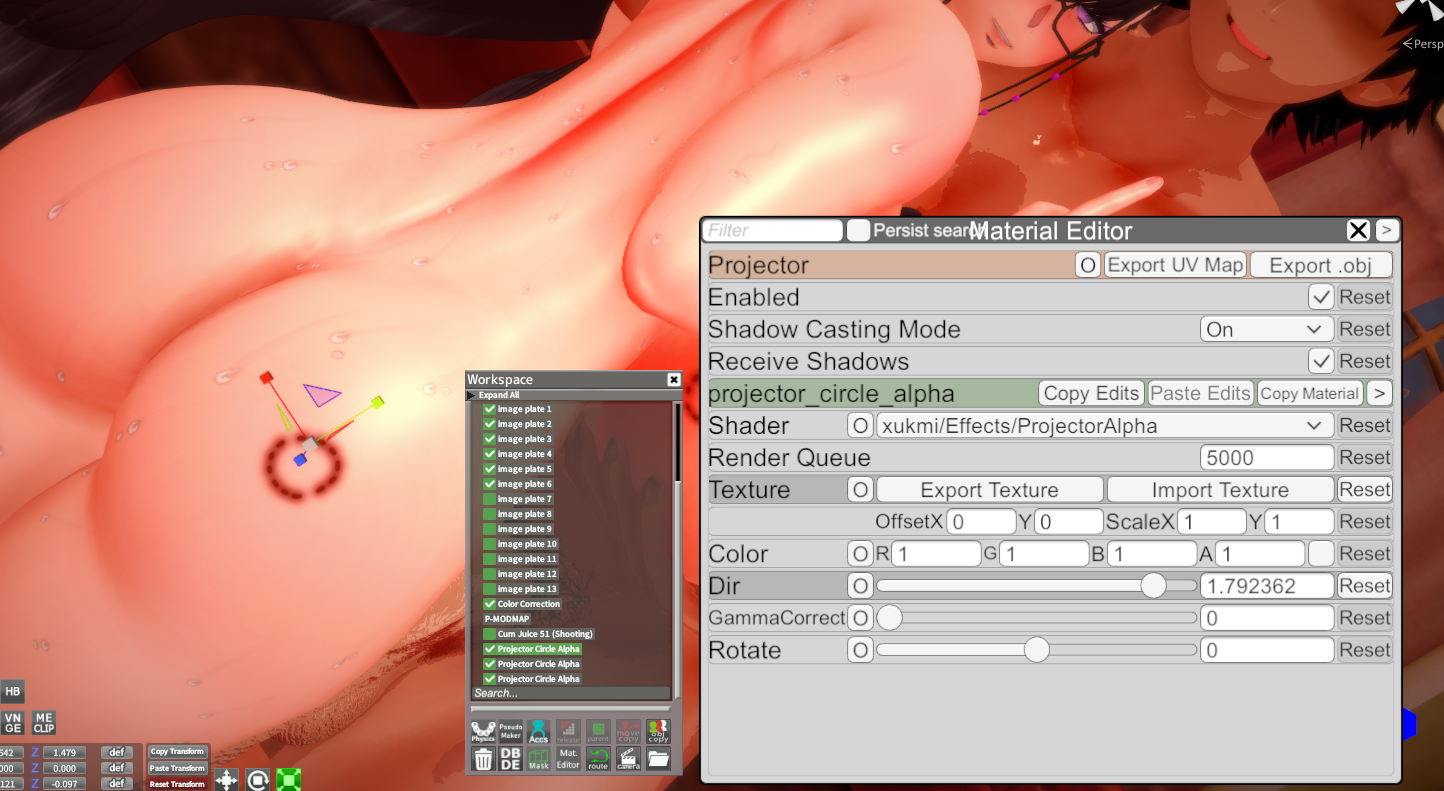
Most of the stuff I know about Koikatsu stems from the fact that I fucked around for hours using plugins (Material Editor, as an example) and finding out how they work. Same happened when editing cards; it's quite the entertaining experience to learn how to modify some cards to your own liking. As long as you don't redistribute them, sure. Expertise comes with time.Best favor you can do for yourself is to just fuck around and find out. But, I understand that not everyone has time or patience to do that:

(Epic Seven Luluca by Static_Lullaby)
the card seems to be the vtuber milkyway but idk who the card creators is
anyone has this scene from cutebird or the character card?

i dunno bro maybe...?Can this version of KKUTS be installed on KKS? I installed it once before and found that some material effects were missing, or maybe my KKUTS is too old.


[Deliriumベア@NTR] Goblin Helper - 05 (alt. link)I can't access the site. Maybe my computer is the problem
www.pixiv.net 

https://files.catbox.moe/6i9t3p.png https://files.catbox.moe/kh4xjg.pngDoes anyone have any bruise or bite mark overlays?
www.pixiv.net 
 www.pixiv.net
 Link outdated, could you re-upload plsjuedge and Sunset Rayline here. No Alucid sorry.
Keep in mind Izu_914 contributes to this thread so I wouldn't expect to get his Cheyanne card+mod here, esp since it's one of his few paid cards. At the very least I won't be giving it away.
 www.pixiv.net
check tesselation or the simple way change the skin tessFor some reason an outfit from Tachumi newest scene Kanae & Ayumi BBC Addicts won't load the outfit correctly. Can someone please extract it and post it here?
https://gofile.io/d/1b0ba16c-29e9-47db-9c05-ac5e4ab313f3
So the process is quite easy.
There's this page with models that can be used with MMD plugins:
So you download some model, then make sure that you have a MMD plugin installed into your Blender, then just simply import it into Blender.
When you get it into the Blender you just need to remove all the not needed parts of the models, so clothes etc. (you don't need to mark everything manually in the edit mode, you can just press the L button which selects entire segments, then delete button and delete vertices, edges or faces).
Keep in mind that your model that you want to get into Studio can't have more than 60k triangles.
After that you just export a T-posing model as .obj file and get it into your Studio and use that as a reference.
By default if you press the O button it will show a window for importing objects into Studio, then select your ".obj" model and just import it.
I don't know if it's possible to get a model like that into the Char Maker, but then there's still the issue with adjusting the pose since the T-pose in Koikatsu is a little bit different compared to what you get in Girls Frontline 2 and I had to enable "IK" stuff and adjust some nodes.
I also recommend to switch the material to "Goo".
To get the basic body properties right I would recommend to at first check the height of the model in Blender (in cm), then adjust it in Koikatsu to match that height. Then in Blender you take a screenshot from the front and side (by pressing Num1 and Num3, then taking a screenshot) and use that as a reference (so copy images to "Koikatsu\UserData\bg" folder and load them in the Chara Maker). When you are done with the basic stuff You can start to adjust it more by using the imported 3d model in Studio as a reference.
.So basically you have both Studio and Chara Maker open at the same time and just switch between them, you can also use the Bonemod Editor in Studio and then copy settings to the Maker when you are done, but it's always recommended to use the default sliders first, then these from the Bonemod Editor if you can't adjust them normally.
I also don't recommend adjusting the arms and legs in only one axis, it will cause some stretching when switching between poses, generally it can happen to any body part, so you need to adjust bones in a smart way.
Thigh00 and arm00 and cf_j_shoulder or cf_d_shoulder - if you want to adjust them then do it in every axis at the same time (so let's say 0.95 value for X, Y, Z).
I noticed that lots of people (including people who make paid cards) just adjust these in only axis (Y axis in case of thigh00, then increase cj_j_leg01 value also in only one axis) to let's say make the legs shorter, or the upper part, but it just causes some weird stretching.
If you try really hard then I bet it's possible to create an almost 1:1 copy of models from other games in KK, but that requires some effort and knowledge about the bones, so editing which ones and in what to not break how the character looks like when switching poses.
This adjusted Suomi card isn't perfect either, it would still need a little bit of work to get it 100% right (or at least 95%, right now I would say it's like ~90% right).

One more thing about importing models, sometimes you will need to split them into let's say 3-4 parts if the Studio will keep telling you are over the limit of triangles, so let's say head, legs, middle body and import them separately, that's what I had to do in case of Suomi.Thank you very much for this, very informative! I'll definitely give it a go.

does anyone have a kyouka tachibana collection?
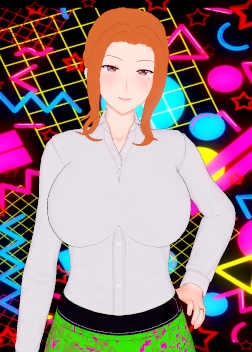
It looks like a problem with the overlay.check tesselation or the simple way change the skin tess
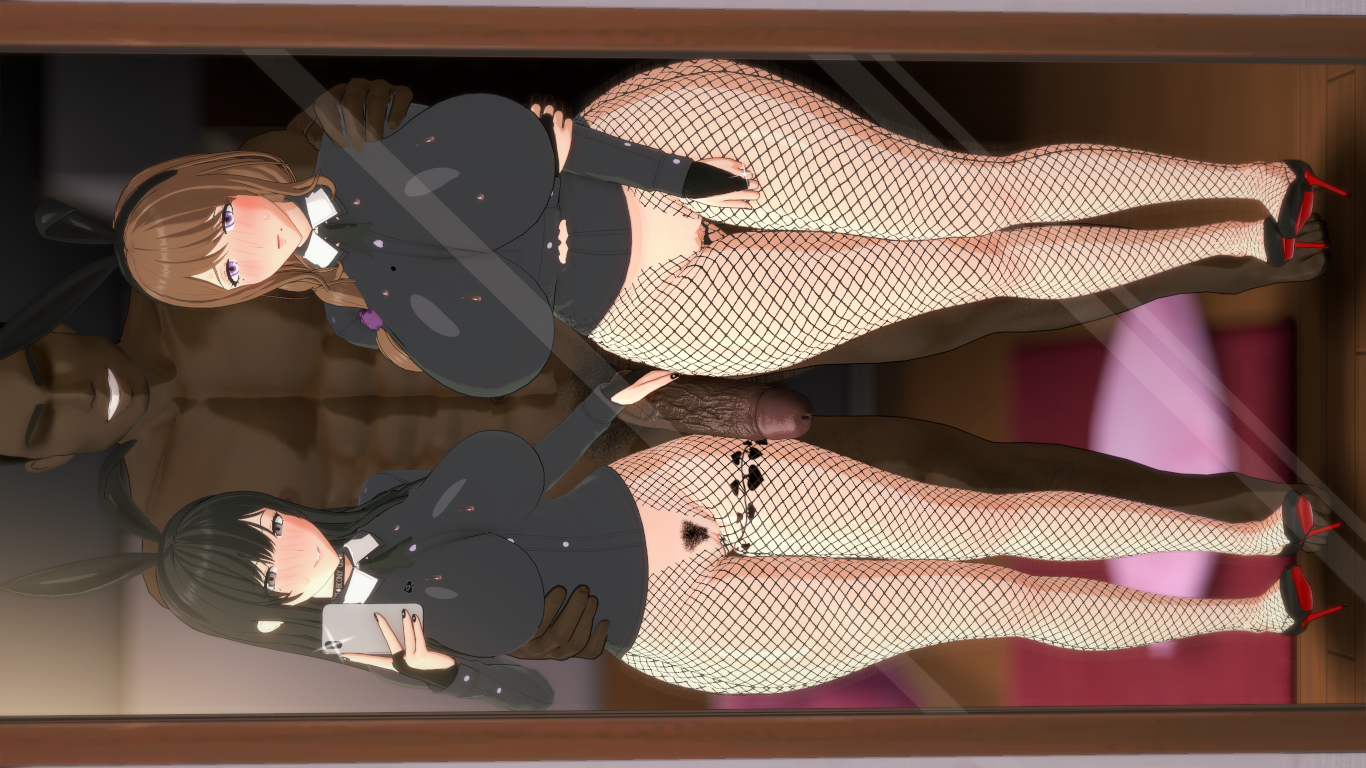

hi again, big violet fan i see, me tooDoes anyone have I404 card from violet_v3?
I did some searching, but unfortunately the links I found weren’t working.

【10月のみ先行配布】伊404
『アズールレーン』より 伊404を中間プラン以上で先行配布します。 こちらは10月のみの配布になります。 From ‘Azur Lane’ I-404 will be distributed early to players with an Intermediate Plan
can you reup pls? tyMizukiStudio archieve(up to October):

Gofile - Cloud Storage Made Simple
Secure, fast and free cloud storage solution. Upload and share files instantly.gofile.io

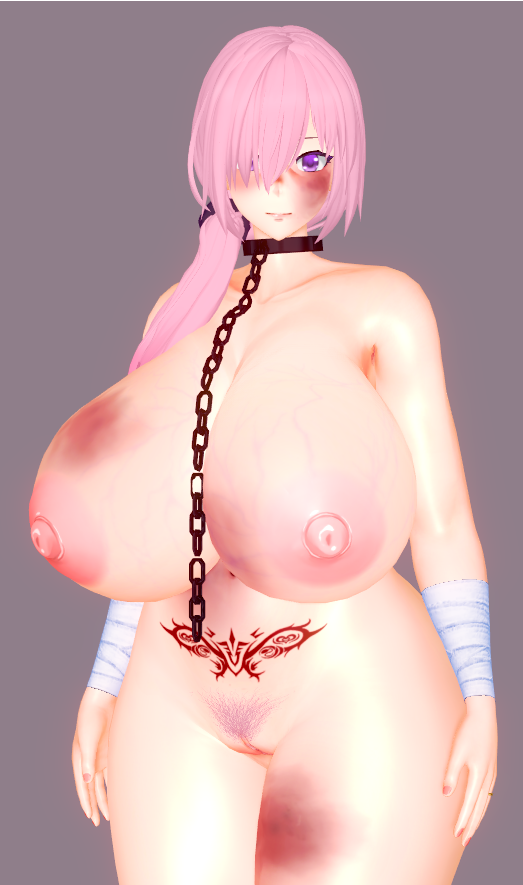
Does anyone have any bruise or bite mark overlays?
 kkazuma.fanbox.cc
 Sorry for bothering, but ...If you search consistently on Pixiv, you'll discover that almost every creator, big or small, has at least 2 or more cards. Many do this because their workflow is based on commissions or polls, so for milflovers is a win when this happen. Others, who focus on hentai, have more, but there are some whose specific niche is mature women and MILFs and that is what you want bro. So I'll add more to the recommended list.
Nun Mostly milfs - Free
Poor Mostly milfs -Old cards free
Himiko(OC's) mostly milfs - Paid you know where to find it
ToadB Many mifls to choose- Free content
Asgf Mostly milfs - Paid content you know where to find it
Dan Mostly milfs - Free
Cenas-chan Mostly milfs - Free
Boxman Many milfs/ Free
Gin26 Many milfs - Free/paid
Master B Many milfs or adults - Free
LaboNo012 Few adult - Free
Netrix 2 free OC
Fissy Adults - Paid/ Public Release after x time
Nekomarusan Many adults/milfs - Paid/ Old stuff was free
長染 Few adults/milf - Free
暗黒桃玉 Many adults/milfs - Free
Pddsno Just Bola and Rakio
Rohss Fak A lot of adults/milfs/okaasans - Free
Pis Many adults/milfs - Paid/Free
ORT Many adults - Free
Sowen Many milfs - Free/paid
Koiking Adults/milfs - Free/Paid
胸の崇拝者 Aduts/milfs Paid
JBJordan Full Milfs - Personal note: been searching his work for years scavenging from time to time, because i'm a fool and an introvert who even felt embarrassed posting on forums wnt offtopic... now i think he is still active prolly in some kind of japanese or korean forum or discord cuz some of his lasts kk wips are from 2025 and were posted via X. And soory for not fulfill your specific trait request many creators seems to love big boobas but hey you can modify the body to your liking ... hope this long post help u... HNY
bumpanybody have this card by shyaz?

Thanks a lot. Emi's newest card looks awesome.Continuing to update Emi’s collection. I still have about 40 pages of posts I haven’t checked yet, so sorry in advance if I end up reposting duplicates

アドミラル・ナヒーモフ(アズールレーン)
Fanbox:https://sky.fanbox.cc/ Patreon:https://www.patreon.com/user?u=65093401 爱发电:https://afdian.com/a/a9980
File folder on MEGA
mega.nz
www.pixiv.net If you don't mind me asking, could you post the Mash card?
www.pixiv.net www.pixiv.net www.pixiv.net www.pixiv.net 
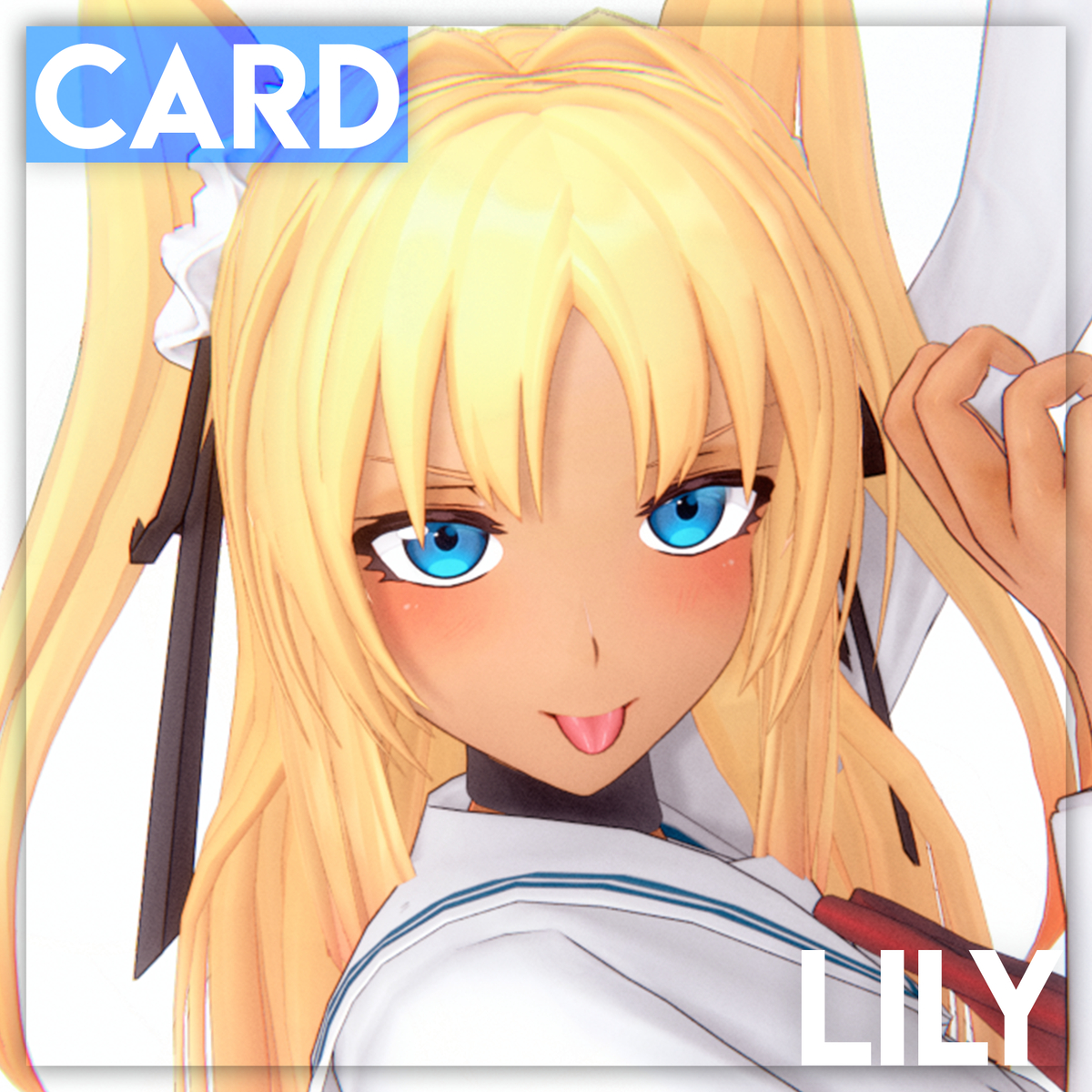
I don't intend to share my Mash card, sorry.If you don't mind me asking, could you post the Mash card?