[ILLUSION] Koikatu! - Questions & General Discussion Thread

S

SomeGoat

New member
Joined
May 25, 2025
Messages
11
Reaction score
8
Points
3
Can you take a pic of what your asset bundle looks like in SB3U? I had a similar issue before and I fixed it by rearranging the tree structure.
Huh, I'm pretty sure I'm not supposed to have several versions... Am I?

ocV40cd.png

Also, if this isn't quite the screenshot you needed, please specify in further detail...
 
S

SomeGoat

New member
Joined
May 25, 2025
Messages
11
Reaction score
8
Points
3
'Nynnahaironepiece' is the animator you're trying to use, right? Did you change the 'Maindata' section in the list file?
It's varied over time, the reason I know this is off is because I did actually change the list and the prefab in later attempts to Nynnahair (as I decided to simplify the fbx export names to dated ones and just rename inside unity)
So
it's not supposed to be in there :(

I guess I'd best wipe the assetbundle and start anew again to see if that changes anything.
Just...
Is it normally supposed to be Extremely White in Unity when making accessory hair?
Updated the pcloud folder to show what I mean, this is after building AssetBundle btw
 
Last edited:
White_Runner

White_Runner

Well-known Member
Joined
Sep 13, 2025
Messages
42
Reaction score
106
Points
33
WA7W8oJ.png

Fg7771C.png

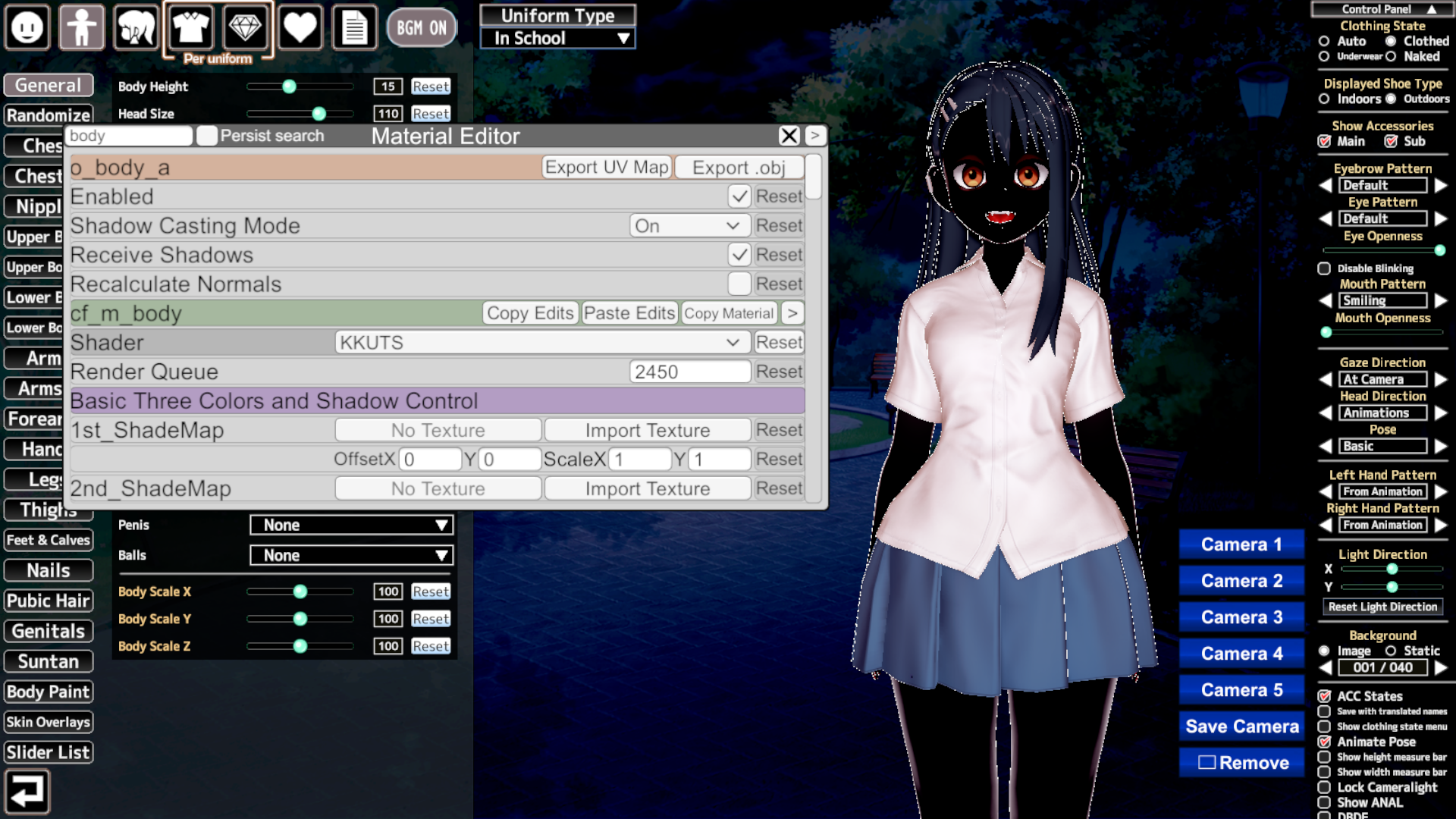
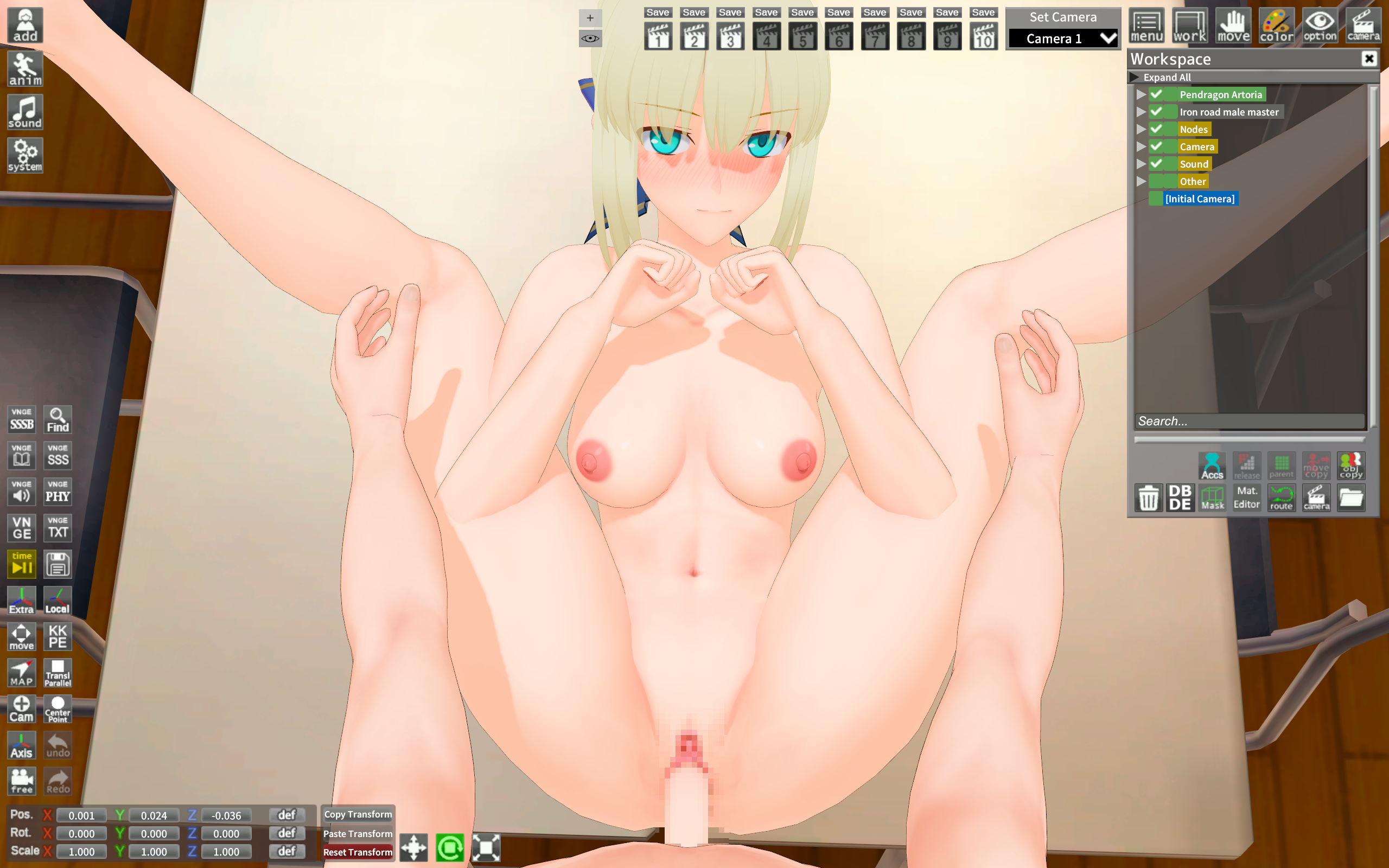
Why is the character transparent in character creation but not in the studio?
Do you know what's causing this?
Its not that your character is transparent, but the gloves and pantihose are the ones transparent.

Probably its a setting of any of those, so try searching one by one changing the sliders. (Good luck) and remember to save your character first.

Oh yes, btw, lots of people dont know but you can change the material editor popup UI size to display more items, it may come handy for you:

TO CHANGE MATERIAL EDITOR POPUP SIZE:
1gQB2sH.png

1) Press F1.
2) Press Plugin Settings Button.
3) Search for "Material Editor"
3) You will be presented with UI Scale, UI Width, UI Height and UI List Width:
he4bkoc.jpeg

5) Adjust these settings to your liking. For my screen (2560x1440) I made this changes:
DqFLLZS.png

6) Enjoy:
VVfZACb.png
 
A

asdfsdfasdf

New member
Joined
Aug 5, 2025
Messages
8
Reaction score
0
Points
3
Hi KK studio, after HF patch update, i am facing weird issue. whenever i try to change charcter ,the eyes are getting expanded

 
S

SomeGoat

New member
Joined
May 25, 2025
Messages
11
Reaction score
8
Points
3
I guess I'd best wipe the assetbundle and start anew again to see if that changes anything.
And that partially worked!
DXsKD1P.png

However, the colours don't stick properly. For some reason, the hair's root is now the main colour, which is really weird. Oh, and it doesn't respect any other colours.
Which is worrying... Is my ColorMask texture too high in resolution (2048x2048)? I know for certain the UV mapping is done as proper as I can.
EDIT: For some reason, looking through the material editor, it seems the game or accessory hair plugin is assigning the SAME COLOUR TO ALL THREE COLOUR SLOTS. Forcing different colours through the material editor shows that the colour mask works correctly. (Also, disabling "use hair colour" is the same.)
We're so close.
But how does this happen?

Check the pcloud folder again for updated images
https://e.pcloud.link/publink/show?code=kZ2gCIZr6amNsViqtfmWVcuShyqhkzrjzQy

OKAY I FIXED IT :D
Just need to stop the temptation of putting things in anything called RendHair, its got attached to the root hair colour this way
 
Last edited:
N

Nagia

New member
Joined
Aug 14, 2025
Messages
1
Reaction score
0
Points
1
Is there a way to change the eyeball shadow? It looks kinda off when the shadow is yellow-ish
image.png
 
A

AkBanana47

New member
Joined
Aug 5, 2025
Messages
5
Reaction score
2
Points
3
Hello, can i ask why my shader especially my material editor mods can't be used or detected? as all of them just disappear like xukmi etc
myself use KKS and already put the mod at MyMods and KKS_MaterialEditor
 
H

Hassan

New member
Joined
Sep 12, 2025
Messages
5
Reaction score
0
Points
1

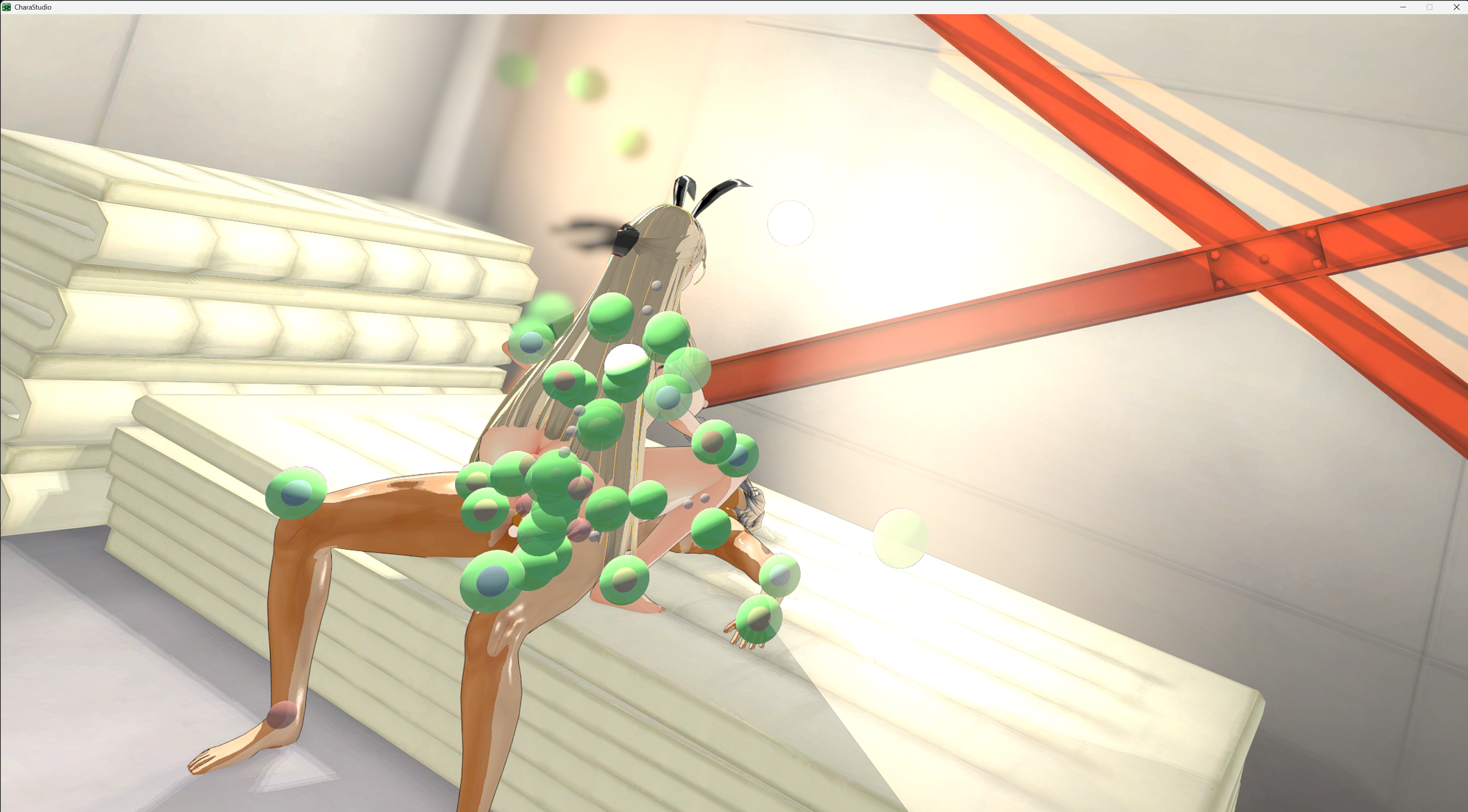
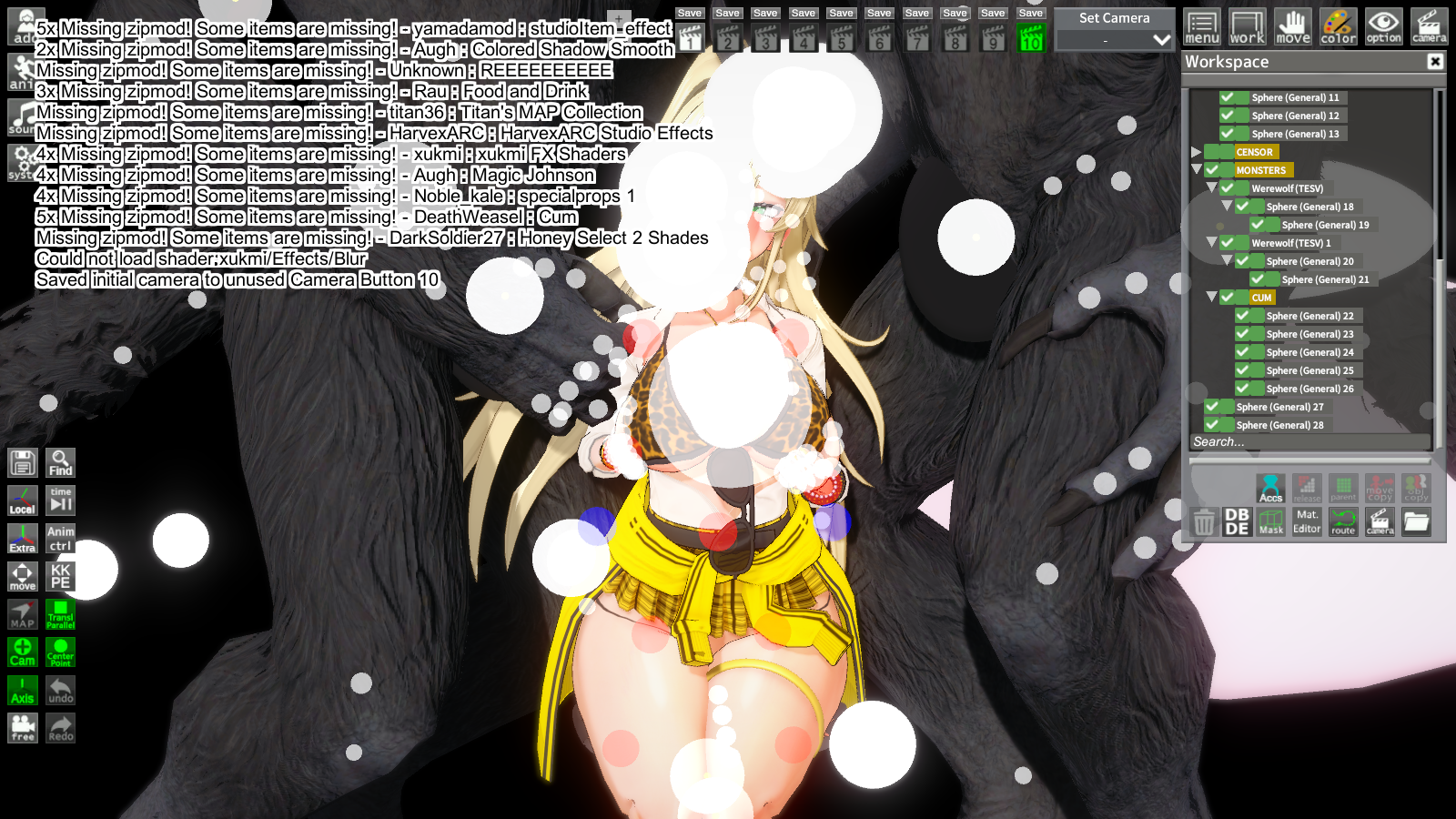
When I play Koikatsu in VR and load scenes, green spheres appear like this. Does anyone know how to remove them?
 
Luchok4515

Luchok4515

Active Member
Joined
Sep 18, 2024
Messages
56
Reaction score
46
Points
18
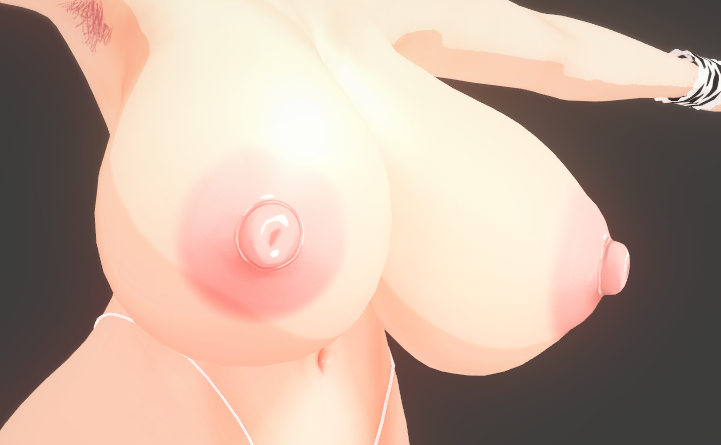
I do not know if anyone has encountered such a thing or how to ask such a question, but why do I hide nipples and areoles on the clothes of a character that they should not hide in? This can be fixed by reloading the character, but is there a way without it? I've been setting up characters for a long time, and I don't want to reset everything through a Reload. I also checked the Current state, it doesn't seem to help there either

 
gustavo40

gustavo40

KK Master
Joined
May 17, 2025
Messages
200
Reaction score
919
Points
93
I do not know if anyone has encountered such a thing or how to ask such a question, but why do I hide nipples and areoles on the clothes of a character that they should not hide in? This can be fixed by reloading the character, but is there a way without it? I've been setting up characters for a long time, and I don't want to reset everything through a Reload. I also checked the Current state, it doesn't seem to help there either

Pushup is probably enabled.
Or the original scene creator changed that option.


D

dumplindsun9

New member
Joined
Aug 16, 2025
Messages
23
Reaction score
2
Points
3
Does anyone have "Boithemeows" scene data?
 
T

turncoat

Active Member
Joined
Nov 13, 2024
Messages
54
Reaction score
32
Points
18
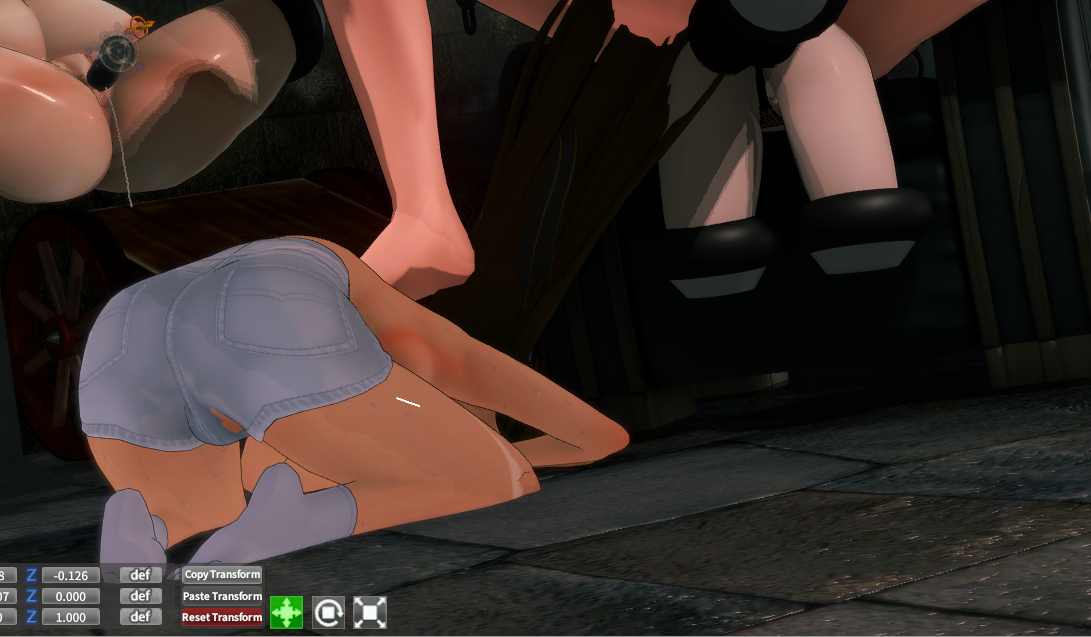
a65wHGf.png

Is the way to fix this only by using Photoshop for the alpha mask ? or is there other way ?
 
Luchok4515

Luchok4515

Active Member
Joined
Sep 18, 2024
Messages
56
Reaction score
46
Points
18
Pushup is probably enabled.
Or the original scene creator changed that option.
Yeah, I've been thinking about that too. But the problem is not only in the nipples, but also in the areoles. Apparently there is no other way than through the nipples and reload. No matter how many times I click Pushup, it doesn't work, and I don't know why. Strange thing :cry:
 
muipoop69love

muipoop69love

Senior Member
Joined
Sep 17, 2024
Messages
152
Reaction score
283
Points
63
How do i get studio to work since it's frozen on this image.
Here's the Error & Output Log.
fkali3.png
 
dactohab

dactohab

Well-known Member
Joined
Oct 12, 2024
Messages
63
Reaction score
111
Points
33
anyone know how to fix white hair ?
 
M

masikc

Active Member
Joined
May 18, 2025
Messages
8
Reaction score
34
Points
13
one of my cards just randomly lost its metadata out of the blue when it was working just fine the other day. when i check the info on the file, it says it hadnt been modified since the last time i made changes to it like a month ago. fortunately had backups of the card, but does anyone know what might have caused this? been using koikatsu for around 4 years and never had this happen to me before
 
A

a3283077039

New member
Joined
Sep 18, 2024
Messages
1
Reaction score
0
Points
1

When I play Koikatsu in VR and load scenes, green spheres appear like this. Does anyone know how to remove them?
https://vr-erogamer.com/archives/389,A temporary solution has been found here,I personally haven't had any problems for a few days。KKCSVRContext.xml,Open with txt format, <PreferredGUI>IMGUI</PreferredGUI> Modify to <uGUI>uGUI</uGUI>。Enter the game and first open 2-3 simple scenes。
 
zeidhan29

zeidhan29

KK Master
Joined
Sep 17, 2025
Messages
295
Reaction score
697
Points
93
How do i get studio to work since it's frozen on this image.
Here's the Error & Output Log.
fkali3.png
Which version of Charastudio are you using? There were similar issues a while back when downloading the entire Conquestus zipmods package, most likely due to several loading errors.

But just in case, if you have access to the Koikatsu! Discord server, use Chika's bot in the help channel and send her your output_log.txt file. She'll almost certainly give you an explanation. I'm pretty sure it's because of those zipmods, but it also depends on the version you have (Is it Koikatsu or Koikatsu Sunshine?).
 
kayamiasako

kayamiasako

KK Master
Joined
Apr 24, 2025
Messages
182
Reaction score
874
Points
93
Which version of Charastudio are you using? There were similar issues a while back when downloading the entire Conquestus zipmods package, most likely due to several loading errors.

But just in case, if you have access to the Koikatsu! Discord server, use Chika's bot in the help channel and send her your output_log.txt file. She'll almost certainly give you an explanation. I'm pretty sure it's because of those zipmods, but it also depends on the version you have (Is it Koikatsu or Koikatsu Sunshine?).
I too had issues with a Conquestus mod that was causing my studio not to load like a month ago. I think it was Furniture 1 or something like that. Sorry I can't remember specifically.
 
kayamiasako

kayamiasako

KK Master
Joined
Apr 24, 2025
Messages
182
Reaction score
874
Points
93
also, why do people use 4k textures on their cards? I thought they couldn't even be rendered.
 
muipoop69love

muipoop69love

Senior Member
Joined
Sep 17, 2024
Messages
152
Reaction score
283
Points
63
Which version of Charastudio are you using? There were similar issues a while back when downloading the entire Conquestus zipmods package, most likely due to several loading errors.

But just in case, if you have access to the Koikatsu! Discord server, use Chika's bot in the help channel and send her your output_log.txt file. She'll almost certainly give you an explanation. I'm pretty sure it's because of those zipmods, but it also depends on the version you have (Is it Koikatsu or Koikatsu Sunshine?).
All fixed the problem was a noble kale zipmod conflicted with another zipmod.
vqaeck.png
 
A

amaoto

Member
Joined
Nov 17, 2024
Messages
23
Reaction score
20
Points
3
Can someone here run the RHL 84 and 85? Camera seems to fuck off to wrong angles and I have no idea on whats causing it. I didnt see any missing mod warnings, though the output log is filled with this

ArgumentNullException: Argument cannot be null.
Parameter name: key
at System.Collections.Generic.Dictionary`2<DynamicBoneCollider, System.Collections.Generic.Dictionary`2<string, object>>.TryGetValue (DynamicBoneCollider,System.Collections.Generic.Dictionary`2<string, object>&) <0x00208>
at Performancer.HookPatch/Hooks/<>c.<DynamicBonesBeforeLateUpdate>b__17_0 (DynamicBoneCollider) <0x00045>
at System.Linq.Enumerable.Any<DynamicBoneCollider> (System.Collections.Generic.IEnumerable`1<DynamicBoneCollider>,System.Func`2<DynamicBoneCollider, bool>) <0x000d5>
at Performancer.HookPatch/Hooks.DynamicBonesBeforeLateUpdate (UnityEngine.MonoBehaviour) <0x00676>
at (wrapper dynamic-method) DynamicBone.DMD<DynamicBone..LateUpdate> (DynamicBone) <0x0001c>

If you can run it fine, mind sending your BepinEx folder?
 
tnk.vera

tnk.vera

KK Master ❤
Joined
Aug 10, 2025
Messages
324
Reaction score
1,722
Points
93
also, why do people use 4k textures on their cards? I thought they couldn't even be rendered.
There's a native limit to overlay resolution, but this can be bypassed with plugins. Textures themselves have never had such a limit if edited through material editor or used in mods and some of the nicer-looking scenes I find here and there will even use 8k or 16k textures for certain clothing/skin/object details.

Course, for what people usually use Koi for, 2K is the practical limit, but yeah.
 
K

kozo69

New member
Joined
Nov 14, 2025
Messages
1
Reaction score
0
Points
1
is it possible to add more than 10 camera presets with keybinds?
 
I

ImtryingAlr

New member
Joined
Sep 13, 2025
Messages
10
Reaction score
4
Points
3

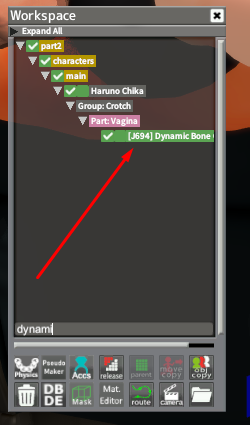
can anybody help with this the hair gets messed up and stretches to a point. Tried to do what the hongcha post say's but i cant a dynamic bone collider on the character i'm replacing. And the chain's are still sticking out of the character's neck in the beginning
 
gustavo40

gustavo40

KK Master
Joined
May 17, 2025
Messages
200
Reaction score
919
Points
93
can anybody help with this the hair gets messed up and stretches to a point. Tried to do what the hongcha post say's but i cant a dynamic bone collider on the character i'm replacing. And the chain's are still sticking out of the character's neck in the beginning
open KKPE

You need to disable this option before switching characters.


chains plugin
 
R

Ramazaki

New member
Joined
Jul 19, 2025
Messages
13
Reaction score
8
Points
3
Hi guys, i extracted this Hayase Nagatoro card from Black Flames scenes but it always turn black the skin and face in game and other scenes, is there any solution for this material editor bug i assume?

 
A

AkBanana47

New member
Joined
Aug 5, 2025
Messages
5
Reaction score
2
Points
3
Use the KKS edited plugins here

Search and delete nHaruka KKUTS from your mods folder, and get this KKUTS.zipmod here and put it in your 'MyMods'.
hello, can you reupload the plugin again? its already expired
 
S

Stigma

KK Master ❤
Joined
Apr 5, 2025
Messages
392
Reaction score
1,239
Points
93
White_Runner

White_Runner

Well-known Member
Joined
Sep 13, 2025
Messages
42
Reaction score
106
Points
33
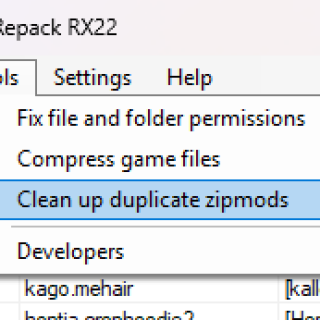
hi, i have a question: how safe and reliable is the “KKManager – Clean up duplicate zipmods” tool?
to be honest, i haven’t checked my mods folder in months. i usually just move all my .zipmods to a new folder in case there’s a conflict, but i’ve never had any issues so far, however, when i ran the cleanup tool in KKManager, it found over 1000 duplicate mods.
is that actually accurate? should i trust KKManager on this?
thanks

yPYRbpg.png

“A computer can never be held accountable, therefore a computer must never make a management decision.” – IBM Training Manual, 1979.
...
Tools are the essence of heaven and earth. Man is the spirit of all living beings.

...
So yes, a computer will never be as good doing a task as a human.
You need supervision, wheter you are using artificial intelligence to code stuff or using algorithms like on your case.

My take would be to do a backup of your mods folder and see what happens just for the lolz~
 
White_Runner

White_Runner

Well-known Member
Joined
Sep 13, 2025
Messages
42
Reaction score
106
Points
33
any idea why this happens?
the animations and some poses in downloaded scenes are broken, they were working fine some days ago, i have no idea what changed, i didnt updated the game in any way

This happens because when you swap some models, something something inside KKPE breaks.
Maybe its the length of the extremities of the new character, maybe it just happens because... because reasons...

I found a solution (im not 100% sure it works for all scenes) when I was... experimenting with my... lore accurate Skirk:
1) Open the KKPE menu.
2) Then, open the Advanced mode Menu inside KKPE.
3) There, click on the IK tab.
FhJlWKS.jpeg


4) Adjust the slider "Fix transforms" until your character limbs look right.
WIVWx6y.jpeg


5) Done!
 
CTMBOTTOMTEXT

CTMBOTTOMTEXT

New member
Joined
Nov 19, 2025
Messages
2
Reaction score
4
Points
3


my ass got banned from koi server but i need answer

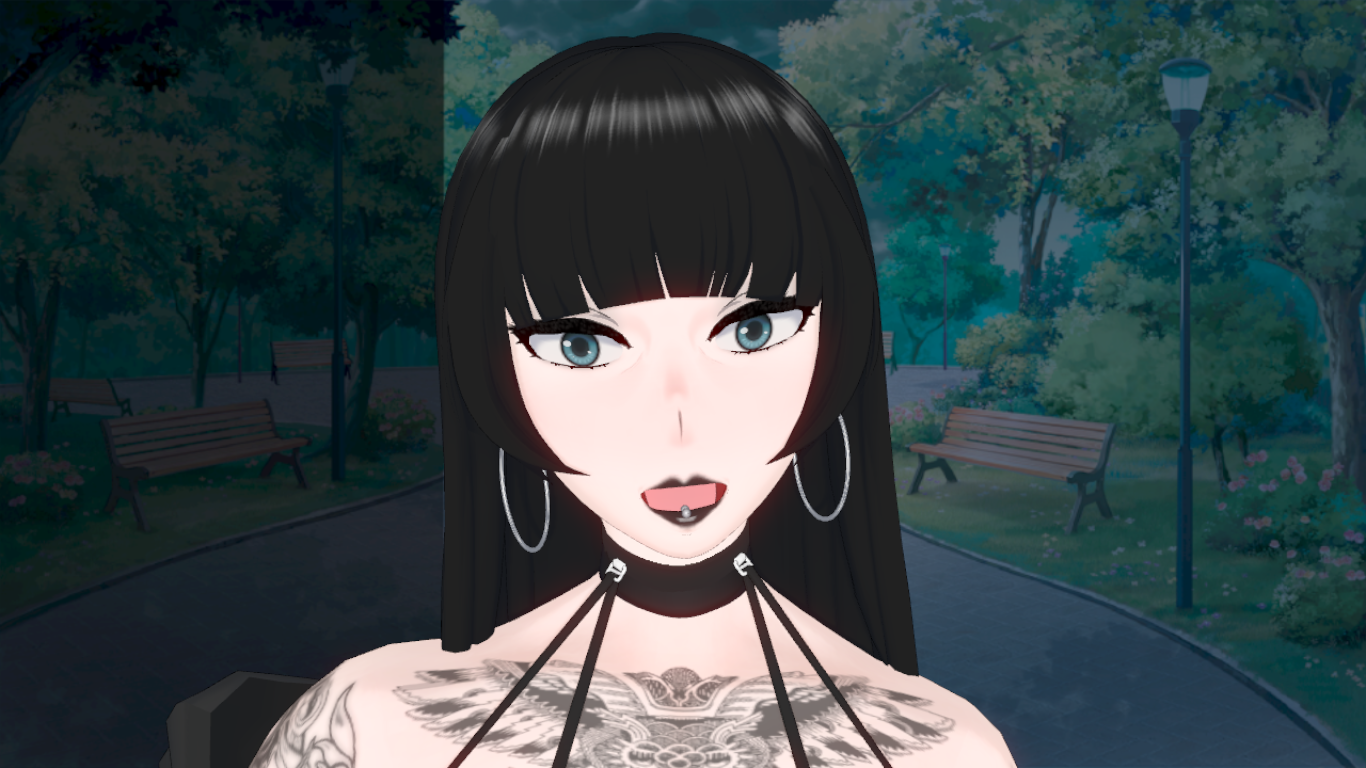
has anyone managed a way to make mouth piercing viable or any fix?
 
zeidhan29

zeidhan29

KK Master
Joined
Sep 17, 2025
Messages
295
Reaction score
697
Points
93


my ass got banned from koi server but i need answer

has anyone managed a way to make mouth piercing viable or any fix?
Why were you banned from there? Are there ways to get banned other than uploading paywalled or illegal content, even if it's Koikatsu?
I understand that even NSFW models aren't prohibited... Well, that's a story for another time.

Anyway, speaking of piercings, I use overlays for both my tongue and lips.
Although I think with a mod like ModBoneImplanter you can add physics to the accessory.

Although I believe there are even clothing/accessories (.zipmods) that fit the mouth bones and react to movement; it would be a matter of searching.
 
V

voodooofox

Member
Joined
Oct 24, 2025
Messages
16
Reaction score
18
Points
3
This happens because when you swap some models, something something inside KKPE breaks.
Maybe its the length of the extremities of the new character, maybe it just happens because... because reasons...

I found a solution (im not 100% sure it works for all scenes) when I was... experimenting with my... lore accurate Skirk:
1) Open the KKPE menu.
2) Then, open the Advanced mode Menu inside KKPE.
3) There, click on the IK tab.
FhJlWKS.jpeg


4) Adjust the slider "Fix transforms" until your character limbs look right.
WIVWx6y.jpeg


5) Done!
thanks for the reply, i actually fixed it with with the mainly marco patch, i couldnt tell what was wrong, since even without changing the characters the scenes were broken, even the still ones, but is working now XD
 
Top