I have run into a similar issue before and unfortunately the only solution I knew of at the time was to do like a fresh install and then slowly add in all the mods in like groups until one group inevitably causes the issue. From that group, you can repeat the same thing until you isolate the mod causing the issue.
I assume you have a large amount of mods so I'd just add half of them in then run the studio to see if it works. If it works, then those mods are cleared so the other half contains the mod that causes the issue so you repeat with that particular group of mods.
Of course the issue here is if multiple mods cause the issue then this method will not work too well. Hopefully someone has a far superior solution than this one cause this one took up some time but if nobody provides another solution, I guess this is one way you can try to fix the issue.
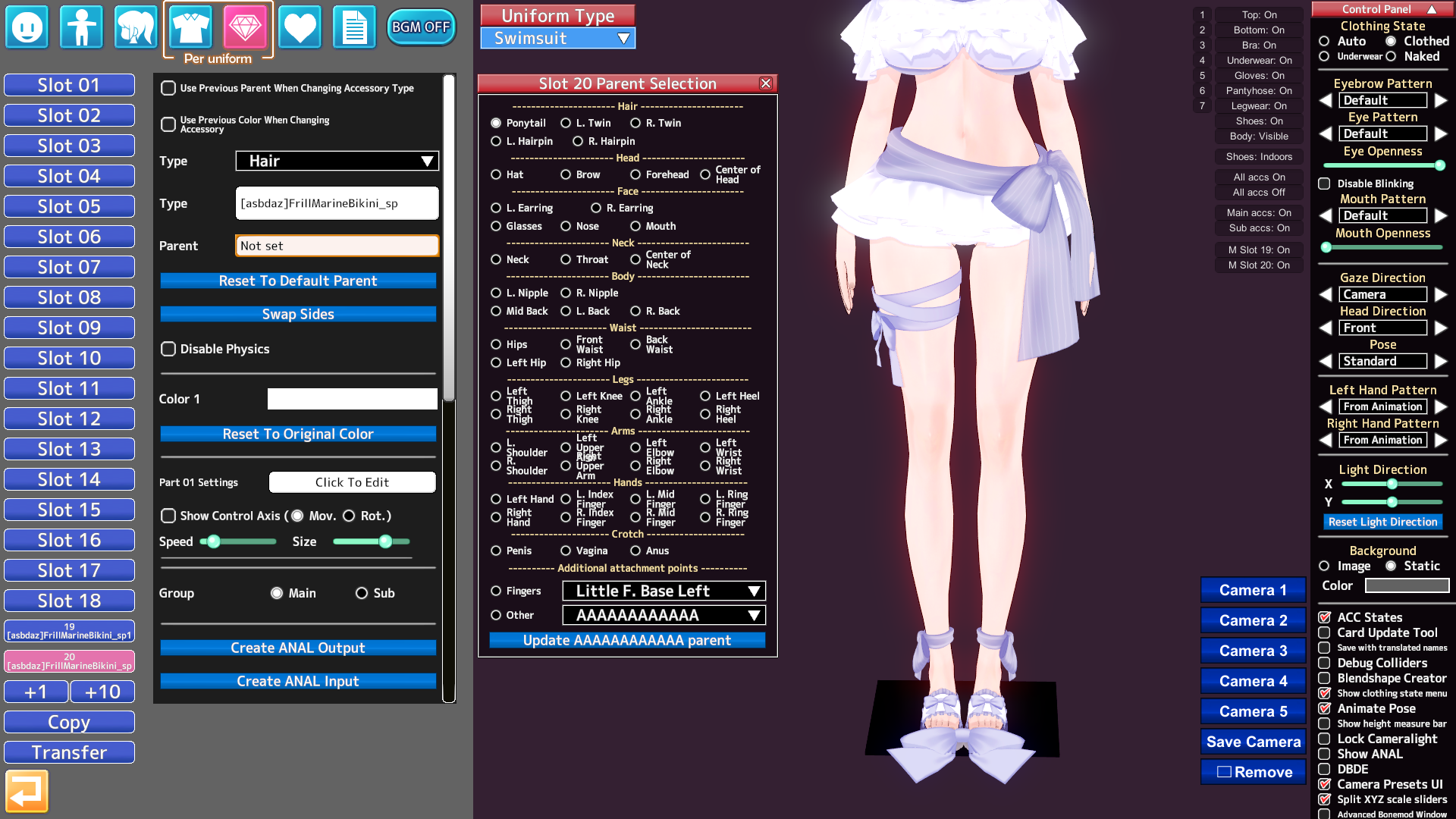
I doubt this will help but when I ran into this issue, these are the mods I eventually found to cause the issue so if you have any of these, maybe try removing those and see if studio runs. I'm also pretty certain its a mod or mods that is causing the issue and not the cards, scenes, and/or coordinates but you can add all those in and not the mods to see if studio runs to make sure.
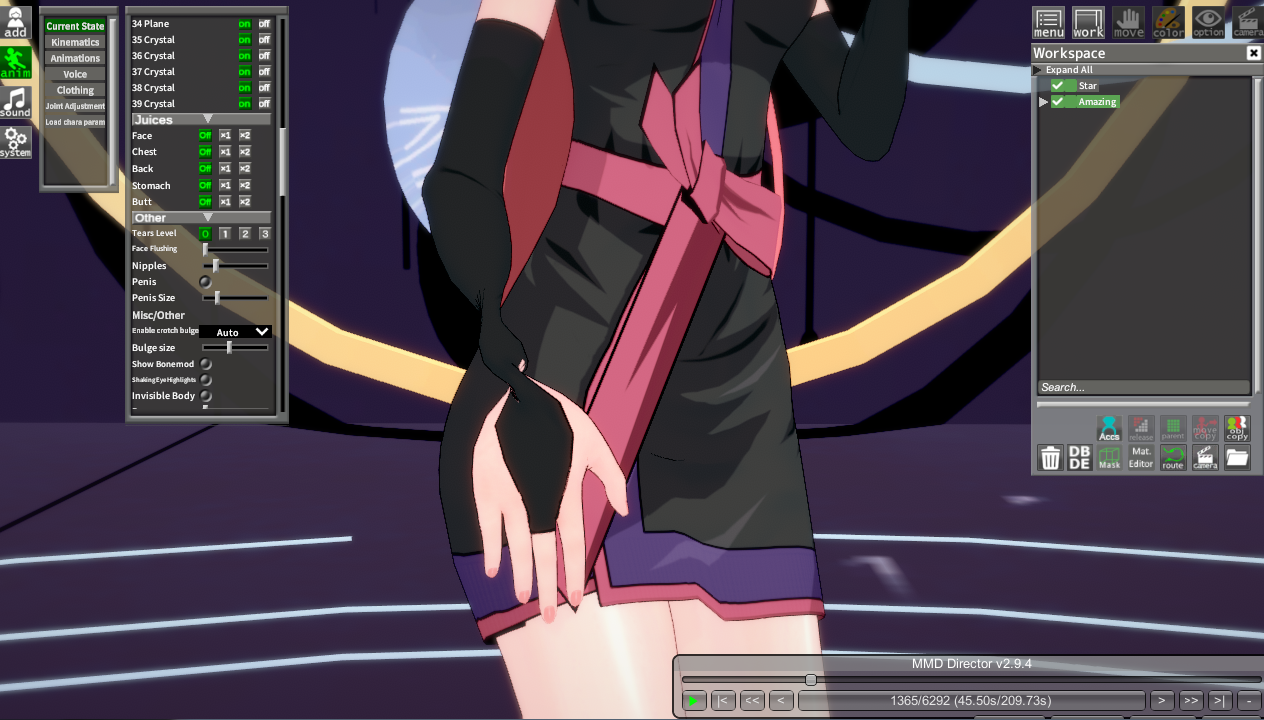
Does anyone know how to fix scene issues after moving from RX19 to RX22? I'm trying to load Ettole’s 2024 scenes, but they're broken This is Part 3 of the scene, covering the timeline from 1:00 to 2:33 Suspecting a plugin conflict, I've already updated HSPlugins and BepisPlugins to their latest versions, but it didn't help Does anyone know a fix for this? Any advice would be helpful
I want to combine X-ray Womb with a penis and store the penis inside the uterus. I heard using blend shapes would allow storage, so I tried various methods, but whether it's an external penis or an internal penis, they just overlap and won't store. What should I do?
I want the outfit from this scene, but it just looks like a screenshot. I think it's because the versions of some mods don't match. Do you know which ones?
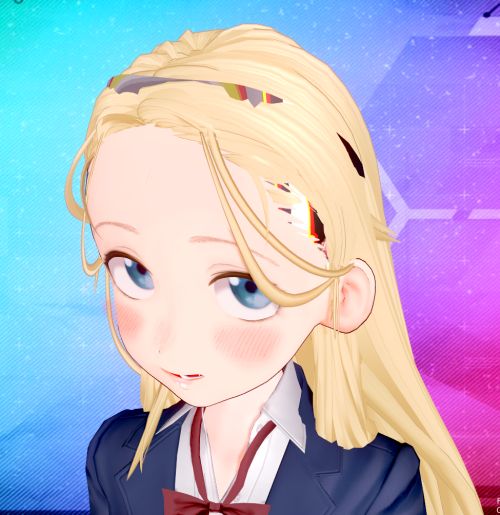
Hi, I have a Shasa card I got from Pixiv last year (I don’t remember who the author is). I only remembered it when I was organizing my cards. The issue is that the hair doesn’t load properly — maybe I’m missing a mod, but the game doesn’t say anything is missing. I hope someone can help me out.
I want to combine X-ray Womb with a penis and store the penis inside the uterus. I heard using blend shapes would allow storage, so I tried various methods, but whether it's an external penis or an internal penis, they just overlap and won't store. What should I do?
Hi. Are the backup links to the cards only available on the Telegram channel? I tried to find this archive there. But number 27873 contains other files (an archive with scenes, not cards), and the link to the gofile Cn3Zbh doesn't find anything at all. Are there any other places where backups are available? Thanks for answer.
Yes, it is normal. And no, there is no way to automatically generate a thumbnail. The best way to do it is to just load up Character Maker and load the card. Then just save with an image so it doesn't look like this.
If you are asking for all the sounds for the moans, I have it. Just a heads up, I cannot possibly filter all of them so you're going to have to go through 70,000 audio files. Unfortunately, the files are not named as you see in-game. The best tip I have for you is to go to the filenames that start with "h_" since that's where majority of what you want will have that as the start of the file. But it's practically all of the audio files in Koikatsu Party so if anyone was looking for the BGM or any of the game's audio files, I'll include it here.
First of all, there is an audio folder folder. You can find it in the abdata folder in the main directory of your Koikatsu Game. HOWEVER, to the normal person, they are completely unusable. Everything is stored in a compressed .unity3d or .resource file that require specific tools to unpack.
The way I did it was I used a tool calledAssetStudio. It basically can extract Unity project files so that it can be usable to anyone. It doesn't work with all files because some have methods to prevent asset stealing, but most unity files should work with asset studio.
In the abdata folder, there's a sounds folder where all the game's files are stored. I selected the sounds folder, and AssetStudio extracted the compressed audio files into .wav files. But since they are no longer compressed, it's the full file size.
You can also just extract it individually or by group by selecting the ones you need only by right clicking and clicking on "Export selected assets". There's also a preview so you can listen to it before extracting.
That's basically what I did to get the audio files of the game.
BUT THAT'S NOT THE ONLY USE CASE
AssetStudio can be used to extract zipmod files!
It extracts the bones, the meshes, shaders, monobehavior, and textures as well. It can all be usable inside Unity then editable from there. I don't know the particulars of editing in Unity yet as I'm still learning it. But generally speaking, once you can get assets from zipmods and Koikatsu, you basically can get infinite assets for Blender, Unity, MMD, etc. from extracting other people's works for infinite asset glitch. Making it work perfectly though is another story.
This is just a Koikatsu use case. Of course, AssetStudio has been used for other Unity projects where you can get the assets of games if you have the direct unencrypted files.
Example Tutorial of Asset Studio for anyone who's interested.
Breaking Changes Many asset fields of array type have been replaced with list type (aka fixed the cause of most memory leaks) (35b2499) New features Added Unity 6 support Added support for Tuanj...
github.com
Link to Download .NET 9.0 in case you don't have it
.NET 9.0 downloads for Linux, macOS, and Windows. .NET is a free, cross-platform, open-source developer platform for building many different types of applications.
dotnet.microsoft.com
Maybe one day there will be more high quality tutorials in the future. Mr. trpotat22's tutorial on GFL2 ports is one of the people who makes high quality works with a tutorial on how to do it. So with just enough time, people can port other 3D assets from games. Or editing zipmods of dead creators just to fix them.
If I was good enough at this, I could be porting that Sounds of Earth that no one has yet since Umamusume gives their 3D models as well.