[ILLUSION] Koikatu! - Questions & General Discussion Thread

M

MorumoMerry

Veteran Member
Joined
Apr 6, 2025
Messages
78
Reaction score
365
Points
53
Credits
3,990
5BI8za0.png

I want to gather the fabric like this Ganyu outfit.
Can you share a texture that gathers the fabric at the cleavage when the top is half-unbuttoned?
 
M

MorumoMerry

Veteran Member
Joined
Apr 6, 2025
Messages
78
Reaction score
365
Points
53
Credits
3,990
The issue where parts of the character stretch out is caused by the “Dynamic Bone Collider.”
The issue where the character's body bends awkwardly can usually be fixed by using the “T-pose.”
Check this thread for instructions.
 
A

AKllcise

New member
Joined
Mar 26, 2026
Messages
4
Reaction score
1
Points
3
Credits
15
The issue where parts of the character stretch out is caused by the “Dynamic Bone Collider.”
The issue where the character's body bends awkwardly can usually be fixed by using the “T-pose.”
Check this thread for instructions.
thanks,i will try when i get back tonight.
could you do me another favor.some card ,the wedding ring mod missing,named rsly_itme 5,but i cant found in the net
 
M

MorumoMerry

Veteran Member
Joined
Apr 6, 2025
Messages
78
Reaction score
365
Points
53
Credits
3,990
thanks,i will try when i get back tonight.
could you do me another favor.some card ,the wedding ring mod missing,named rsly_itme 5,but i cant found in the net
Is that really the name?
I'll look it up, so go ahead and lay out the cards.
 
A

AKllcise

New member
Joined
Mar 26, 2026
Messages
4
Reaction score
1
Points
3
Credits
15
Is that really the name?
I'll look it up, so go ahead and lay out the cards.
card name Akiko,creator is asgf
actually, after importing many character cards, the wedding ring turns into a bracelet. when opening the character editor, it turns out that the accessory is named rsly_itme 5
card is here
 
Last edited:
M

MorumoMerry

Veteran Member
Joined
Apr 6, 2025
Messages
78
Reaction score
365
Points
53
Credits
3,990
card name Akiko,creator is asgf
actually, after importing many character cards, the wedding ring turns into a bracelet. when opening the character editor, it turns out that the accessory is named rsly_itme 5
card is here https://files.catbox.moe/1p1kev.png
I’m not entirely sure, but
at least it’s not a mod.
It’s an accessory that was originally in Koikatsu, so maybe its ID got messed up because of some other mod?

Also, the ring was set in accessory slot 35.
 
A

AKllcise

New member
Joined
Mar 26, 2026
Messages
4
Reaction score
1
Points
3
Credits
15
I’m not entirely sure, but
at least it’s not a mod.
It’s an accessory that was originally in Koikatsu, so maybe its ID got messed up because of some other mod?

Also, the ring was set in accessory slot 35.
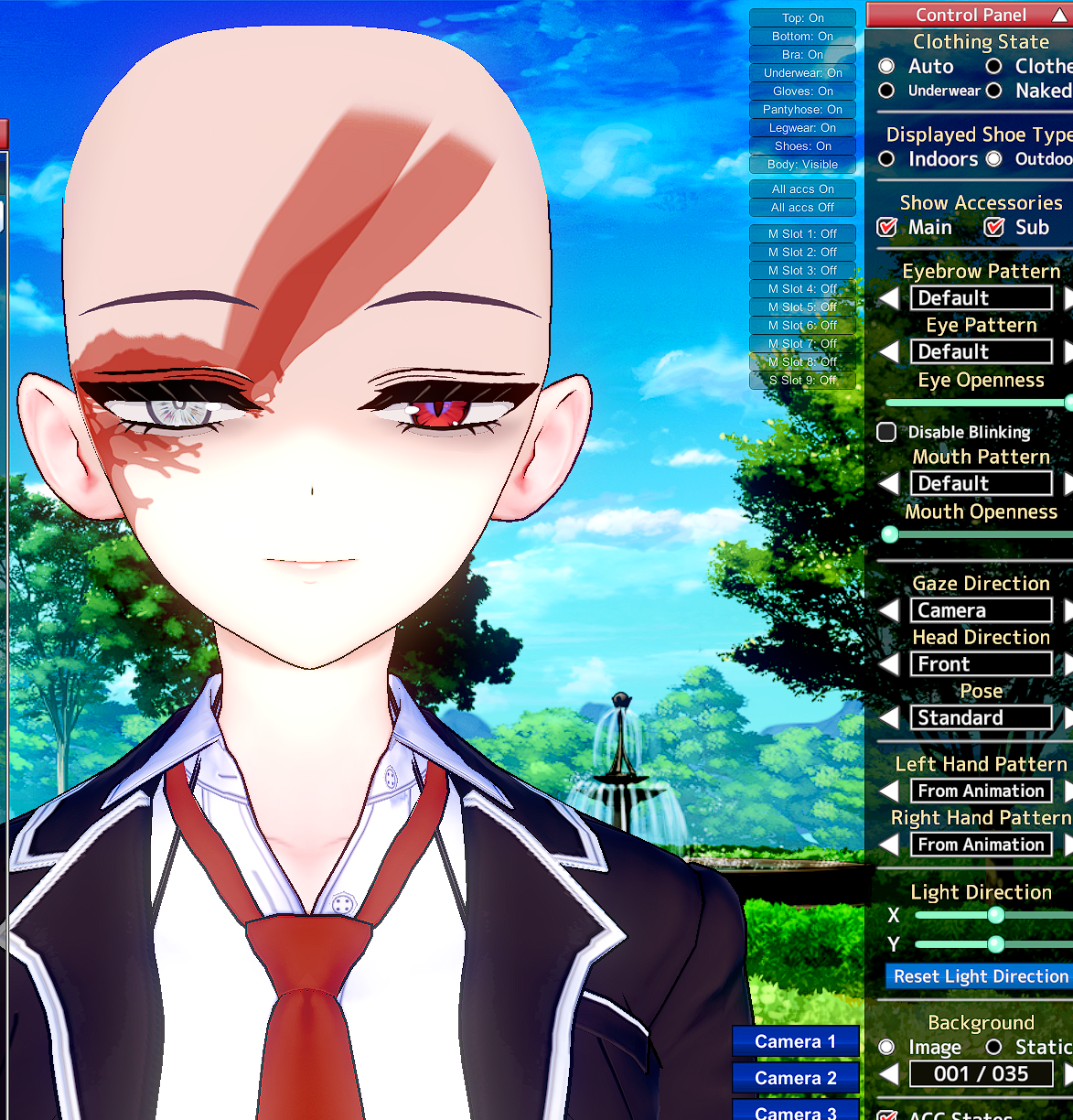
I will have to find another way to fix it
anyway, thank you
 
HllRzer

HllRzer

Well-known Member
Joined
Sep 8, 2025
Messages
29
Reaction score
84
Points
13
Credits
1,130
Can someone help me with downgrading coordinates? I found post in the previous thread but it somehow didn't work. Not sure if i'm doing it wrong, I opened ME, exported the maintex, resized it with krita, then i import it back, then save the coordinate. However, instead of shrinking, the size of coordinate becomes larger.

yes,the size of grafko's coordinate are quite big, which make the game laggy
Which coordinate are you using?

Some outfit sets may use the same textures on different pieces, so make sure to replace every instance of the original textures (on every piece and in every outfit slot) or you'll just wind up adding to the texture pool. A quick way to make bulk edits to coordinates:
1. Get the latest ME, if you don't already have it (backup your BepInEx folder)
2. Load the target coordinate onto a card with no ME textures, such as a default card (makes the next step easier)
3. Save the character with the 'local textures' button selected.
4. The textures are saved to "_LocalTextures" in your "MaterialEditor" folder. Make your desired edits (DO NOT CHANGE THE FILENAMES).
5. Load the character coordinate you saved in step 3. This will load the edited textures. Save the outfit coordinate.

I have a problem with the Eye Overlays. Everytime when I change outfits or just leave the chara creator, the old Eye Overlay, of the card I used as a template, came back. How do you prevent this?
Did you remove the maintex under cf_m_hitomi_00?
 
Last edited:
MioNTR

MioNTR

Senior Member
Joined
Aug 26, 2024
Messages
185
Reaction score
243
Points
43
Credits
2,875
Hey can I copy some animation from a scene in studio and paste it into another scene because I want to try to make certain scenes with characters I
 
M

MorumoMerry

Veteran Member
Joined
Apr 6, 2025
Messages
78
Reaction score
365
Points
53
Credits
3,990
Anyone got any ideas?
There are several ways to adjust oral scenes.
These include adjusting individual positions or locking nodes,
and there’s also a method that involves adjusting the character’s size.

The safest approach is probably to adjust the character’s size.
 
Anirft555

Anirft555

New member
Joined
Feb 15, 2026
Messages
2
Reaction score
0
Points
1
Credits
70
Hi499iI.png

Video
Can anyone help me with this?
I got this vignette around my screen and the whole scene just not be able to load
 
Last edited:
L

lindynasty71

Member
Joined
May 8, 2025
Messages
48
Reaction score
23
Points
8
Credits
260
wDrKt1G.png


For some reason, I am unable to remove these dark spots from the characters body. It is not an overlay, and its not from their body type. Not sure where to go at this point but id like them removed.


here is the card if you want to tamper with it.
 
L

lindynasty71

Member
Joined
May 8, 2025
Messages
48
Reaction score
23
Points
8
Credits
260
In the studio, in some scenes the dick does not ever work correctly, and instead of doing its animation it will go back and forth phasing through skin. It happens especially so when I change characters
If you need a video to see what im talking about let me know. Basically it just bends inward towards the user, and gets deformed. I am on the latest betterepack with latest hf patch.
LXB9pe7.jpeg
 
M

MorumoMerry

Veteran Member
Joined
Apr 6, 2025
Messages
78
Reaction score
365
Points
53
Credits
3,990
wDrKt1G.png


For some reason, I am unable to remove these dark spots from the characters body. It is not an overlay, and its not from their body type. Not sure where to go at this point but id like them removed.


here is the card if you want to tamper with it.
I'm not sure exactly what you mean by “dark spots,” but if you're referring to muscle shadows, you can adjust the body's texture intensity.

If you really can't fix it, why not just import the body from another character?
 
D

Dogo

New member
Joined
Sep 28, 2025
Messages
29
Reaction score
8
Points
3
Credits
220
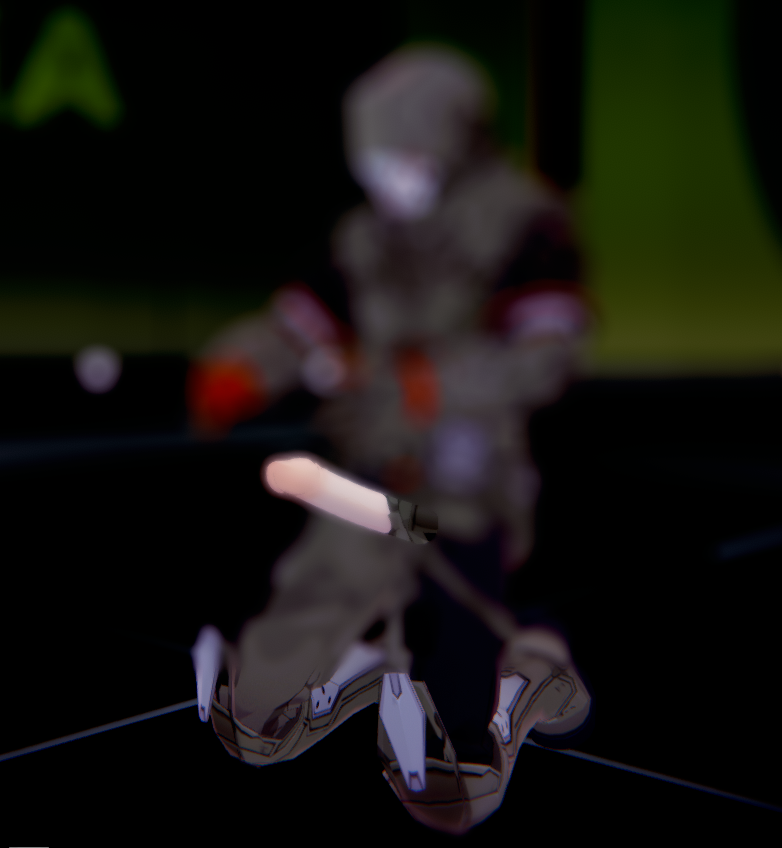
hello, please help, my studio and my game appear blurred, i dont know whats causing this
i already tried disabling all camera modifiers in the scene effects menu but it doesnt work, i think it might be something with my plugins, since it also affects the character maker in the game. this is KK sunshine btw. Any suggestions?

edit: i will try updating my mods to see if it fixes things. (it didnt fix it)
 
Last edited:
M

MorumoMerry

Veteran Member
Joined
Apr 6, 2025
Messages
78
Reaction score
365
Points
53
Credits
3,990
hello, please help, my studio and my game appear blurred, i dont know whats causing this
i already tried disabling all camera modifiers in the scene effects menu but it doesnt work, i think it might be something with my plugins, since it also affects the character maker in the game. this is KK sunshine btw. Any suggestions?

edit: i will try updating my mods to see if it fixes things. (it didnt fix it)
Does the view change when I move the character?
Isn't “depth of field bokeh” set as an item?
Or is it something like PostProcessingEffects?
 
D

Dogo

New member
Joined
Sep 28, 2025
Messages
29
Reaction score
8
Points
3
Credits
220
Does the view change when I move the character?
Isn't “depth of field bokeh” set as an item?
Or is it something like PostProcessingEffects?
the scene changes blur depending on how far the camera is to the character, but its nearly always broken, i also dont know what “depth of field bokeh” is, ive never used such an item in the game. I suspect it might have something to do with post processing effects
edit: thank you for your idea on the post processing effects thing. Because of it i've found the issue. i just looked for post processing in the mods menu (f1) and found a toggle for Depth of field under the KKS_Post_Processing_Effects mod, it was enabled so i disabled it and it seems to have solved my problem. i really dont know how that thing turned on beforehand. Regardless, thank you for your help
 
Last edited:
I

izu914modder

Joined
Apr 15, 2025
Messages
7
Reaction score
-7
Points
1
Credits
200
yonkairei

yonkairei

Veteran Member
Joined
Nov 1, 2024
Messages
202
Reaction score
471
Points
63
Credits
5,050
someone tried to compress gamefiles via kkmanager? anyone had issues after that? cuz the game is getting larger n larger for me...
 
Top
これは閲覧専用の自動翻訳ページです。質問や返信を行う場合は、オリジナルの英語版サイトへ移動してください。 英語版で開く (Open in English) ×