
ZzZDARKERZzZ
Senior Member
Here.Where can I find the zzz player boy zipmod?

Gofile - Cloud Storage Made Simple
Secure, fast and free cloud storage solution. Upload and share files instantly.
 gofile.io
Here.Where can I find the zzz player boy zipmod?
gofile.io 
suckers actully paying this amount of money for this cards? what the hell ppl are crazyI heard from my friend
You have to $30 to get character card with only hair, if you want it full with clothes +$69
total $99 for 1 Character card
that not all, if it's your first time subscription
you have to pay $99 first and you will get the card after you give him a trust one month
but after this card https://www.pixiv.net/artworks/106836927
$69 you will get only hair, $168 for full clothes and mod
I think this is why it's so hard for his card to be leak
Danke👍Here.
Gofile - Cloud Storage Made Simple
Secure, fast and free cloud storage solution. Upload and share files instantly.
bumpDoes anybody have this card?

[R-18][September2024] Akemi Kujou
September 2024 Monthly card for Patreon and Subscribestar release tonight. -> Send message to me after new joined or rejoined subscriber Stawww.pixiv.net
who's scene is this ?does anyone has this fluid mod or know how to select this in studio? I wont find it anywhere.

help on how to attach this fluid on character properly would be appreciate it, parenting wont do the work
 www.pixiv.net
Characters can be extracted as objects to blender where you can play around with them. It was called object exporter plugin (maybe ?) You should ask around in official discord. Chara Studio has an Animations folder which can be filled with mods too. So maybe you can create your animations and import them with your own custom mod. But it'll be impossible to do touch-ups/minor fixes in chara studio with that approach.Damn I hadn't actually thought of that, but that's an example of the "jank" I was referring to, lol. Like yes, it will work, but I'm coming from a background of hobbyist animation and there's just a lot of weird tricks to making things work in KK Studio.
You got me wondering though, is there a way to export actual character IK rigs? I wonder if you could animate in Blender using the same rigs the game would use, and import the animation as timeline data into the Studio? This would functionally allow the best of both worlds: intuitive animation creation, with the swiftness of viewing it in KK.

Isekai might have it soon™


Yes Kaos does the mega daily and no Isekai doesn’t have it.Isekai might have it soon™
also does Kaos delete and reups the archives daily?



Hey, for what it's worth I'm not at all knocking the Studio. I actually find it very impressive seeing the kinds of animations things people have been able to make with it. Considering Illusion never intended it to have this much control, it's impressive what plug-ins and mods allow people to do in such a limited software environment.Characters can be extracted as objects to blender where you can play around with them. It was called object exporter plugin (maybe ?) You should ask around in official discord. Chara Studio has an Animations folder which can be filled with mods too. So maybe you can create your animations and import them with your own custom mod. But it'll be impossible to do touch-ups/minor fixes in chara studio with that approach.
Meanwhile, I'll keep janking it in Chara Studio bcz I couldn't be bothered with industry-grade software
. For example, last night I was trying to adjust the LookTarget of a character with keyframes already on LookTarget. It was a bit too far above the character so the irises were completely invisible.
I remember an idiot posting his MEGA folder on Bepis, along with cards he hadn't even announced, after that Kaos changes links frequently.
hi do u by any change have fixed head mod..?Zani by Lo_R/OoOoO: https://gofile.io/d/a1fnnf
I remember an idiot posting his MEGA folder on Bepis, along with cards he hadn't even announced, after that Kaos changes links frequently.
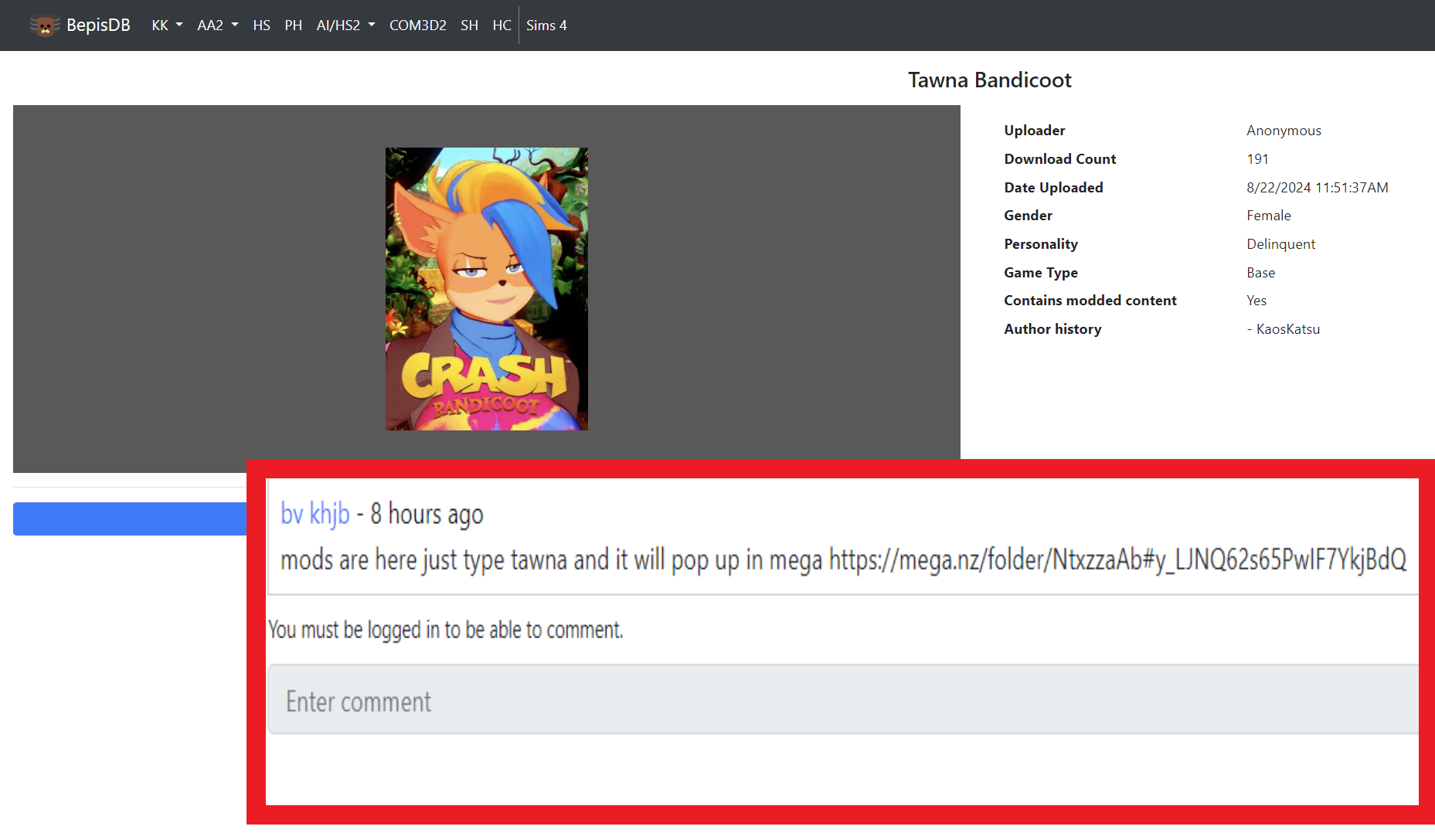

 www.pixiv.net
Both can be gotten from the Koikatsu Discord, but I'll provide them.I have been trying to search for these 2 mods since forever if anyone would happen to have them or know where to acquire them please lmk.
thx really appreciate it.Both can be gotten from the Koikatsu Discord, but I'll provide them.
https://files.catbox.moe/qdwoof.zipmod (pupils)

I just tested the updated links from Isekai and they are free from corruption. Give it another try.Does anyone here have a collection of the Format Max scenes?
I have tried Isekai, but every time I try to download from there, always the Rar has corrupted files, it always happens with large files hosted directly there, a friend has the same problem every time he downloads from there.Format_Maxのイラスト
I made Koikatsu Animation base on characters I choose. I learn by trial and error, Therefore making my scene messup. The characters in my sc

After downloading the file, have you tried to "unzip"?I just tested the updated links from Isekai and they are free from corruption. Give it another try.
bumpDoes anybody have this card?
[R-18][September2024] Akemi Kujou
September 2024 Monthly card for Patreon and Subscribestar release tonight. -> Send message to me after new joined or rejoined subscriber Sta
It seem "Format_Max Up to # 40.rar" this file, right? it's corrupted.After downloading the file, have you tried to "unzip"?
Bcs that's where the problem is, I downloaded the file about 4 or 5 times and all 5 times I got an error when unzipping it!
gofile.io bumphttps://secundus.gumroad.com/l/qfyhh?layout=profile
anyone got 5896 zipmod for this card it. the mod for it ain't in isekai express
Yup! I have encountered that issue issue before so I unzip everything to be certain.After downloading the file, have you tried to "unzip"?
Bcs that's where the problem is, I downloaded the file about 4 or 5 times and all 5 times I got an error when unzipping it!
So, maybe it was repaired (although I doubt it).It seem "Format_Max Up to # 40.rar" this file, right? it's corrupted.
I try winrar, 7zip, bandizip and peazip
every softwares give me crc error
I redownloaded again, this time no problem
so I reupload to gofile if anyone got the same error
Gofile - Cloud Storage Made Simple
Secure, fast and free cloud storage solution. Upload and share files instantly.
It is what I say, this problem is not new, but it is seen more in large files...Yup! I have encountered that issue issue before so I unzip everything to be certain.





