Eixa
Veteran Member
Can you send me the card, Ill try to fix it.

Gofile - Cloud Storage Made Simple
Secure, fast and free cloud storage solution. Upload and share files instantly.
 gofile.io
Can you send me the card, Ill try to fix it.
gofile.io 
Card was corrupted, probably a download issue.Gofile - Cloud Storage Made Simple
Secure, fast and free cloud storage solution. Upload and share files instantly.



 www.pixiv.net
I'll redownload and see.Card was corrupted, probably a download issue.
Card its free, so download it again and replace it to fix it as I did here:
Link to card:
[R-18][Card] Shiina Chieri - Baka d...
[Update] Shiina Chieri (Chi-chan) from Baka dakedo Chinchin Shaburu no dake wa Jouzu na Chi-chan -----------------------------------------13.65 MB file on MEGA
mega.nz


sorry but, im quite new on this matter, is it like error log or output log?The information you provided is too limited to determine if it's a hardware issue.
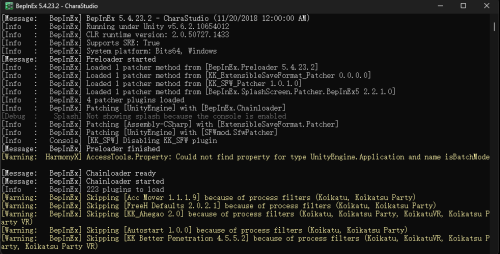
If it's a software issue, please provide the BepInEx console messages to see where the error is occurring.
Otherwise, it's difficult to determine the problem.

can tell me what mod and where I can get it?
gofile.io sorry but, im quite new on this matter, is it like error log or output log?

I finally compromised by using binding.Aaaah, thats BP "better penetration". Its a pain to fix since every character has different bones.
You should start by watching some tutorials on it.
Like this one:
Or this one:
gofile.io Gofile - Cloud Storage Made Simple
Secure, fast and free cloud storage solution. Upload and share files instantly.
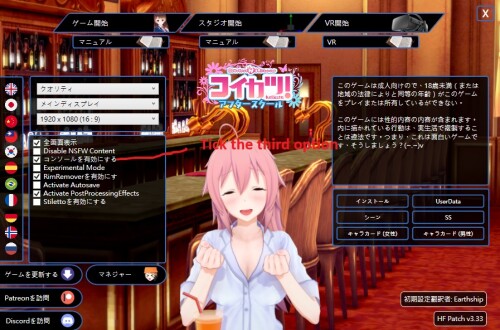
Open InitSetting.exe
Tick the third option.
After opening the game, you can see the console in the desktop taskbar.
You can also open output_log.txt directly.
But there is no color coding. I find it difficult to read.
I finally compromised by using binding.
Gofile - Cloud Storage Made Simple
Secure, fast and free cloud storage solution. Upload and share files instantly.

I also meet that question today.Ok, first of all, thank you, I did not realize that I had SO MANY duplicates in my folder. Thats what you get if you just collecting without sorting them out. Anyway, nothing worked, however what I did was removing the entire Sideloader Modpack, and It worked. Because in my mind, many mods that was in there I already had long enough and the Studio worked fine just recently, so it could not be the problem that they are just large files. So It should be mod, that I somehow forgot that I added, is causing the problem. I guess searching this one mod is my job now.
Thanks to you, tnk.vera gustavo40
Edit: found it, it was [GaryuX]Nero Claudius modv2.zipmod. I do not why, and honestly, I do not care.
Probably your male character switched to some BP uncensor but uses external penis. choose male char and select mosaic penis in anim->current stateMy question might not be very precise. I'm trying to figure out how to fix the bending of a male character's penis during penetration.
I've tried several times to figure this out but haven't been able to. So, here I am asking.
Have you ever merged two different BepInEx folders and overwrote them?
is it like this? the game is still running tho, like when i click the ui or even load a character and the game is still on but the screen just freezing (i know it by the sound)
gofile.io No. The original scene did not use an external penis. It used BP SOS.Probably your male character switched to some BP uncensor but uses external penis. choose male char and select mosaic penis in anim->current state

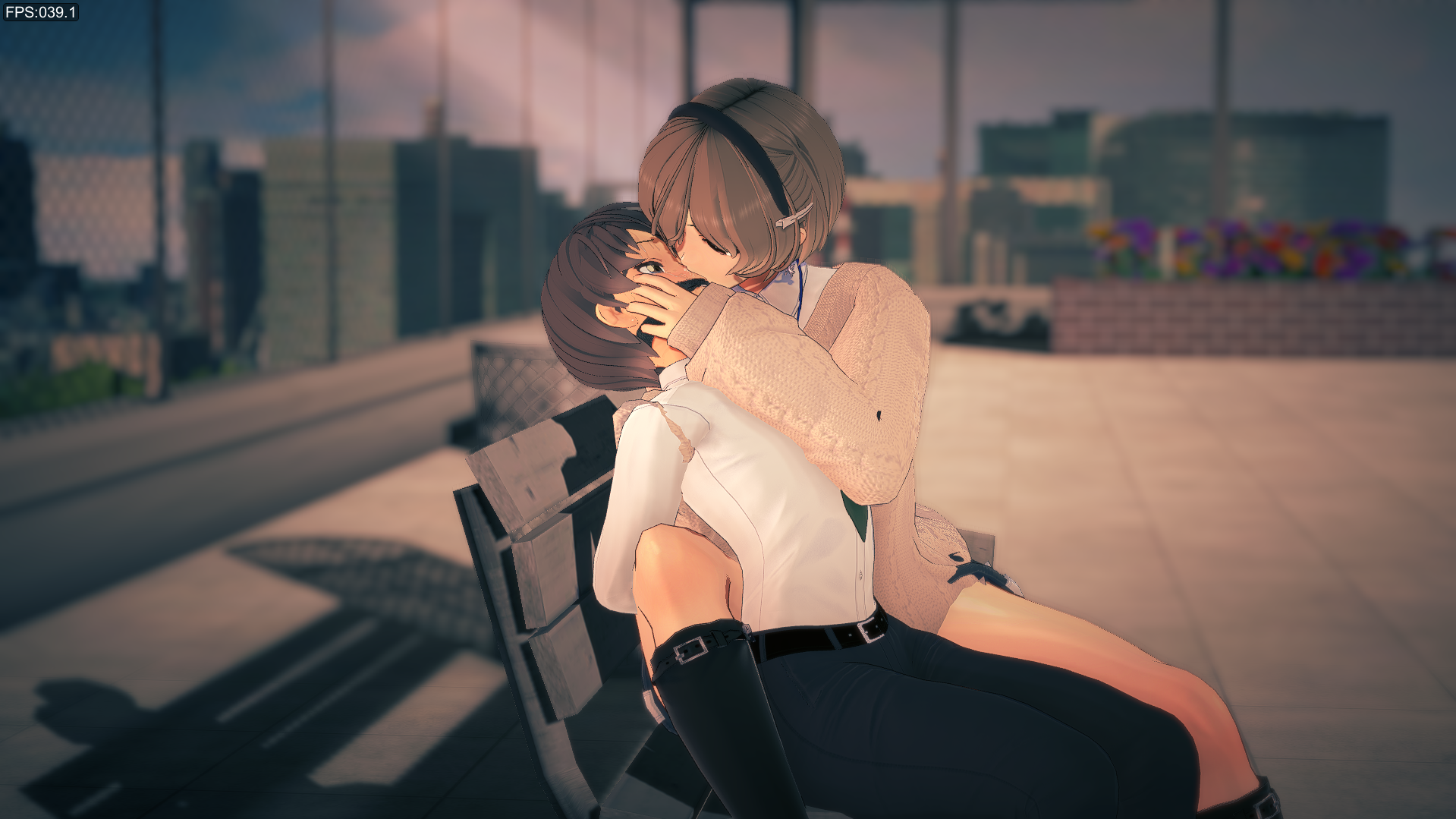
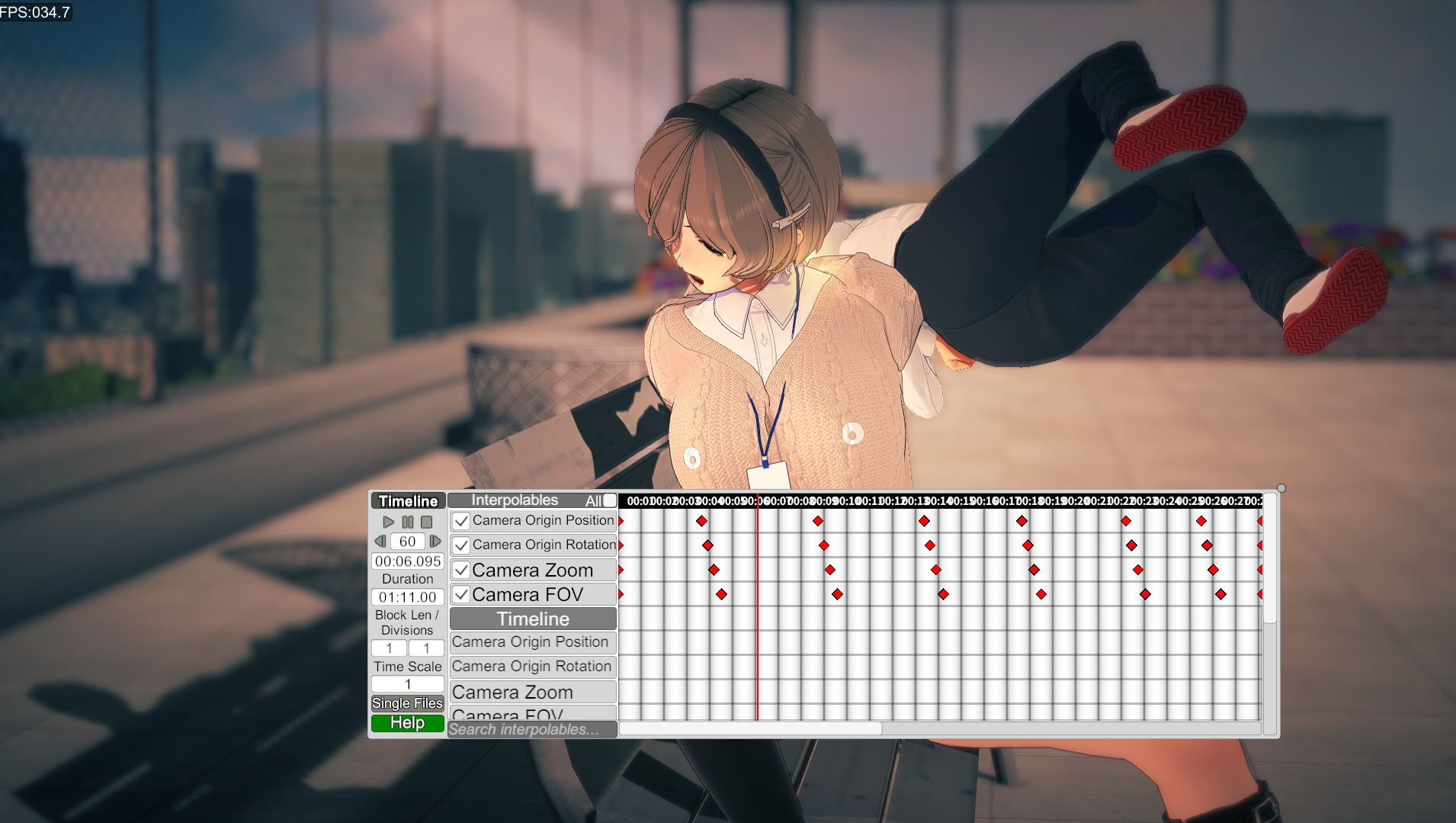
that bepinex make the game not respondingHave you ever merged two different BepInEx folders and overwrote them?
First, try backing up the original BepInEx or temporarily moving it to another location.Or temporarily change any name.
Try this BepInEx
Or try using the original RX22 BepInEx.Gofile - Cloud Storage Made Simple
Secure, fast and free cloud storage solution. Upload and share files instantly.
Had the same with Bazzet, he just updated some of his mods:So i've tried running some SkyArcadia scenes but for some reason when i start the timeline it just freezes
It used to work somewhat before, sometimes they'd stay in the base position without moving, but most of the time they'd completely deform like this
Does anyone know what's happening and how to fix it?

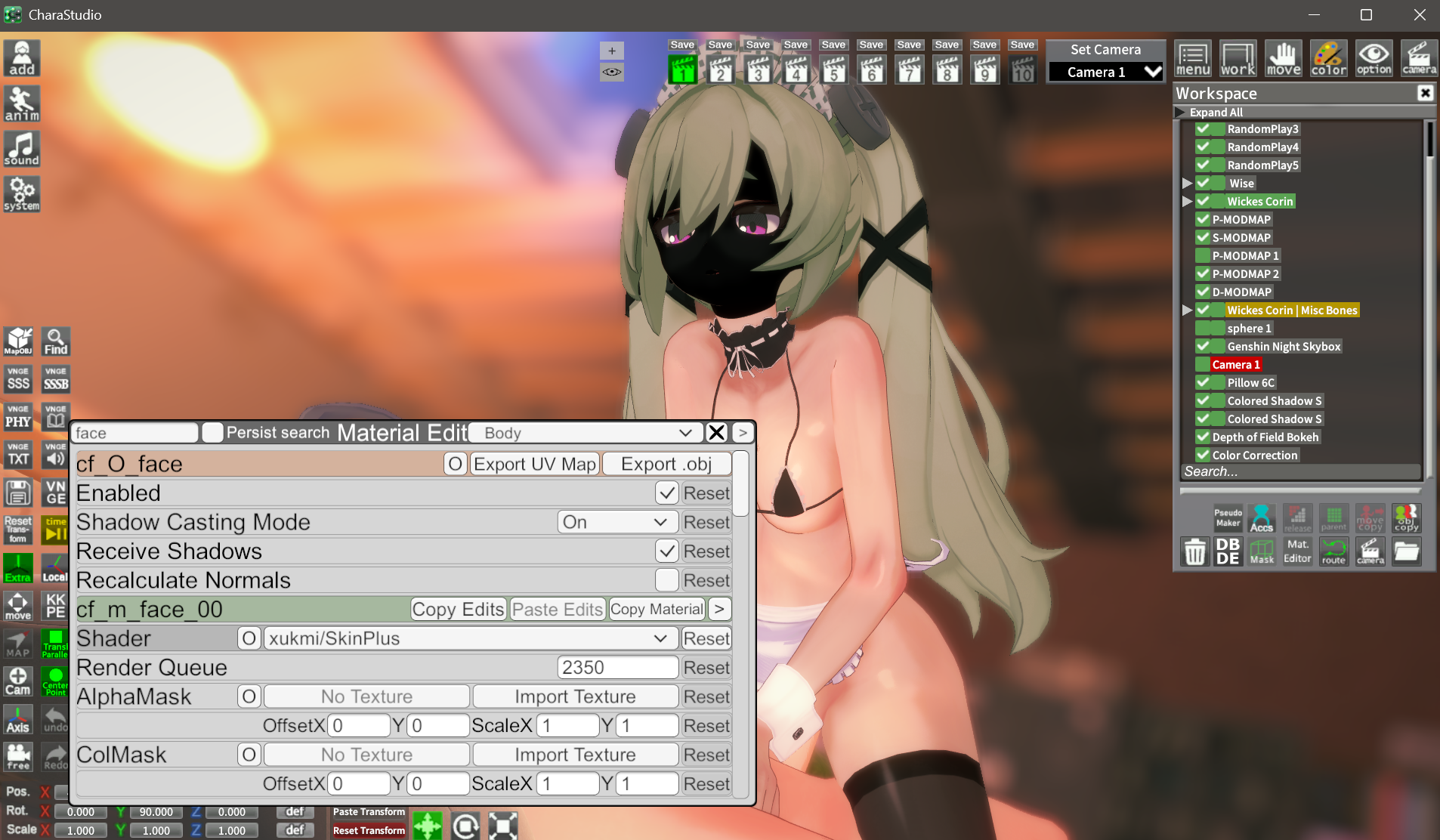


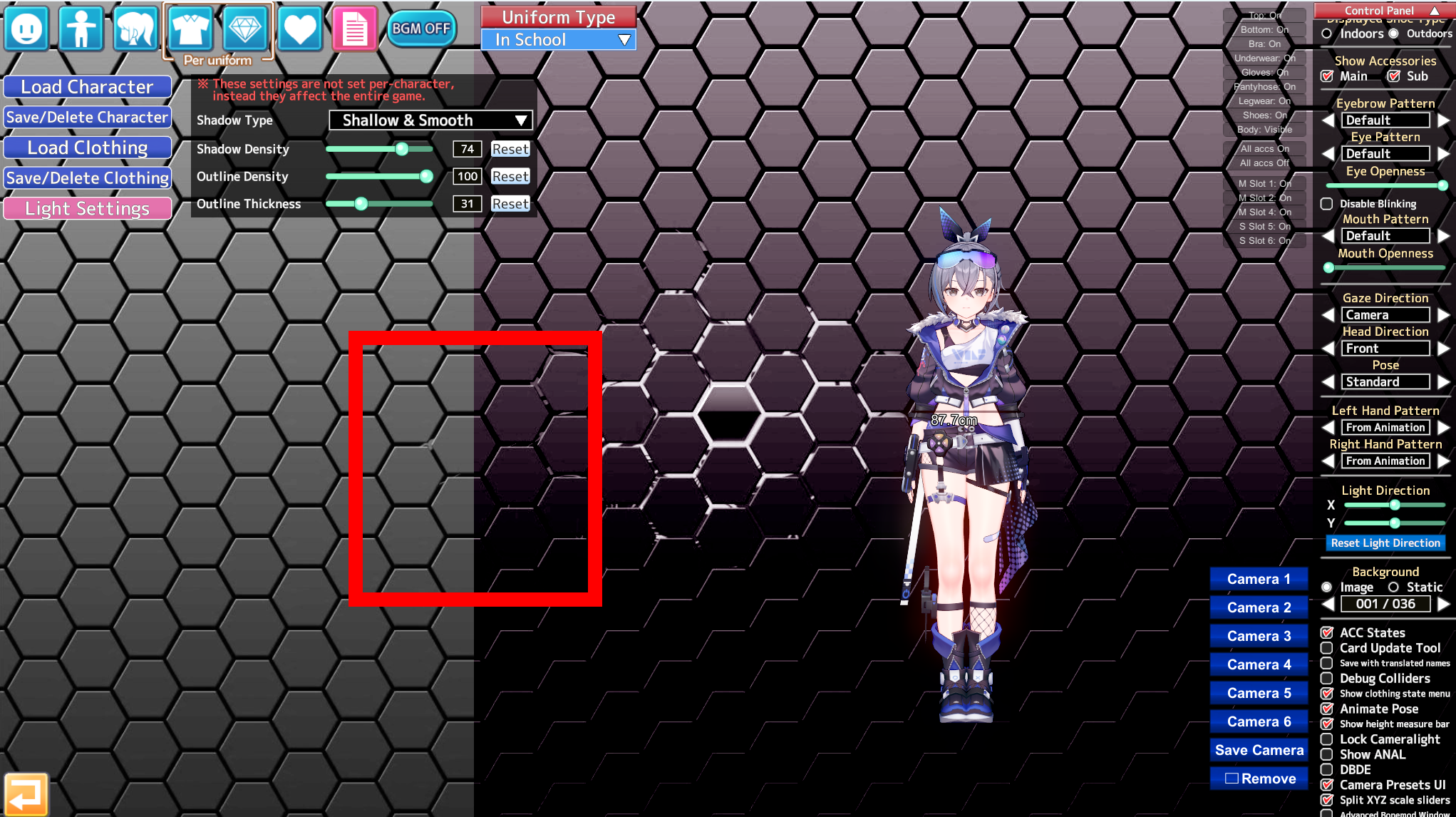

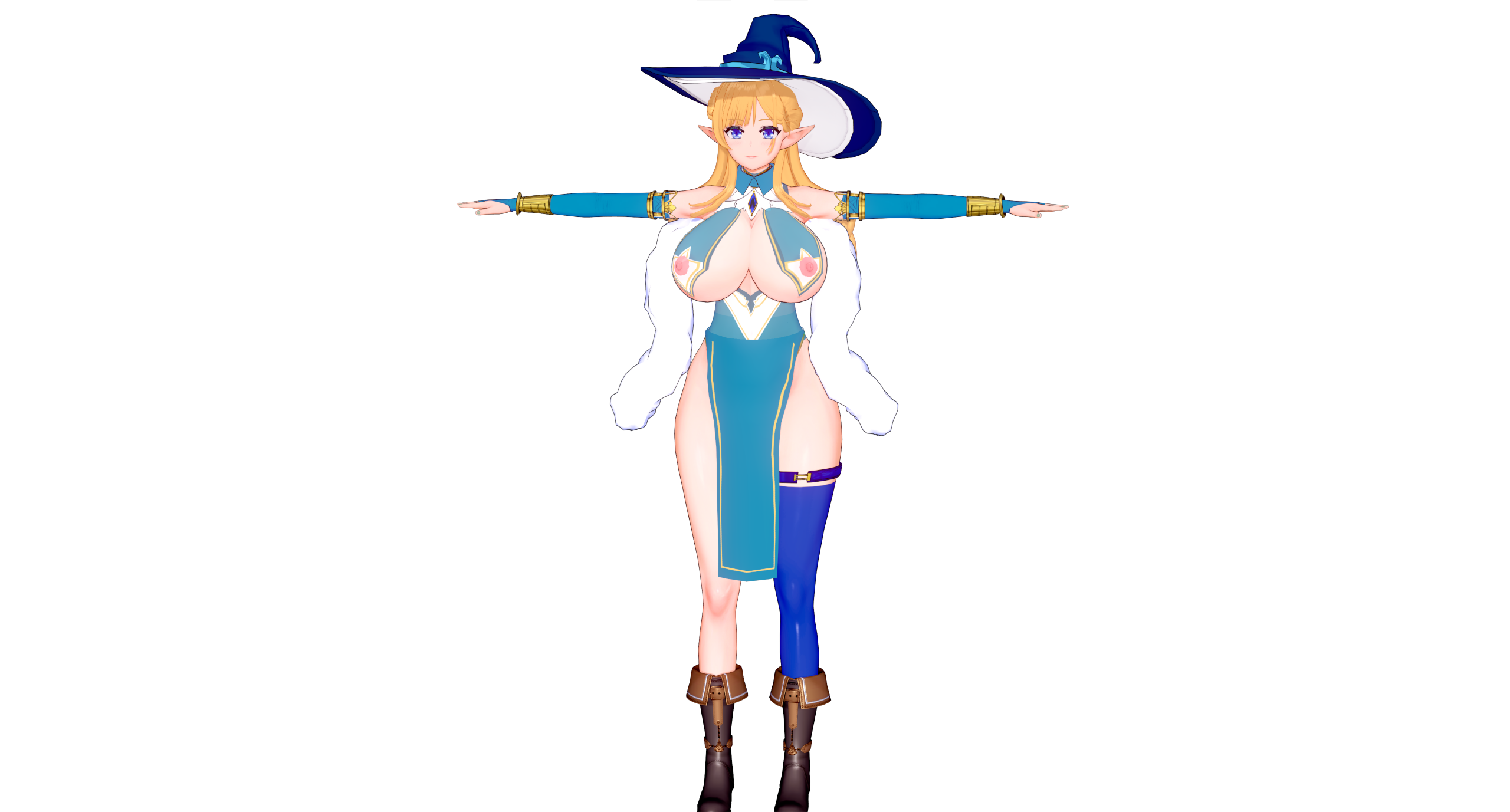


It depends on whether the background is original or not. If it is original, you need to edit it with editing software to choose whether you want the right side or the left side.Sorry does anyone know how to turn off this weird darkened filter on the character creation screen ?
Hi, I'm trying to make this character and I have several questions :
How can I make her top see through without having her nipples popping out like this ?
Is there a secret technique to make mismatched boots in this game ?


I found a little trick for this but don't works on all maps.Is there a way to adjust brightness for map object ? Everytime I load any of them it simply too dark and messing with effect doesn't help at all....
Hello everyone, i would like to ask a question regarding the "DragAndDrop" plugin.
when i first started using Koikatsu, i only had a laptop with very limited disk space. because of that, i used to store my scenes and cards on an external drive and relied on "DragAndDrop" for both the editor and CharaStudio.
Currently, i have a better setup with Koikatsu installed on an M.2 drive and all of my scenes/cards stored on an SSD due to their large size.
My question is: is it advisable to continue using DragAndDrop, or should i place everything inside the Koikatsu BetterRepack RX22\UserData\ folder?
i would also appreciate if someone could explain the advantages and disadvantages of keeping my scenes/cards inside the game folder compared to storing them separately.
i asked this same question on the Koikatsu Discord last year, but unfortunately didn’t get an answer. Hopefully someone here can clarify this for me. Thank you in advance!
hey, do you put all koikatsu stuff in the root folder?It depends on whether the background is original or not. If it is original, you need to edit it with editing software to choose whether you want the right side or the left side.
You need to use an alpha mask to hide it. Put this in the Body Alpha Mask tab.
Here the alpha mask (change the size of the green circle if it doesn't hide enough)
you have to put the PNG here:
I found a little trick for this but don't works on all maps.
I go to the search icon and look for Genshin night or day. (This is a sky background)
Go to material editor and choice Xukmi Studio (something like that).
After that click on copy. Click on your Map in workspace and now push Alt+P
All the shader in the map got the same shader as the genshin sky object and the brightness on the map should be present.
Unfortunately, I can’t help you because I don’t use it. But I hope someone here with experience on the subject will be able to meet your expectations.
Yes, Characters in the folder character male or female and same for scenes in the folder studio. But I have a SSD 2To. Even if right now i have less 300 Go space. But i started to skip some content.hey, do you put all koikatsu stuff in the root folder?
Try disabling BP Controller for male characterIn the yurabe scene, it loads with the penis bent, what is the reason???
About the copy, is it the obj. copy ?It depends on whether the background is original or not. If it is original, you need to edit it with editing software to choose whether you want the right side or the left side.
You need to use an alpha mask to hide it. Put this in the Body Alpha Mask tab.
Here the alpha mask (change the size of the green circle if it doesn't hide enough)
you have to put the PNG here:
I found a little trick for this but don't works on all maps.
I go to the search icon and look for Genshin night or day. (This is a sky background)
Go to material editor and choice Xukmi Studio (something like that).
After that click on copy. Click on your Map in workspace and now push Alt+P
All the shader in the map got the same shader as the genshin sky object and the brightness on the map should be present.
Unfortunately, I can’t help you because I don’t use it. But I hope someone here with experience on the subject will be able to meet your expectations.
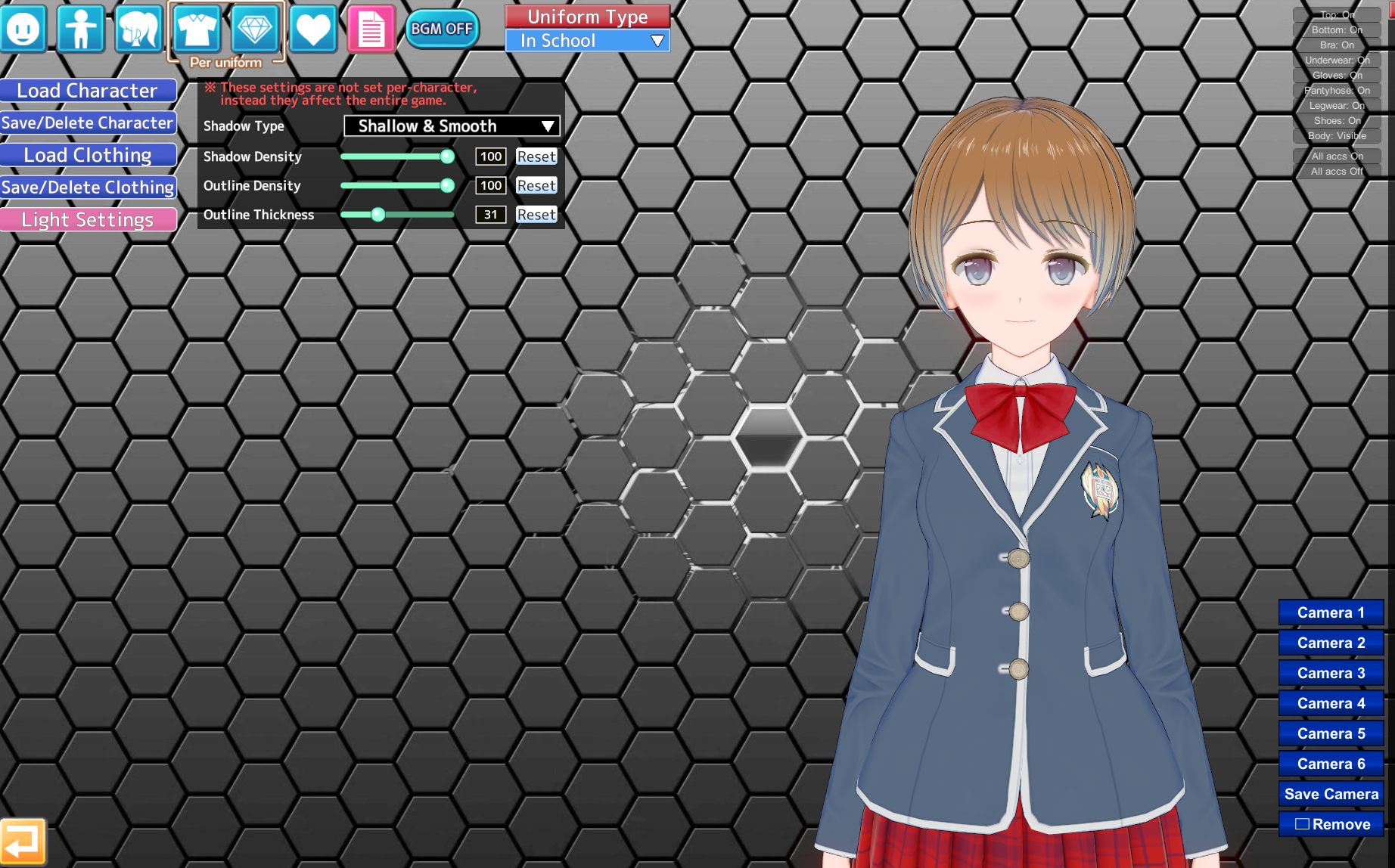
Sorry does anyone know how to turn off this weird darkened filter on the character creation screen ?

Thanks !Here:

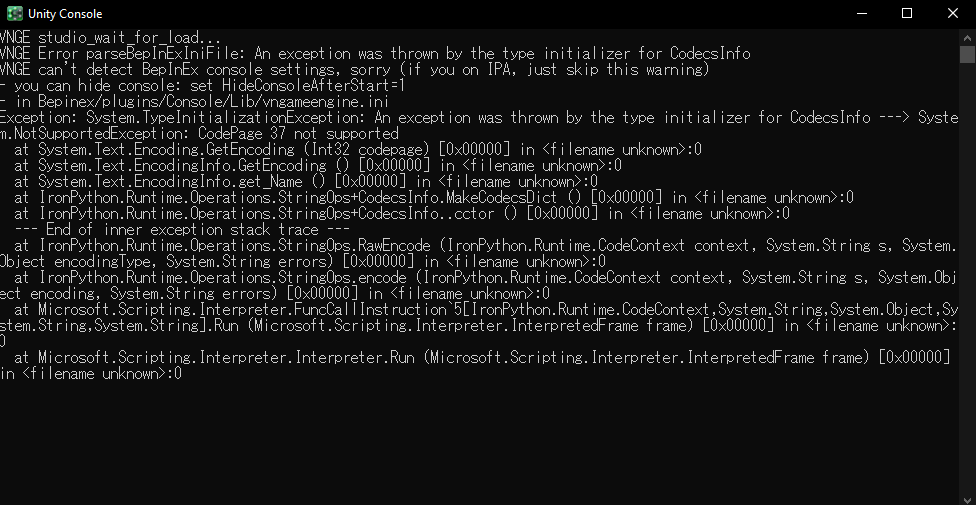
updated koikatsu to HF 3.35 and now my VNGE plugin causes my studio to not run despite working on 3.34. can run studio when VNGE disabled, so any advice on what to do?
I did find the way to turn it off, but the saturation looks a lot worse lol.
Just in case:Hello everyone, i would like to ask a question regarding the "DragAndDrop" plugin.
when i first started using Koikatsu, i only had a laptop with very limited disk space. because of that, i used to store my scenes and cards on an external drive and relied on "DragAndDrop" for both the editor and CharaStudio.
Currently, i have a better setup with Koikatsu installed on an M.2 drive and all of my scenes/cards stored on an SSD due to their large size.
My question is: is it advisable to continue using DragAndDrop, or should i place everything inside the Koikatsu BetterRepack RX22\UserData\ folder?
i would also appreciate if someone could explain the advantages and disadvantages of keeping my scenes/cards inside the game folder compared to storing them separately.
i asked this same question on the Koikatsu Discord last year, but unfortunately didn’t get an answer. Hopefully someone here can clarify this for me. Thank you in advance!


thanks for replying, I really appreciate you taking the time to explain all of this. now I understand why many scenes didn’t load smoothly when I had them on another drive. I’ll need to move a lot of stuff to dedicate an entire drive to koikatsu and its cards/scenes.Just in case:
...
Koikatsu will load itself, images and scenes as fast as it can read them from the disk they are.
So, if you have koikatsu installed on a 5000mb/s disk the program and all the contents on said disk will run on said speed. (5000mb/s)
...
What if I have a scene on other disk?
Well, you will use the speed of said disk to load contents on the other disk and then reading them.
THEN:
->Unnoticeable if both disks run at the same speed. (2 ssds of the same disks)
->Noticeable if one disk its a slow SATA with lower speeds. (600mb/s)
->Depends if you have a transfer already going on the other disk (a game installing/antivirus/etc).
->When you open a folder, all its contents are loaded, if said folder has lots of contents, it will take more time.
How much? -> Disk speed of the folder you arer opening multiplied by the stuff on said folder.
---
This is the reason Koikatsu should run on a dedicated M.2 disk, (since theyre directly connected to the motherboard->theyre faster).
The loading speed of the program (AND ALL OF ITS god know how much mods) will load faster on a faster disk.
Also, the OS (Windows/Linux) might have stuff loading on the background which will gobble up disk speed.
----------------------------------------------------------------------------------------------------------------------------
On the other side, you MUST update koikatsu and all of its most important plugins to the latest stable release.
Why? Well... because on some older versions the character studio might load all the cards in memory, and therefore occupy all of your ram the more cards you have. (Trust me, Ive had fun with studio gobling up to 30gbs of ram)


solo por preguntar, donde y como se actualizan los plugins?? a veces lo hago manual pero me da cosa meterme mucho en las carpetas de bepinex, porque termina en que mi CharaStudio no inicie como corresponde (se queda en blanco o inicia sin plugins/mods), ocasionando que tenga que nuevamente descargar betterrepackJust in case:
...
Koikatsu will load itself, images and scenes as fast as it can read them from the disk they are.
So, if you have koikatsu installed on a 5000mb/s disk the program and all the contents on said disk will load on said speed. (5000mb/s)
...
What if I have a scene on other disk?
Well, you will use the speed of said disk to load contents on the other disk and then read them.
THEN:
->Unnoticeable if both disks run at the same speed. (2 ssds of the same disks)
->Noticeable if one disk its a slow SATA with lower speeds. (600mb/s)
->Depends if you have a transfer already going on the other disk (a game installing/antivirus/etc).
->When you open a folder, all its contents are loaded, if said folder has lots of contents, it will take more time.
How much? -> Disk speed of the folder you are opening multiplied by the stuff on said folder.
---
This is the reason Koikatsu should run on a dedicated M.2 disk, (since theyre directly connected to the motherboard->theyre faster).
The loading speed of the program (AND ALL OF ITS god knows how much mods) will load faster on a faster disk.
Also, the OS (Windows/Linux) might have stuff loading on the background which will gobble up disk speed.
----------------------------------------------------------------------------------------------------------------------------
On the other side, you MUST update koikatsu and all of its most important plugins to the latest stable release.
Why? Well... because on some older versions the character studio might load all the cards in memory, and therefore occupy all of your ram the more cards you have. (Trust me, Ive had fun with studio gobling up to 30gbs of ram)
i've found my mistake. i forgot that i was also updating my VNGE from 42.5 to 43.3, and i forgot to replace all the old install with the new one. appreciate the help though.This says:
Make sure all the other stuff on Koikatsu is up to date. (VNGE depends on other plugins to work):
- BepInEx
https://github.com/BepInEx/BepInEx
- BepisPlugins
https://github.com/IllusionMods/BepisPlugins
- IllusionModdingAPI
https://github.com/IllusionMods/IllusionModdingAPI
- PoseEditor (KKPE/KKSPE/HS2PE/AIPE)
https://github.com/IllusionMods/HSPlugins
If one of them its incompatible, it will not run.
---
I would start by updating BepInEx (the one the error is saying is failing) and then trying to load KK to see if it works.
If it doesnt work, I would keep updating all the above plugins.
Be warned: Those plugins might require other plugins, if so, install them first.