R
rael3854
New member
Does anyone know how to fix clipping here with blowjobs? Like how do I make her mouth fully envelope the dick?




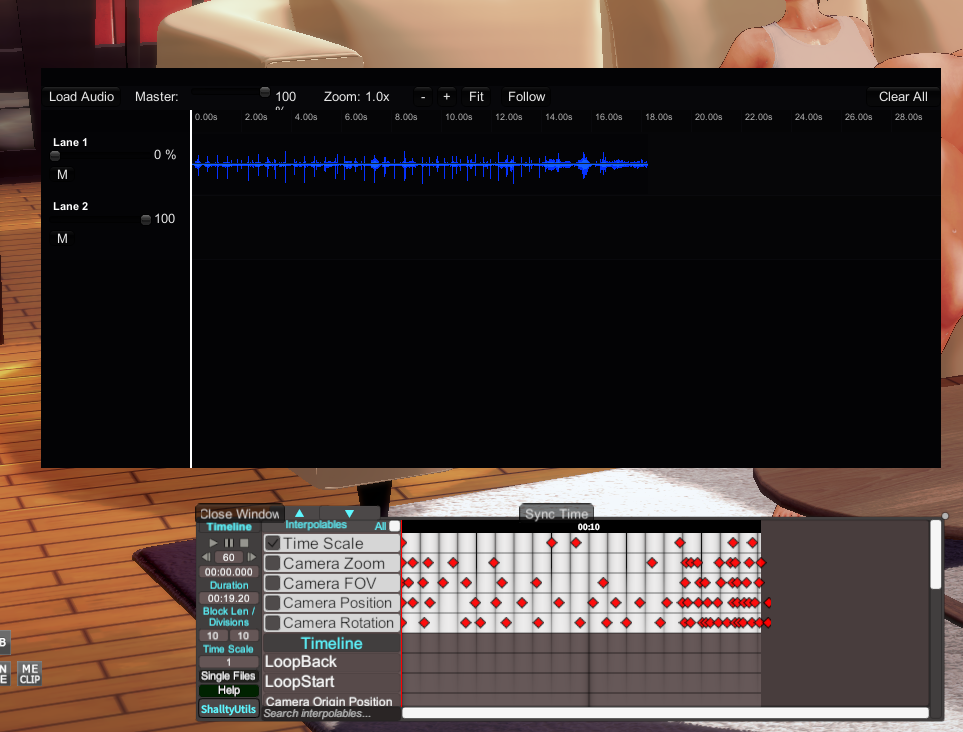
thanks,i will try when i get back tonight.The issue where parts of the character stretch out is caused by the “Dynamic Bone Collider.”
The issue where the character's body bends awkwardly can usually be fixed by using the “T-pose.”
Check this thread for instructions.
Is that really the name?thanks,i will try when i get back tonight.
could you do me another favor.some card ,the wedding ring mod missing,named rsly_itme 5,but i cant found in the net
card name Akiko,creator is asgfIs that really the name?
I'll look it up, so go ahead and lay out the cards.
I’m not entirely sure, butcard name Akiko,creator is asgf
actually, after importing many character cards, the wedding ring turns into a bracelet. when opening the character editor, it turns out that the accessory is named rsly_itme 5
card is here https://files.catbox.moe/1p1kev.png
I will have to find another way to fix itI’m not entirely sure, but
at least it’s not a mod.
It’s an accessory that was originally in Koikatsu, so maybe its ID got messed up because of some other mod?
Also, the ring was set in accessory slot 35.

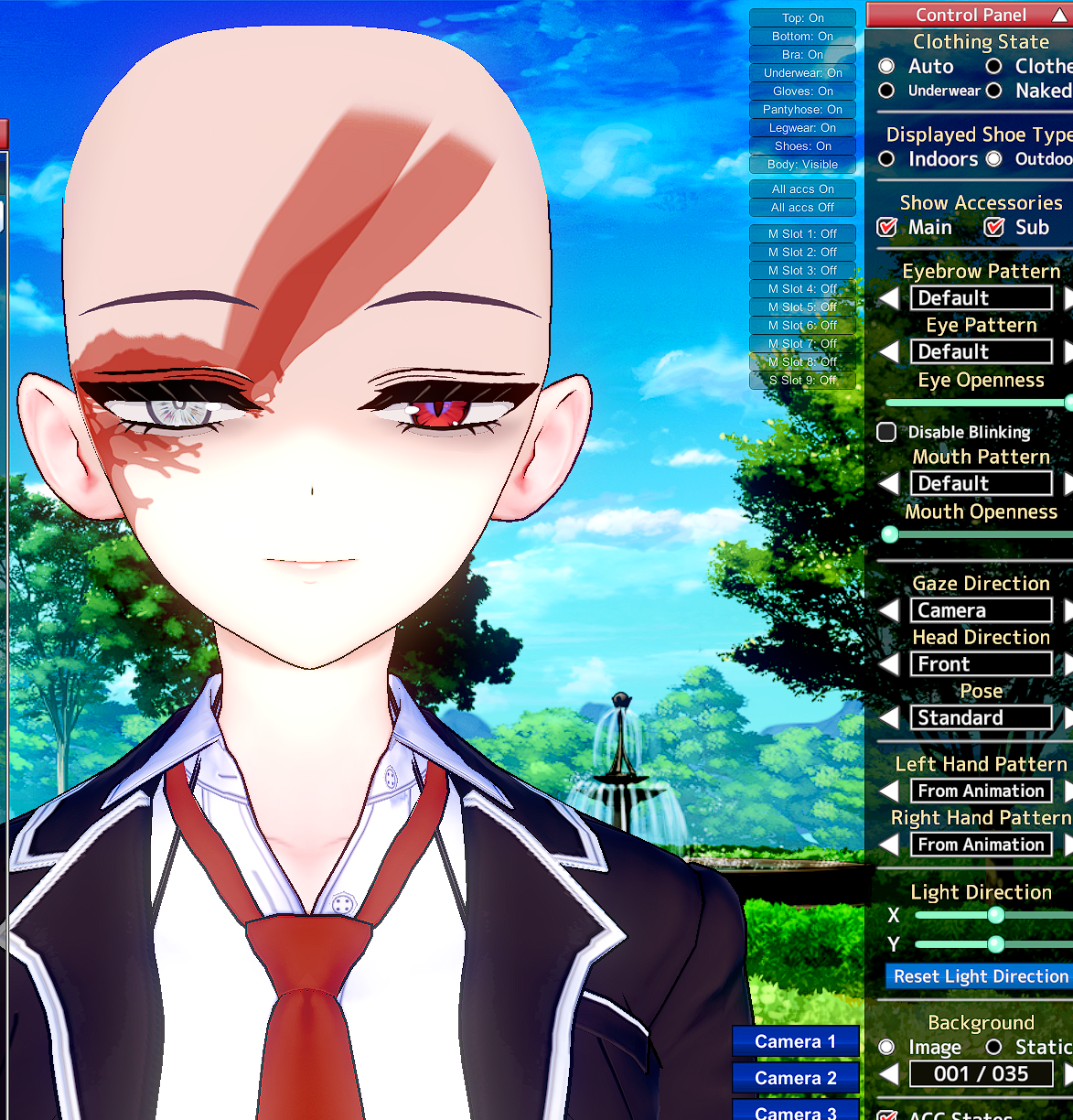
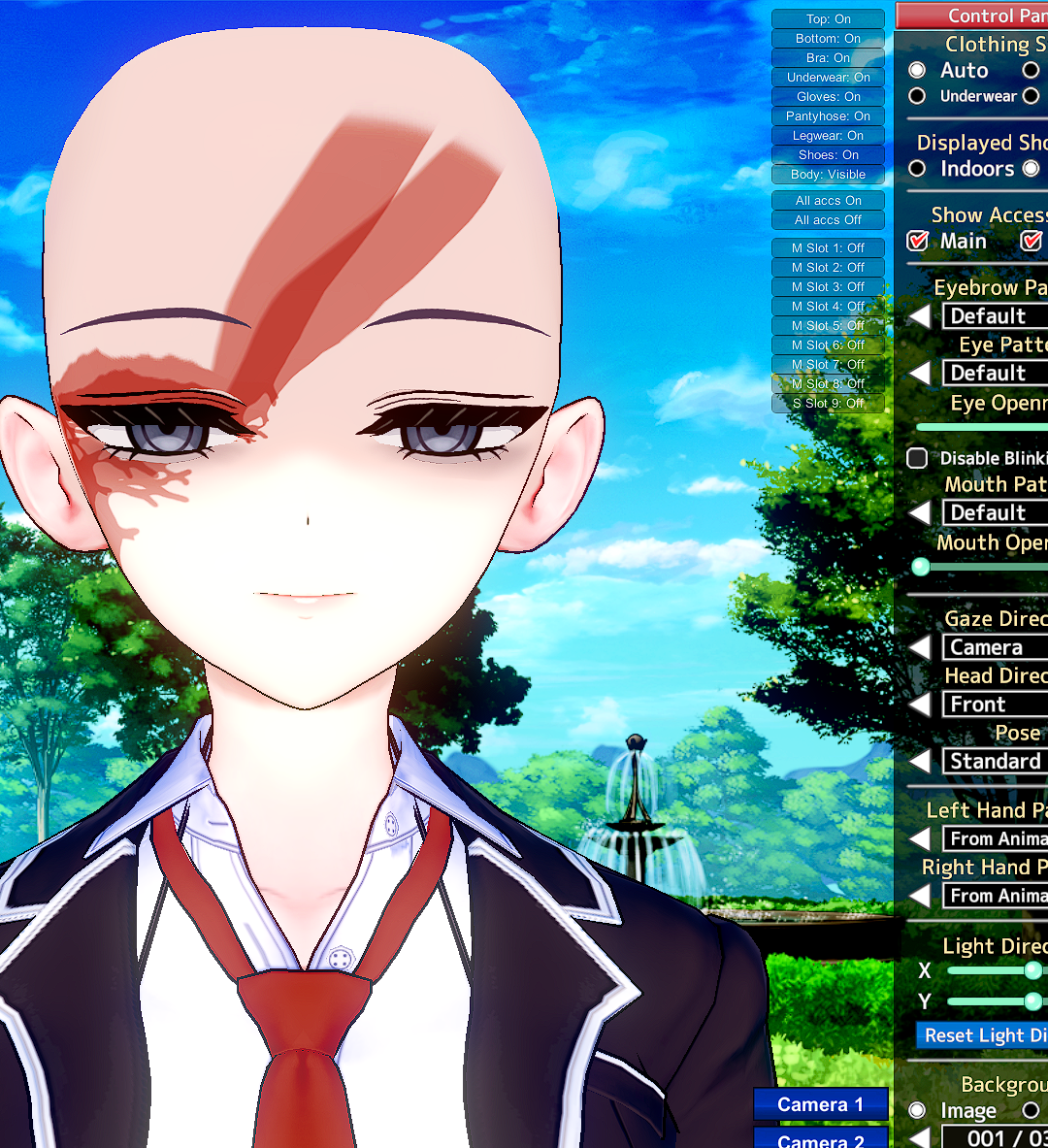

Can someone help me with downgrading coordinates? I found post in the previous thread but it somehow didn't work. Not sure if i'm doing it wrong, I opened ME, exported the maintex, resized it with krita, then i import it back, then save the coordinate. However, instead of shrinking, the size of coordinate becomes larger.
Which coordinate are you using?yes,the size of grafko's coordinate are quite big, which make the game laggy
Did you remove the maintex under cf_m_hitomi_00?I have a problem with the Eye Overlays. Everytime when I change outfits or just leave the chara creator, the old Eye Overlay, of the card I used as a template, came back. How do you prevent this?
Honestly, I have no clue what you are talking about (or atleast do not not know where to find it)Did you remove the maintex under cf_m_hitomi_00?
Honestly, I have no clue what you are talking about (or atleast do not not know where to find it)
btw still learning


thanks, I will try it laterHit reset and slightly adjust eye color.
Anyone got any ideas?Does anyone know how to fix clipping here with blowjobs? Like how do I make her mouth fully envelope the dick?
There are several ways to adjust oral scenes.Anyone got any ideas?


I'm not sure exactly what you mean by “dark spots,” but if you're referring to muscle shadows, you can adjust the body's texture intensity.
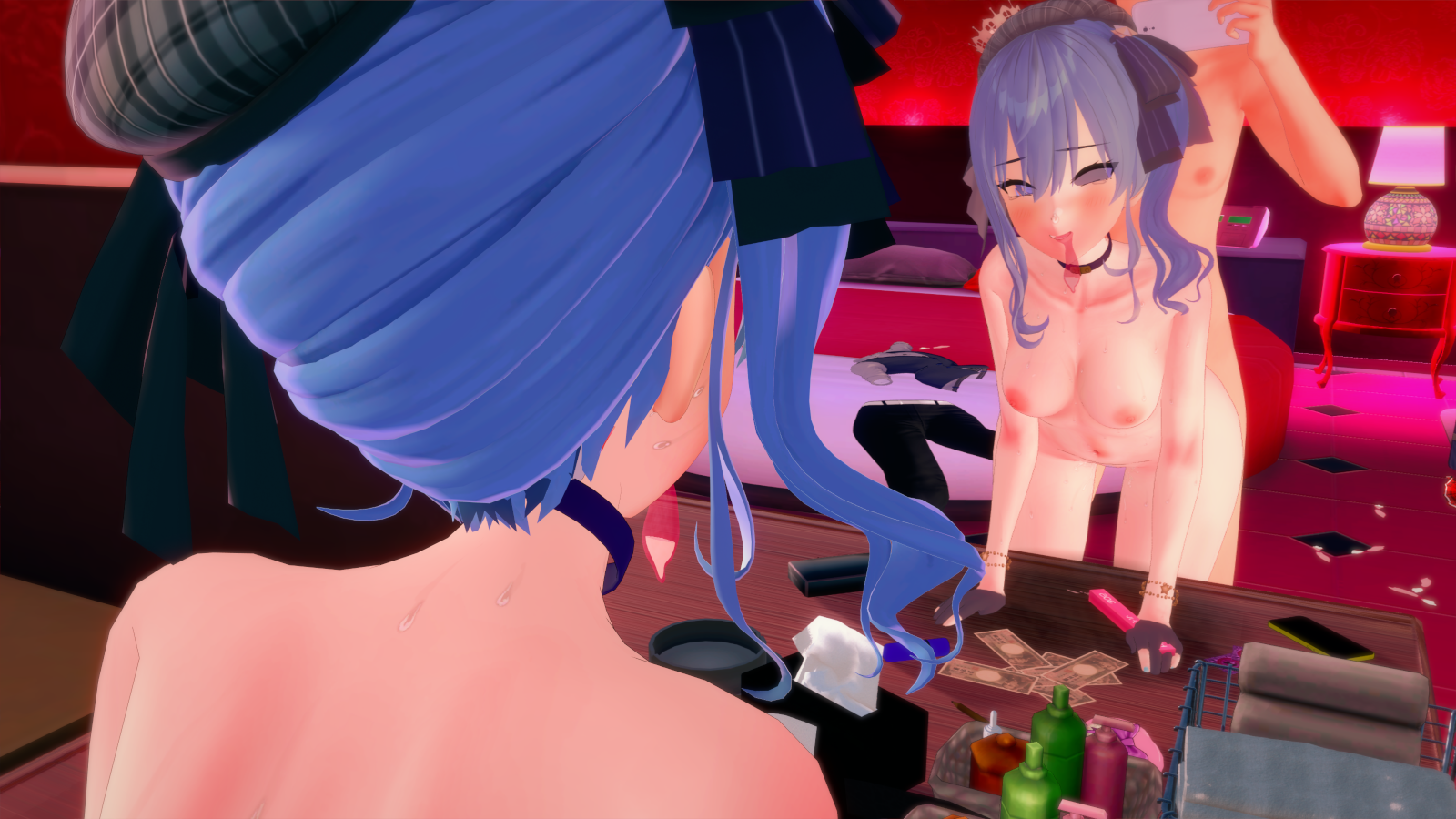
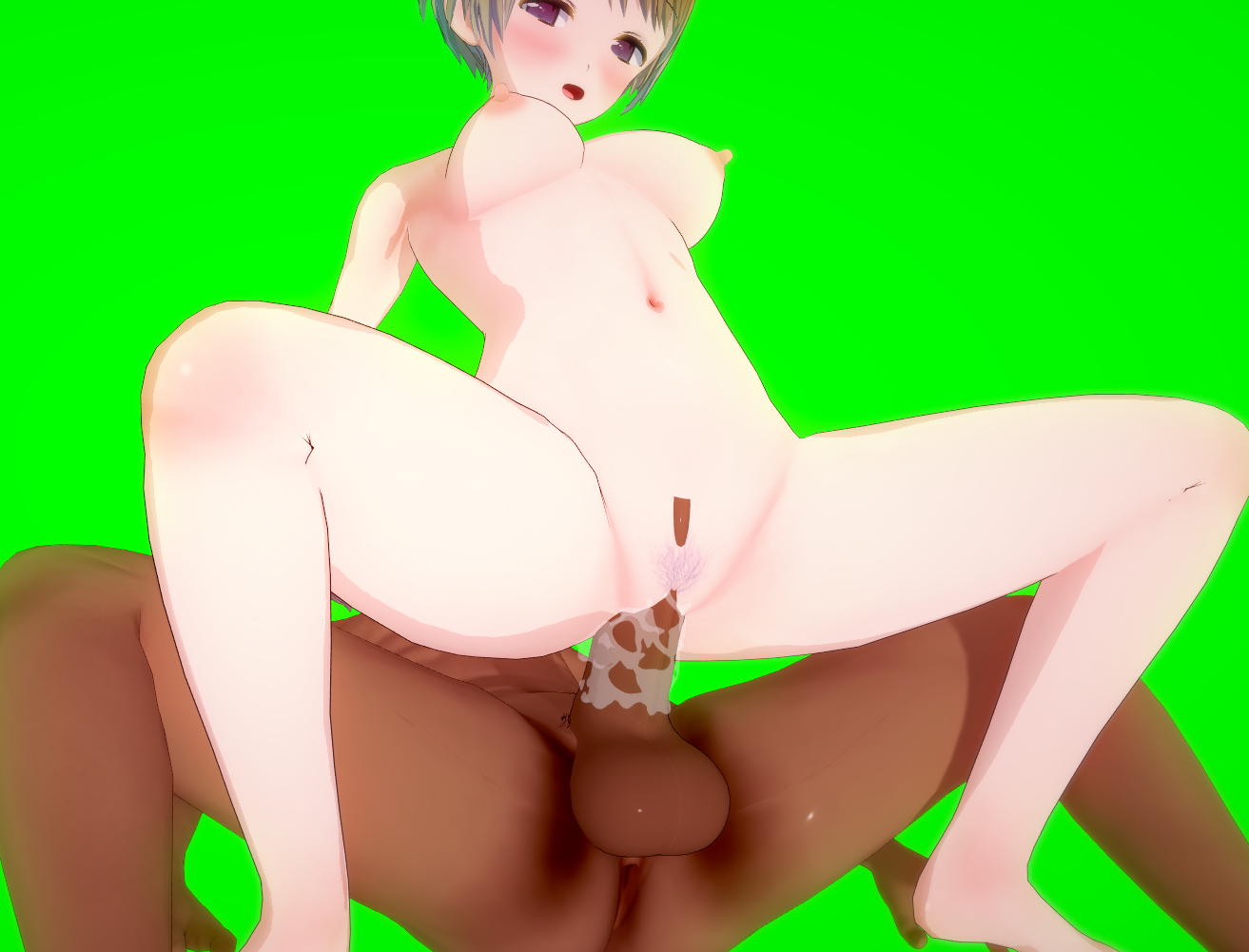
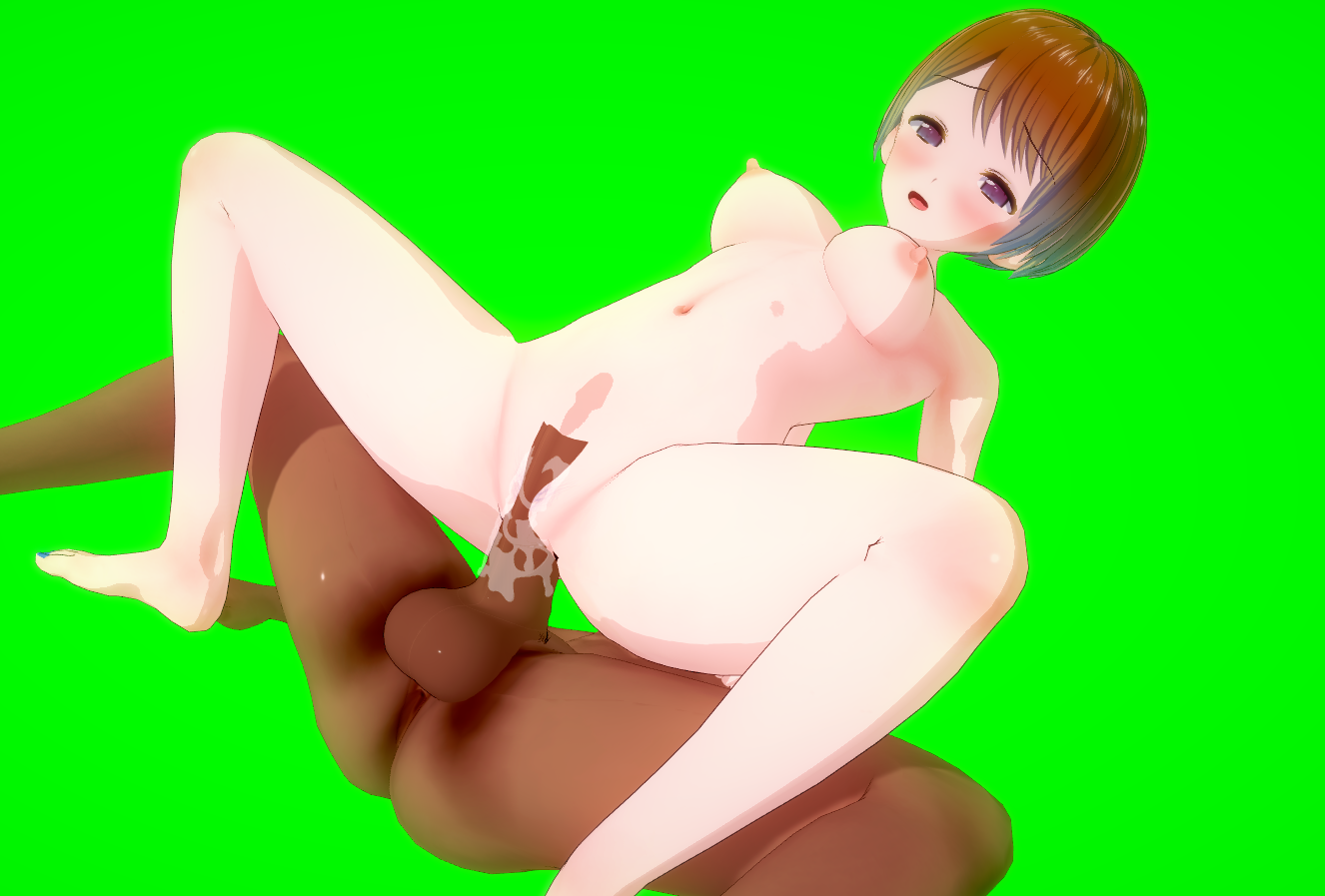
For some reason, I am unable to remove these dark spots from the characters body. It is not an overlay, and its not from their body type. Not sure where to go at this point but id like them removed.
Loading…
gofile.io
here is the card if you want to tamper with it.
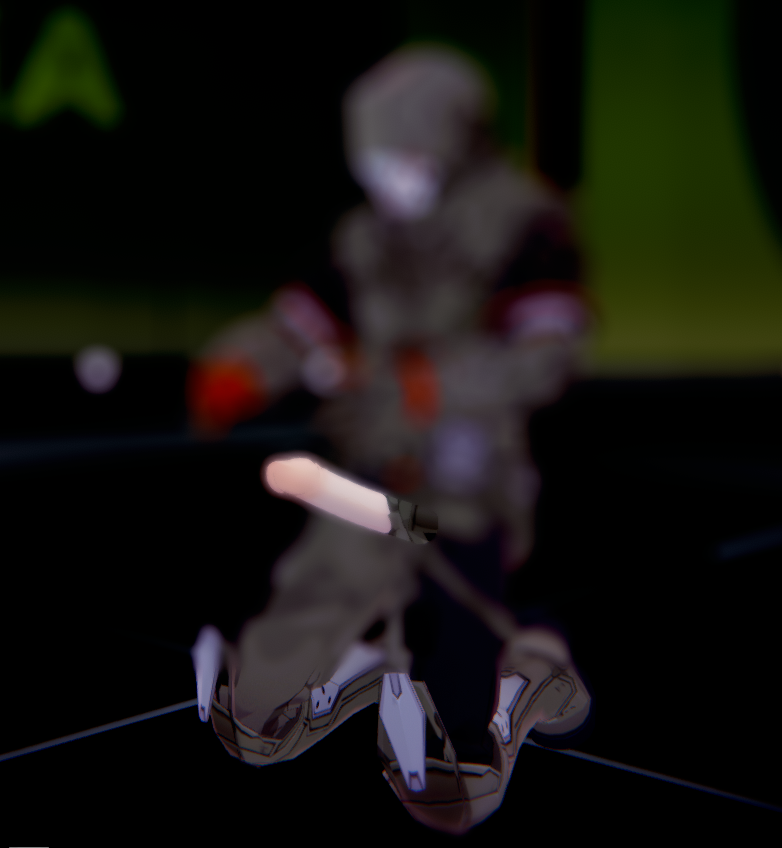
Does the view change when I move the character?hello, please help, my studio and my game appear blurred, i dont know whats causing this
i already tried disabling all camera modifiers in the scene effects menu but it doesnt work, i think it might be something with my plugins, since it also affects the character maker in the game. this is KK sunshine btw. Any suggestions?
edit: i will try updating my mods to see if it fixes things. (it didnt fix it)
the scene changes blur depending on how far the camera is to the character, but its nearly always broken, i also dont know what “depth of field bokeh” is, ive never used such an item in the game. I suspect it might have something to do with post processing effectsDoes the view change when I move the character?
Isn't “depth of field bokeh” set as an item?
Or is it something like PostProcessingEffects?
Hello taotaoAfter adjusting the rendering of the penis and the female body, they can now be combined. Sharing this just in case.

Hmm, seem like bonemod. You changing her clothing right? If true, deselect the Bonemod when you Load Clothing. If no, in the right-bottom corner there must be something like bonemod over there, find the one name like HairB or something like that and just drag the x-y-z till the back hair disappearAnyone, how to fix this hair?

How do i change texture intensity?I'm not sure exactly what you mean by “dark spots,” but if you're referring to muscle shadows, you can adjust the body's texture intensity.
If you really can't fix it, why not just import the body from another character?
Anyone know how to make the eyes appear in mirrors/reflections? Only hatoko models have this issue

How do i change texture intensity?

Can I add music to the game for my scenes I want to add music because I don’t like the background musicIf you are asking for all the sounds for the moans, I have it. Just a heads up, I cannot possibly filter all of them so you're going to have to go through 70,000 audio files. Unfortunately, the files are not named as you see in-game. The best tip I have for you is to go to the filenames that start with "h_" since that's where majority of what you want will have that as the start of the file. But it's practically all of the audio files in Koikatsu Party so if anyone was looking for the BGM or any of the game's audio files, I'll include it here.
Koikatsu Audio Files (BGM, Sound Effects, Voice lines, Moans, etc.)
Part 1
Part 2
First of all, there is an audio folder folder. You can find it in the abdata folder in the main directory of your Koikatsu Game. HOWEVER, to the normal person, they are completely unusable. Everything is stored in a compressed .unity3d or .resource file that require specific tools to unpack.
The way I did it was I used a tool called AssetStudio. It basically can extract Unity project files so that it can be usable to anyone. It doesn't work with all files because some have methods to prevent asset stealing, but most unity files should work with asset studio.

In the abdata folder, there's a sounds folder where all the game's files are stored. I selected the sounds folder, and AssetStudio extracted the compressed audio files into .wav files. But since they are no longer compressed, it's the full file size.
You can also just extract it individually or by group by selecting the ones you need only by right clicking and clicking on "Export selected assets". There's also a preview so you can listen to it before extracting.

That's basically what I did to get the audio files of the game.
BUT THAT'S NOT THE ONLY USE CASE
AssetStudio can be used to extract zipmod files!


It extracts the bones, the meshes, shaders, monobehavior, and textures as well. It can all be usable inside Unity then editable from there. I don't know the particulars of editing in Unity yet as I'm still learning it. But generally speaking, once you can get assets from zipmods and Koikatsu, you basically can get infinite assets for Blender, Unity, MMD, etc. from extracting other people's works for infinite asset glitch. Making it work perfectly though is another story.
This is just a Koikatsu use case. Of course, AssetStudio has been used for other Unity projects where you can get the assets of games if you have the direct unencrypted files.
Example Tutorial of Asset Studio for anyone who's interested.
View: https://www.youtube.com/watch?v=zgglKNFbvfk
Asset Studio GitHub Repo
https://github.com/aelurum/AssetStudio

Release AssetStudioMod v0.19.0 · aelurum/AssetStudio
Breaking Changes Many asset fields of array type have been replaced with list type (aka fixed the cause of most memory leaks) (35b2499) New features Added Unity 6 support Added support for Tuanj...github.com
Link to Download .NET 9.0 in case you don't have it

Download .NET 9.0 (Linux, macOS, and Windows) | .NET
.NET 9.0 downloads for Linux, macOS, and Windows. .NET is a free, cross-platform, open-source developer platform for building many different types of applications.dotnet.microsoft.com
Maybe one day there will be more high quality tutorials in the future. Mr. trpotat22's tutorial on GFL2 ports is one of the people who makes high quality works with a tutorial on how to do it. So with just enough time, people can port other 3D assets from games. Or editing zipmods of dead creators just to fix them.
If I was good enough at this, I could be porting that Sounds of Earth that no one has yet since Umamusume gives their 3D models as well.
View: https://www.youtube.com/watch?v=si6uVbrur7I

Just to clarify, are you asking on how to add custom audio/music for Koikatsu (the main game) or adding audio in your scenes in charastudio?Can I add music to the game for my scenes I want to add music because I don’t like the background music
yes i want to add custom audio/music koikatsuJust to clarify, are you asking on how to add custom audio/music for Koikatsu (the main game) or adding audio in your scenes in charastudio?
Okay, I really don't use the Koikatsu main game, but I'll help you to the best of my knowledge. First, you need this plugin which is the BGMLoader plugin. It allows you to replace the audio of the game by changing the already existing music.yes i want to add custom audio/music koikatsu
github.com  online-audio-converter.com


