V
voodooofox
Member
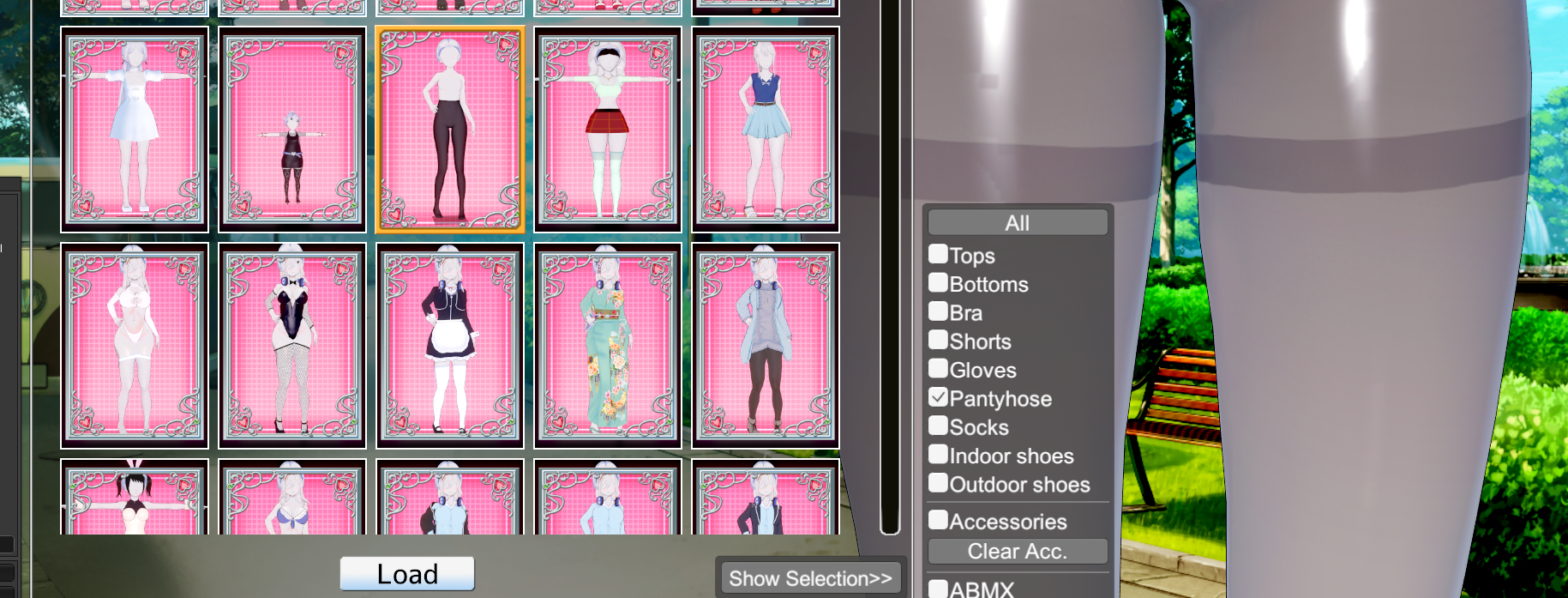
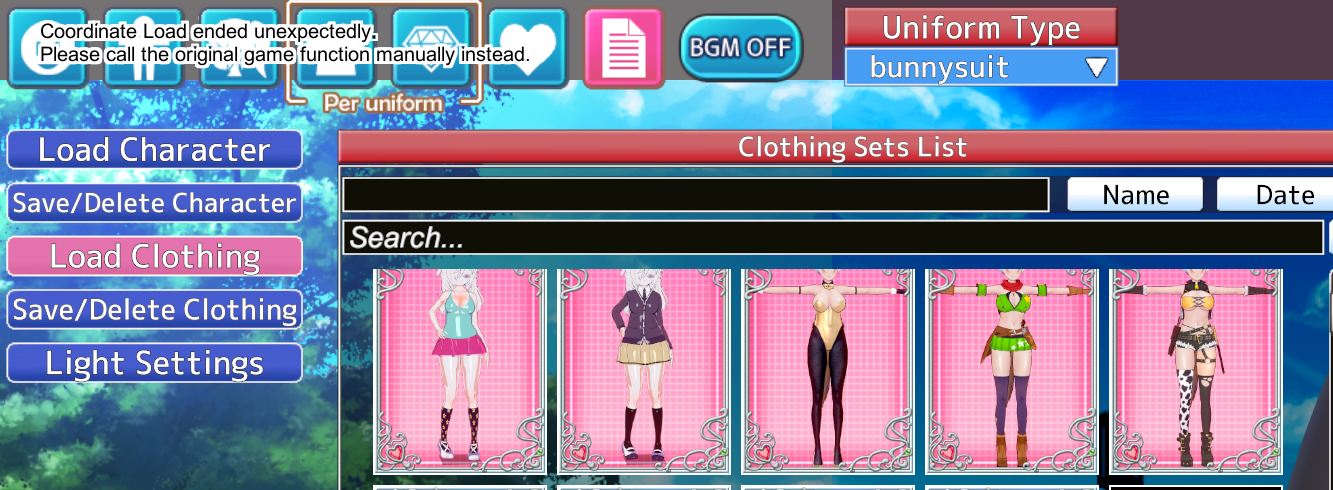
everytime i try to load optional parts of another costume i always get this error, is there a better way to mix saved costumes?


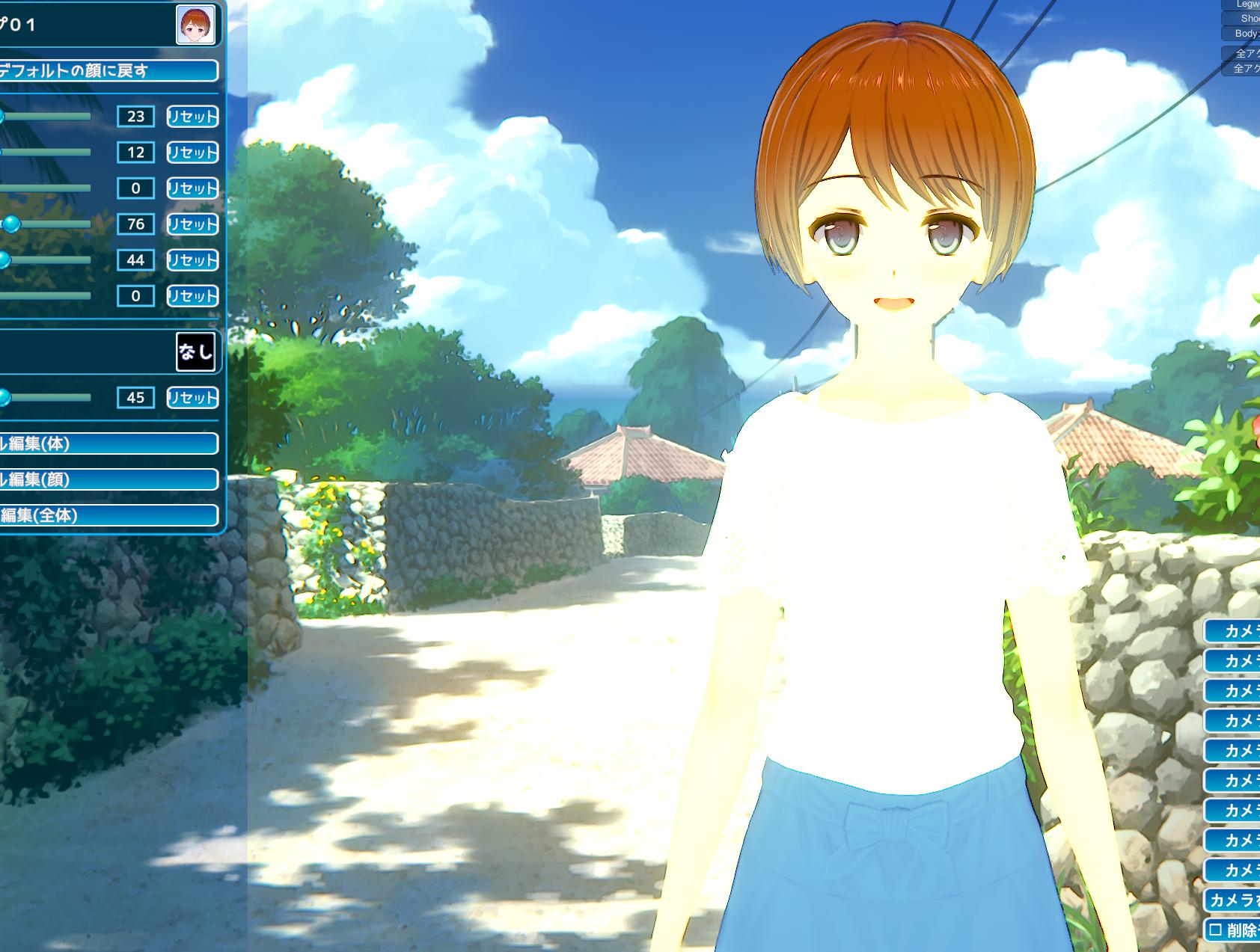

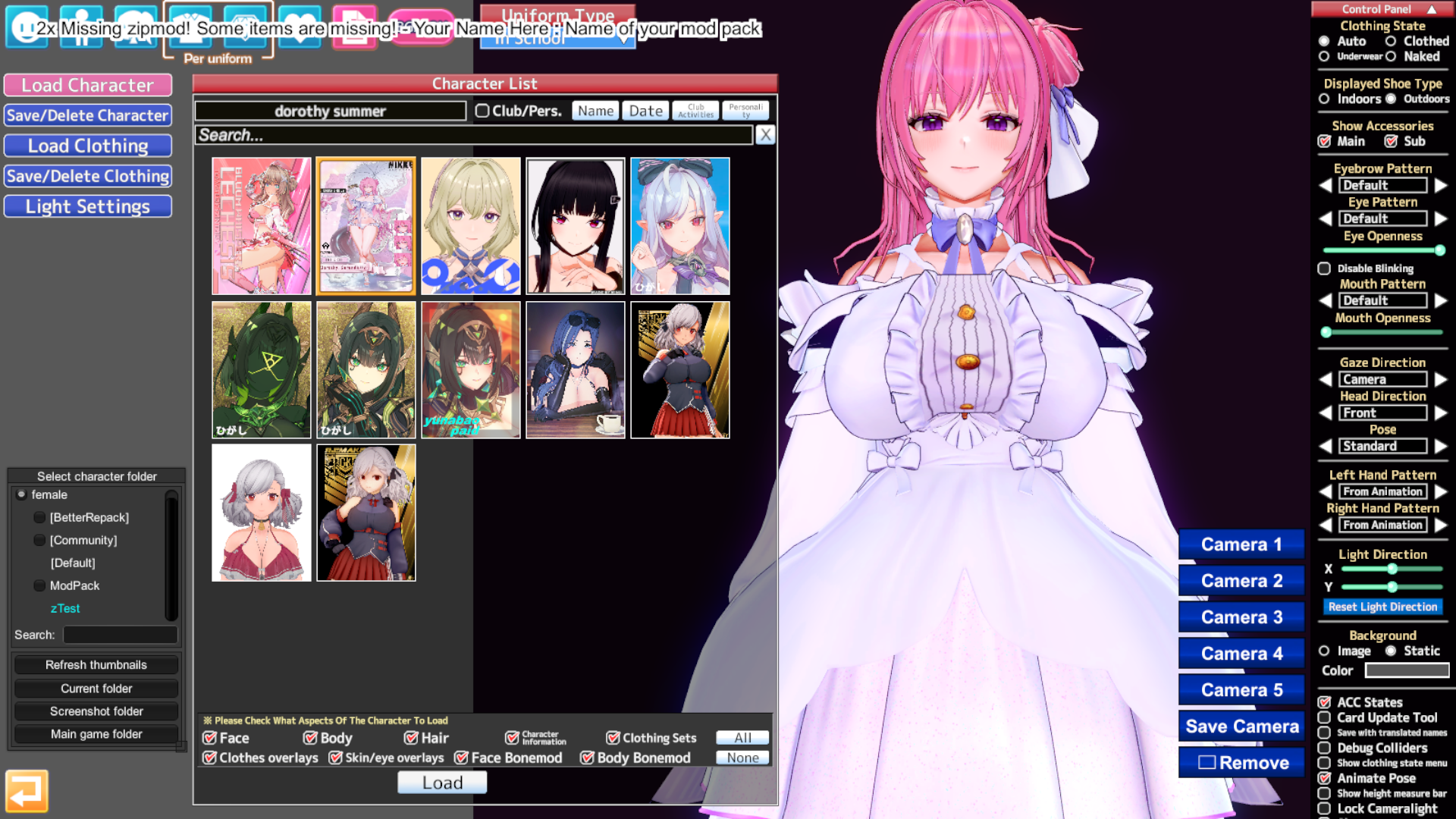
Good afternoon everyone, is it normal for the head model to be on the ground? https://kemono.cr/fanbox/user/87037810/post/9755521 This link can be downloaded. I don't know if it is a problem with my environment or the author deliberately uploaded the wrong version, The same is true for his other cards I downloaded,There is no error in the upper left corner when reading

Thanks a lot, that indeed solved it!Koikatsu card sharing request thread. コイカツ koikatu!
Koikatsu card sharing request thread. コイカツ koikatu!kk.now.cc

 gofile.io
 www.fanbox.cc
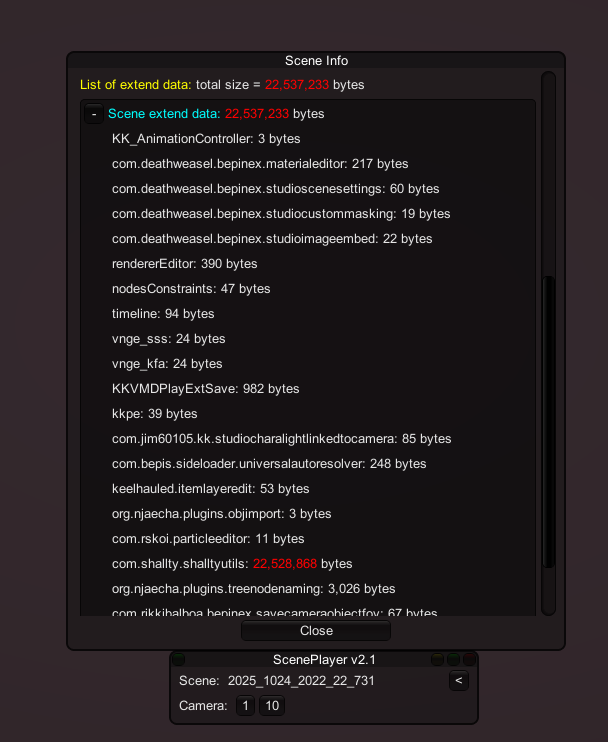
This author is hiding something using ShallyUtils. I don't know how he did it.Even after deleting all the workspaces for the distributed scene data, the file size is still over 20MB. What do you think?
How can I reduce the file size?
Gofile - Cloud Storage Made Simple
Secure, fast and free cloud storage solution. Upload and share files instantly.
Does anyone know what the studio's high heel adjustment plug-in is called? I could call it out by right shift before, but now it doesn't work.


make alpha mask to remove parts of body that is clipping
Sorry for not responding. Sadly, none of these worked, thanks anyway. Although I had the idea to try it on the zodgame client I downloaded a few days ago and it did work properly. Why? I don't have a clue. My guess is a Madevil plugin.try this
KK_ChaAlphaMask
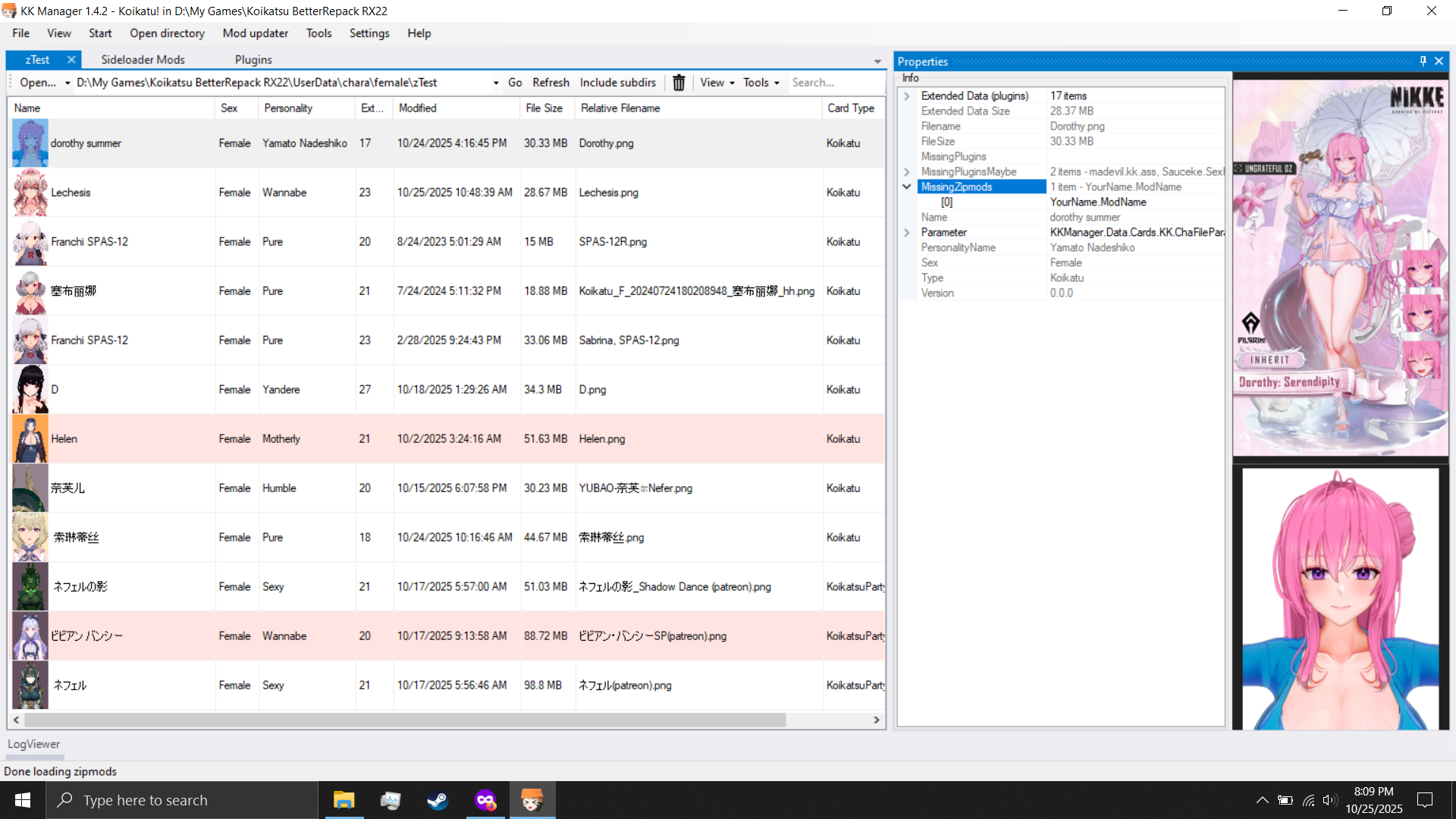
KK RX 22, aomi doro summer card
anyone get the same problem?
The only way I know is using KKPE or using HemorrhoidsBuster.I would like to be able to move the hairpieces and accessories with FK in Studio but I have not found if it's at all possible to do it with accessories that are attached from character creation, does anyone know if it can be done?


Not exactly what I meant by moving hahaha, should've been more clear. When you activate forward kinematics, you can control each joint and link of the body and other parts like the neck and hands/feet, you can also do this with hair but it seems to only work with the hair options you pick from the Hair section during character creation, and not from accessories and such.The only way I know is using KKPE or using HemorrhoidsBuster.


To make it colorable via 'skin color' take the face texture and paint all skin parts white and plug that into maintex in SB3U.i didn't articulate very well, my bad.


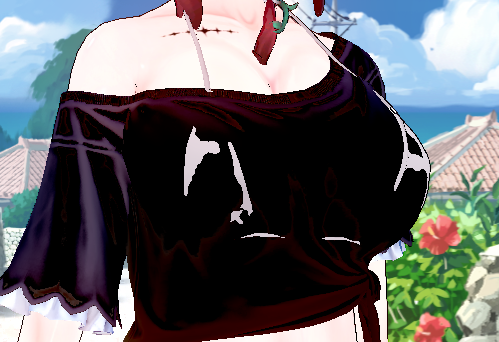
i want to make the top headmod alot like the bottom one, remove the excess shadow map details, make it look less "3D" give it abit more flatter style like the newer ones. in blender i know its possible to adjust and edit the shadowing area and their intensities but idk how to remove shadows in kk without changing the shader style(dont wanna do that) i was hoping to be able to export the mod files back into blender, remove the excess shadow details and hopefully make it colorable through the game engine rather than ME. sorry if i'm rambling, its kinda hard to find people with mod knowledge on top of being unwilling to teach a bit.
Thanks.It's a veiny skin mod. Whoever made it fucked up the manifest and that's why it has that guid, here it is in case you do not have it: https://files.catbox.moe/usigc7.rar

Most of custom headmods doesn't work the same as main game headmods because they don't use the usual facial bones and stuffHello. Can anyone explain why SZY's headmod does not function correctly in CharaStudio and if this can be fixed? Specifically, the eyes and mouth do not respond to the Interpolations set in the scene. I tried it on YuraBe scenes and others.
I also tried saving all Face interpolations in a Single File and loading it back after changing characters, but it didn't help. As you can see, on a standard character, the behavior of the eyes and mouth changes, but on Mythra, it remains static.
Tnx for the help. Test environment HF Patch v3.34. I can make a short video if a screenshot isn't enough.

Delete or move 3 file from Processing EffectGetting this error whenever I try and save clothing outfits. Once this happens, the card border image will stay stuck there, even if I try and load other outfits or even other character cards. Anyone know what's causing this?
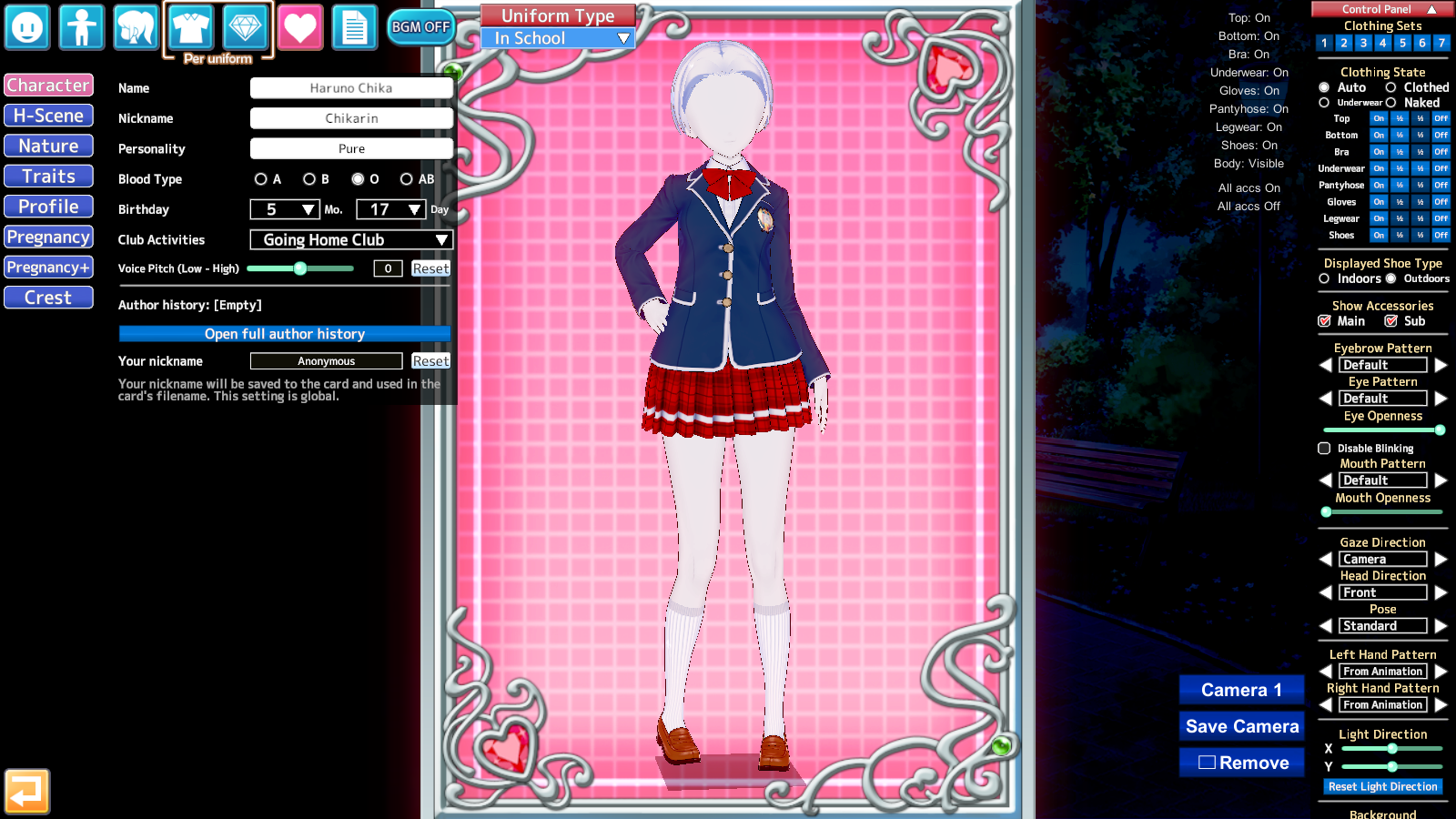
bumpHi, can anyone help me with this (Koikatsu Sunshine)? My KKUTS shaders won’t load at all since the latest update from BetterRepack/KKManager.
I’ve tried downloading the latest KKUTS, but it’s still the same issue.

It's strange not to have this option for accessories. A good alternative is to use items from the studio.Not exactly what I meant by moving hahaha, should've been more clear. When you activate forward kinematics, you can control each joint and link of the body and other parts like the neck and hands/feet, you can also do this with hair but it seems to only work with the hair options you pick from the Hair section during character creation, and not from accessories and such.
Compare this default character with regular hair to Anna's character from my last post that uses accesories slots for hair. In both images, I have the Hair FK option toggled
There is an checkbox during character creation on accessories that you can check called "Is this a hairpiece?". I thought that might make it work like this, but as far as I know, that option doesn't do anything at all.
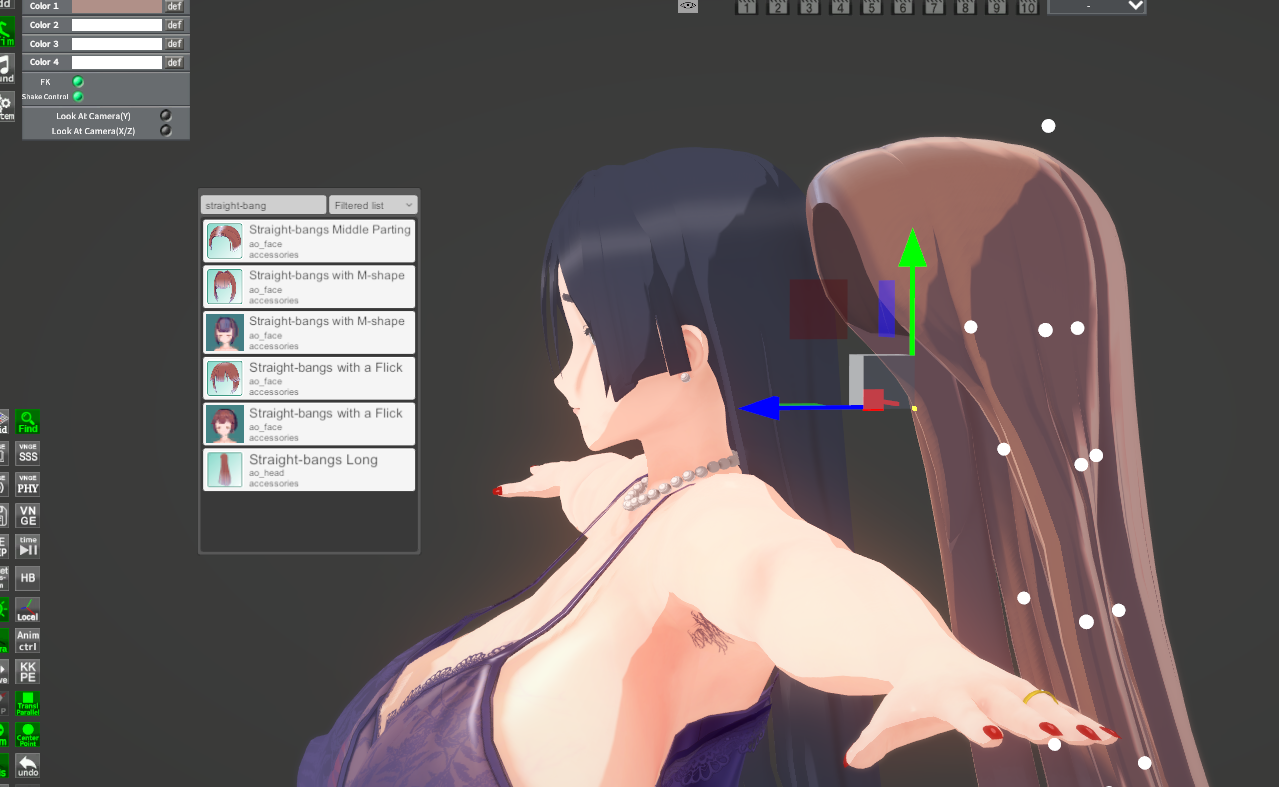


Do not know much about Koikatsu and scene creation. However, I can not upload any scenes in the studio anymore and I have almost no clue what this means. Thank you in advance.
 github.com
Why is my Corin so... racist?
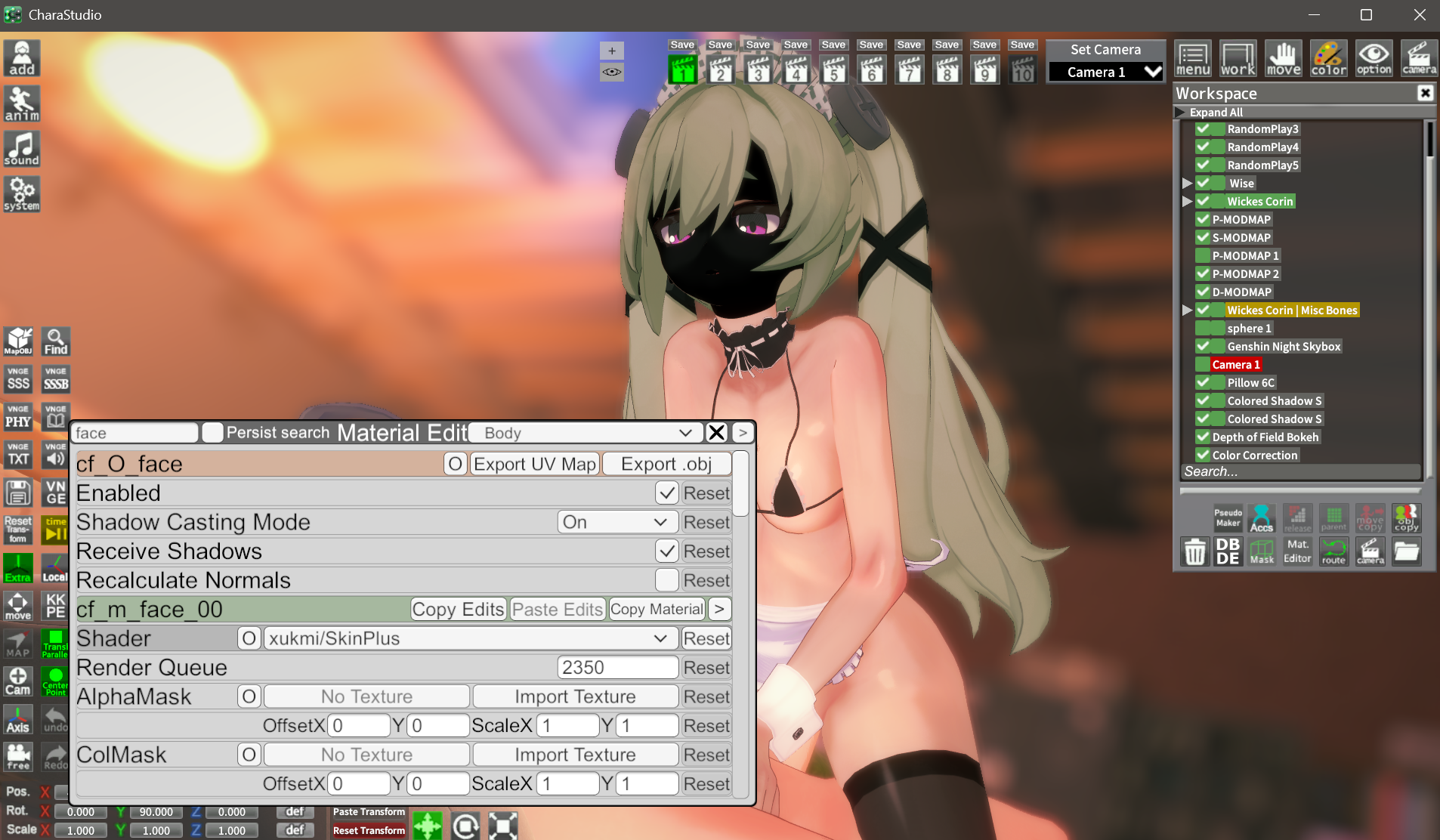
The xukmi shader is working on the body (skinplustessreflect, though) but none of the xukmi are helping with the blackface.
Any thoughts?
Edit: Deselecting then reselecting turime_face in maker seems to fix the blackface, but then you lose all the facial expressions.

Thank you very much m8
GitHub - GeBo1/GeBoPlugins: Plugins for various Illusion games
Plugins for various Illusion games. Contribute to GeBo1/GeBoPlugins development by creating an account on GitHub.


So I did it, the error massage went away. But still, no chance to upload any scenes. I guess I somehow fucked up my Studio again.Thank you very much m8

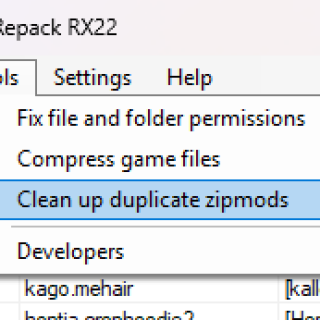
Honestly, I've never used the tools in KKmanager, but if you want a method that doesn't delete everything directly, like some scripts you can find on GitHub, you could use ALLDUP, a program that can search for duplicates based on their content, name, weight, and other customizable options. It detects and displays a list (where you can check or uncheck the duplicates you want to move or delete) before taking any action on the suspected duplicates.hi, i have a question: how safe and reliable is the “KKManager – Clean up duplicate zipmods” tool?
to be honest, i haven’t checked my mods folder in months. i usually just move all my .zipmods to a new folder in case there’s a conflict, but i’ve never had any issues so far, however, when i ran the cleanup tool in KKManager, it found over 1000 duplicate mods.
is that actually accurate? should i trust KKManager on this?
thanks
Look for postprocessing setting in plugins menu.Suddenly, a yellow light is appearing on the character creation screen.
Does anyone know the cause?
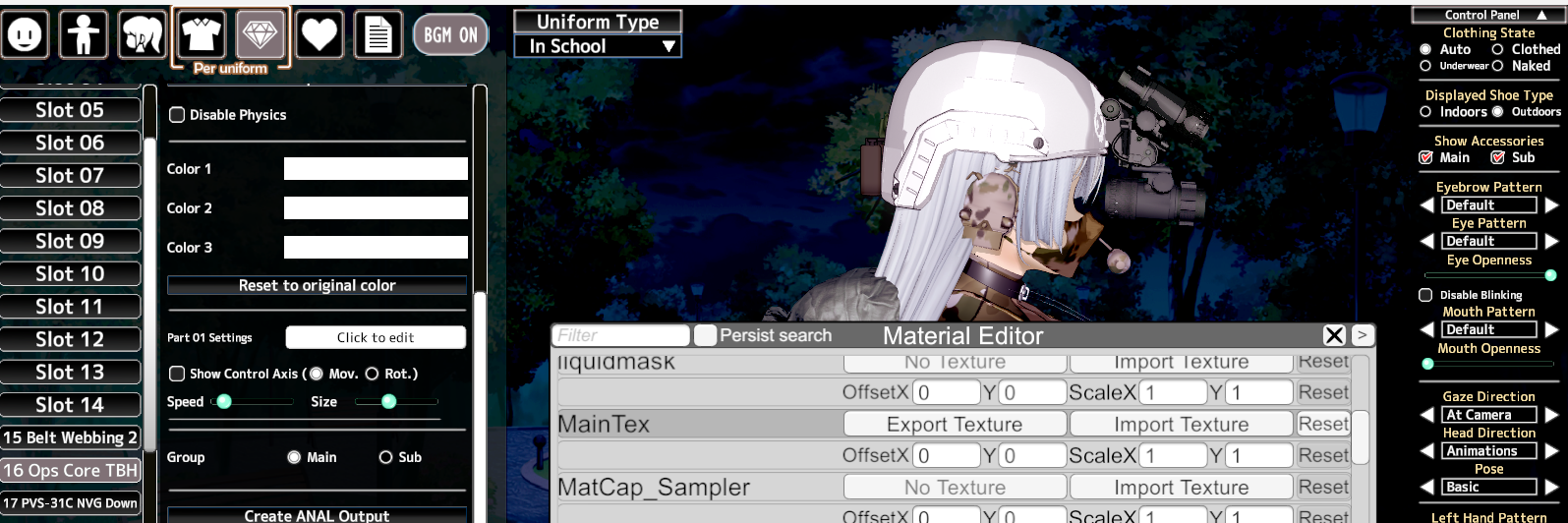
another example + the card i was talking aboutdoes anyone have a solution? the texture was pre-loaded from the card but it's whited out, making it not render the texture itself (it also affected one other card as well)
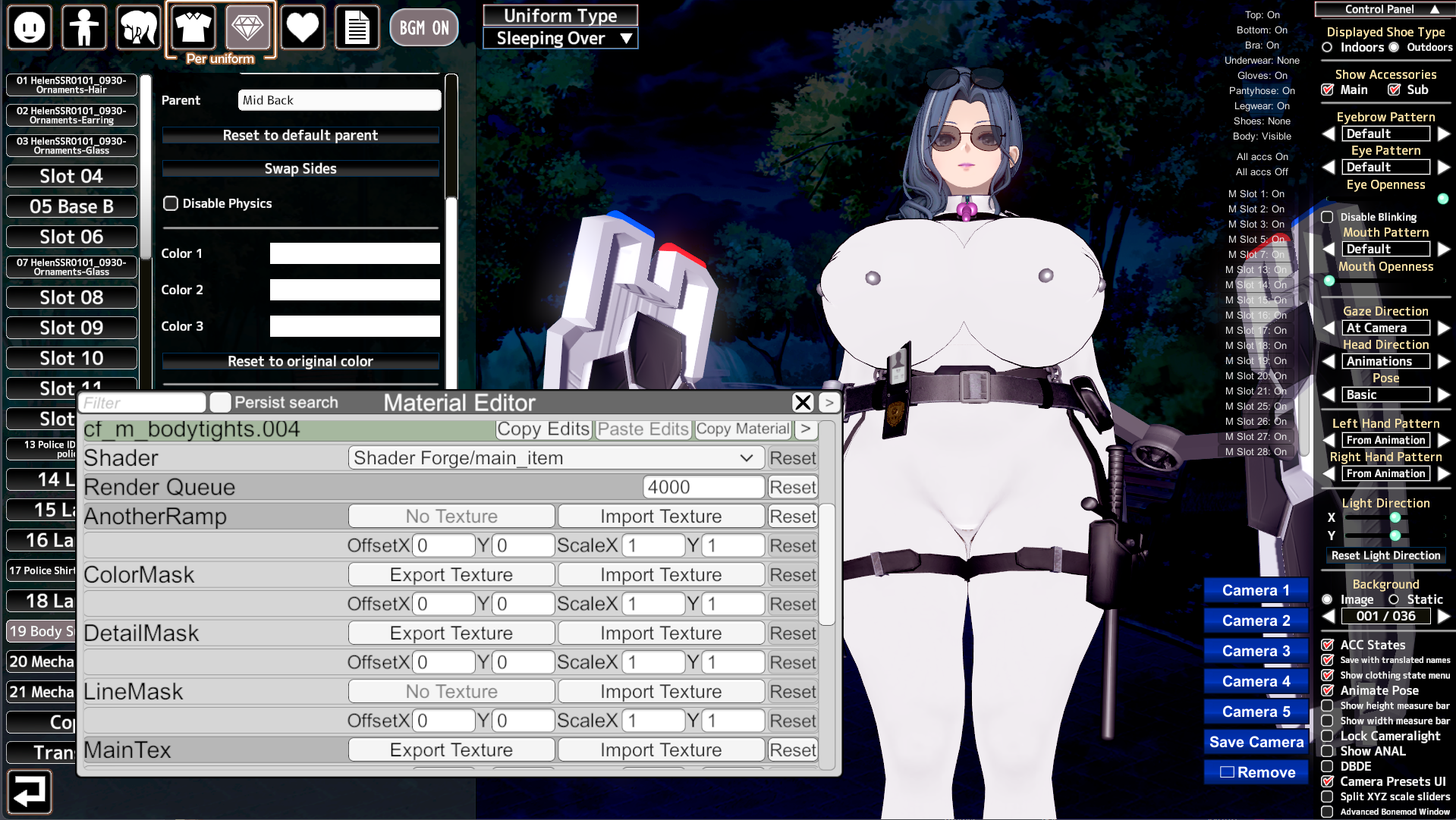
I had the same issue when I updated my HF patch. Check on KKmanager the current version of the Material Editor plugin, if it is the 3.13.3, swap it with this one: KK_MaterialEditoranother example + the card i was talking about
yep that fixed it, thanksI had the same issue when I updated my HF patch. Check on KKmanager the current version of the Material Editor plugin, if it is the 3.13.3, swap it with this one: KK_MaterialEditor