Heineken
New member
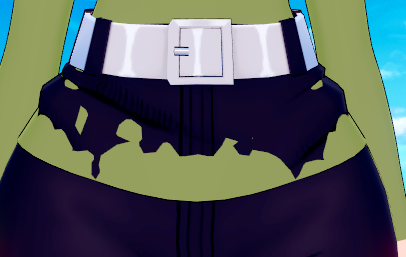
I'm sure other people have used these clothes before. So, If @White_Runner is not going to declare me a thief, I would like to ask a question. how can I solve this problem with clothes?

Thank you for your response. Unfortunately, I’m currently unable to use Discord (it’s banned in my country and I have to use a VPN, so sometimes messages don’t appear). I have a question for you. I changed the shaders in the example you provided to KKUSS. To compare, I saved the same character again with a different shader (xukmi). The character with the KKUSS shader looks great on some maps, but on certain maps, it inexplicably appears too bright or overexposed. I’ve tried turning off the lights in the map through the Workspace, but it doesn’t help. Do you know how to make the character consistently appear like the example above?you can change the shaders of the body, face, etc. with material editor.
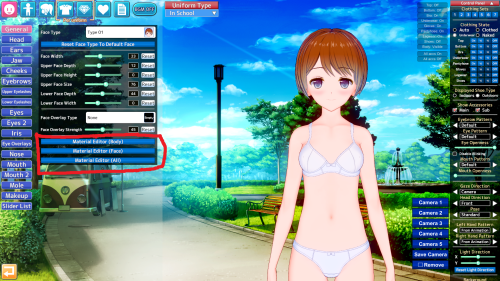
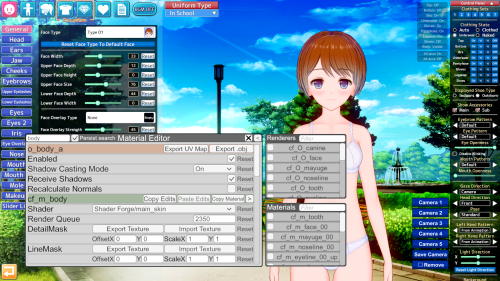
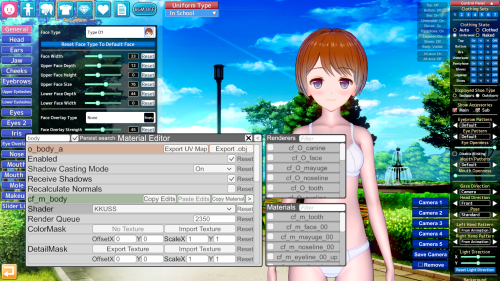
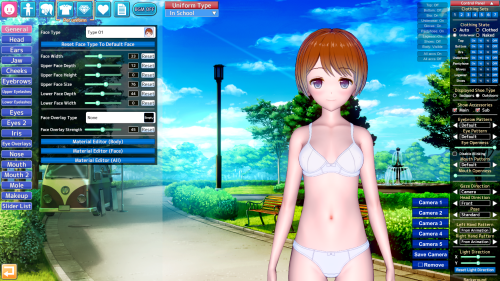
and adjust the light settings here
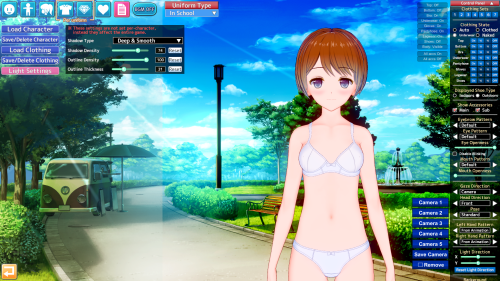
also check the #guides channel in the koikatsu discord
https://discord.gg/hevygx6
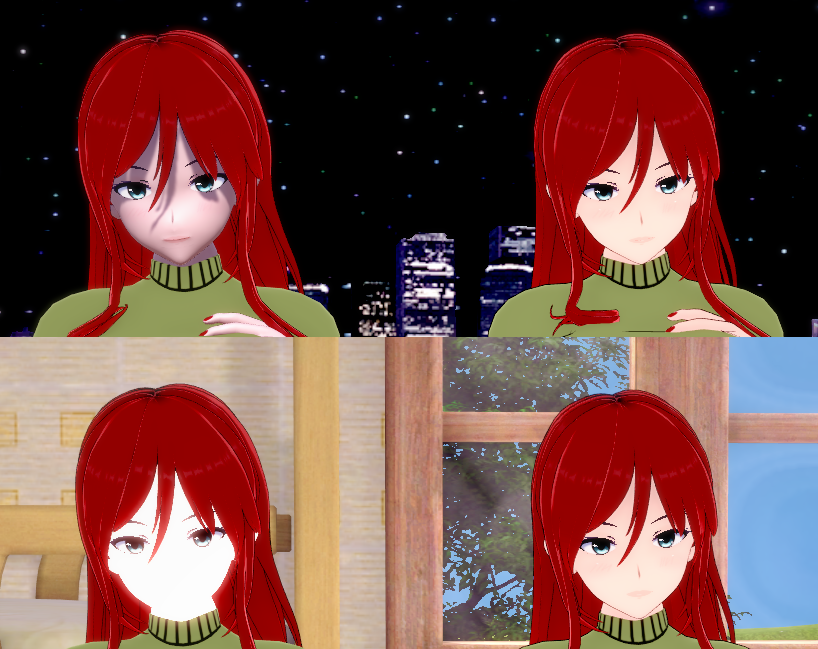

Personally, I don't like working with KKUSS because you have to calibrate Rimlight, colors (addcolor), and shadowpower and specular intensity, as it handles a more "realistic" type of light and shadow projection.Thank you for your response. Unfortunately, I’m currently unable to use Discord (it’s banned in my country and I have to use a VPN, so sometimes messages don’t appear). I have a question for you. I changed the shaders in the example you provided to KKUSS. To compare, I saved the same character again with a different shader (xukmi). The character with the KKUSS shader looks great on some maps, but on certain maps, it inexplicably appears too bright or overexposed. I’ve tried turning off the lights in the map through the Workspace, but it doesn’t help. Do you know how to make the character consistently appear like the example above?
I also have a second question. The outline of the character with the KKUSS shader is unfortunately unclear. I maxed out the outline thickness in the Scene Effects, but it didn’t fix the issue. I hope my questions aren’t bothering you.

There are honestly way too many problems. The character with the Xukmi render doesn’t react to any kind of lighting, even the shadows in the character lighting section don’t work. I’m sure there’s a fix for it, but it’s too complicated for me. Which shader are you using? Default one, maybe?Personally, I don't like working with KKUSS because you have to calibrate Rimlight, colors (addcolor), and shadowpower and specular intensity, as it handles a more "realistic" type of light and shadow projection.
That's partly one of the reasons why some prefer KKUTS or another shader like xukmi.
All of this is visible with the material editor. I'd even like to teach you, but when I saw the whole issue behind this shader, I saved myself the effort and took an easier route.
I noticed that none of the characters, except those using the KKUSS shader, respond to character lighting in Studio. (However, there’s no problem in the character creation screen.) I tried adding several different lights and tested again, but the result didn’t change. How can I fix this issue?Thank you for your response. Unfortunately, I’m currently unable to use Discord (it’s banned in my country and I have to use a VPN, so sometimes messages don’t appear). I have a question for you. I changed the shaders in the example you provided to KKUSS. To compare, I saved the same character again with a different shader (xukmi). The character with the KKUSS shader looks great on some maps, but on certain maps, it inexplicably appears too bright or overexposed. I’ve tried turning off the lights in the map through the Workspace, but it doesn’t help. Do you know how to make the character consistently appear like the example above?
I also have a second question. The outline of the character with the KKUSS shader is unfortunately unclear. I maxed out the outline thickness in the Scene Effects, but it didn’t fix the issue. I hope my questions aren’t bothering you.
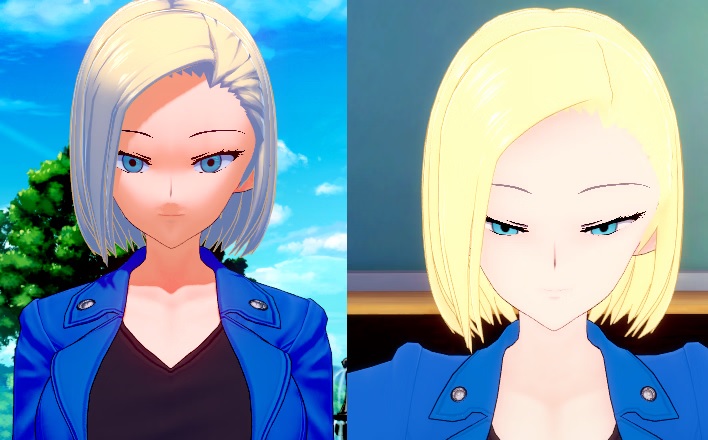
KKUTS i use, i really sorry I couldn't help you.There are honestly way too many problems. The character with the Xukmi render doesn’t react to any kind of lighting, even the shadows in the character lighting section don’t work. I’m sure there’s a fix for it, but it’s too complicated for me. Which shader are you using? Default one, maybe?

Try adding an alpha mask to the shirt using Material Editor.I'm sure other people have used these clothes before. So, If @White_Runner is not going to declare me a thief, I would like to ask a question. how can I solve this problem with clothes?


 gofile.io
 www.nicovideo.jp
 (Make sure to do a backup before if it doesn't work)
Put this in Koikatu\Koikatu_Data\Managed and Koikatu\CharaStudio_Data\Managed
All credit to Anon11 from Koikatsu Discord.Gofile - Cloud Storage Made Simple
Secure, fast and free cloud storage solution. Upload and share files instantly.

Could anyone reupload this or point me to any other way to load KKS scenes in regular KK? Thanks in advance.
 gofile.io
You might find this collection of guides useful. Start with the character creation guide folder and don't be afraid to experiment. As for making scenes look special, most of it is framing (or is composition the correct term) and 2D effects like subtraction shadows and image plates.I recently discovered Koikatsu, and there are a few things I’d like to learn. For example, how can I make my characters look better? In some games, the characters look really good. The colors, the lighting, the shading, everything looks amazing.
But the characters I create, at best, look... average. You know, like those characters from the hundreds of games that get abandoned after the first or second chapter because the developer didn’t put much effort into them. There are a few popular games made with Koikatsu, and their characters look incredibly well-made. What’s the secret behind that? What do you guys pay attention to when creating your characters?
For some reason, I can’t upload a photo right now, but to give an example; the characters in Futa’s World of NTR look really good. I’m not talking about facial or body attractiveness, but rather how the colors and shading look so professional. I also want to make good looking characters that have been worked on, but I have no idea how to do it. Any help would be appreciated.
Discord - Group Chat That’s All Fun & Games
Discord is great for playing games and chilling with friends, or even building a worldwide community. Customize your own space to talk, play, and hang out.discord.com
Gofile - Cloud Storage Made Simple
Secure, fast and free cloud storage solution. Upload and share files instantly.
maki zenin pantsTry adding an alpha mask to the shirt using Material Editor.
Also, what's the name of those pants?

Yo, wondering if anyone is able to help me with this still?Heyo fellas, I've got a question in regards to some ImSayaa34 scenes. In some of them, particularly scenes where it's a BJ, after switching out the character, the penis glitches out and starts pointing upwards and not staying in the mouth. I don't have the Better Scaling plugin either so it's not that messing it up. It's just after switching characters, as when I just load it up normally with the original character that's in the scene it works fine.
Image for reference.
Do you use better penetration?Yo, wondering if anyone is able to help me with this still?
Do you use better penetration?
Or is it a job done with dynamic bones?
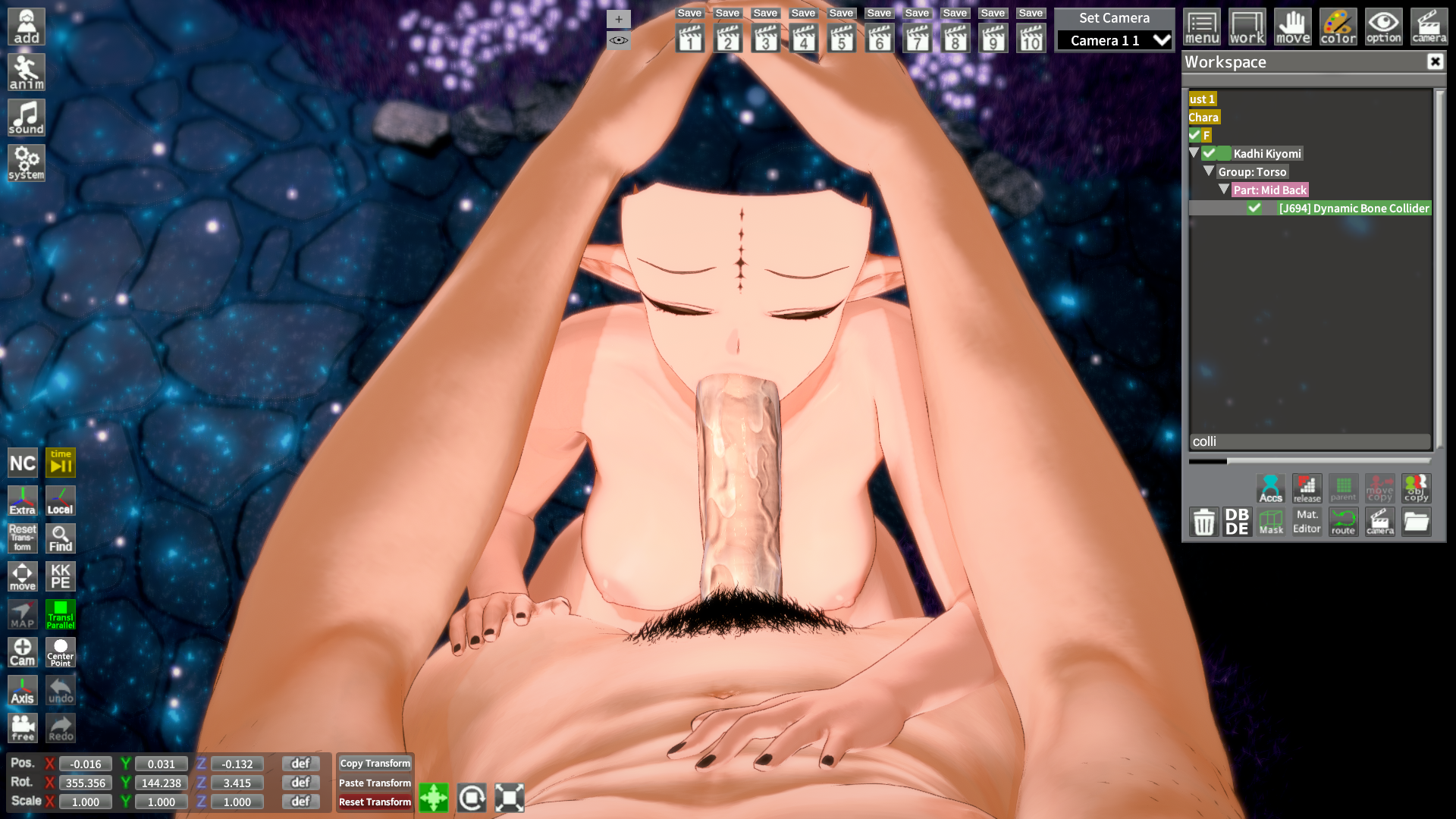



Maybe i miss something, can someone help me to make the watermark not follow the camera and disappear please.
Thank you!


Is anyone still able to help with the issue I have in regards to the imsayaa scene?

try changing the scale of the character and the penisIs anyone still able to help with the issue I have in regards to the imsayaa scene?
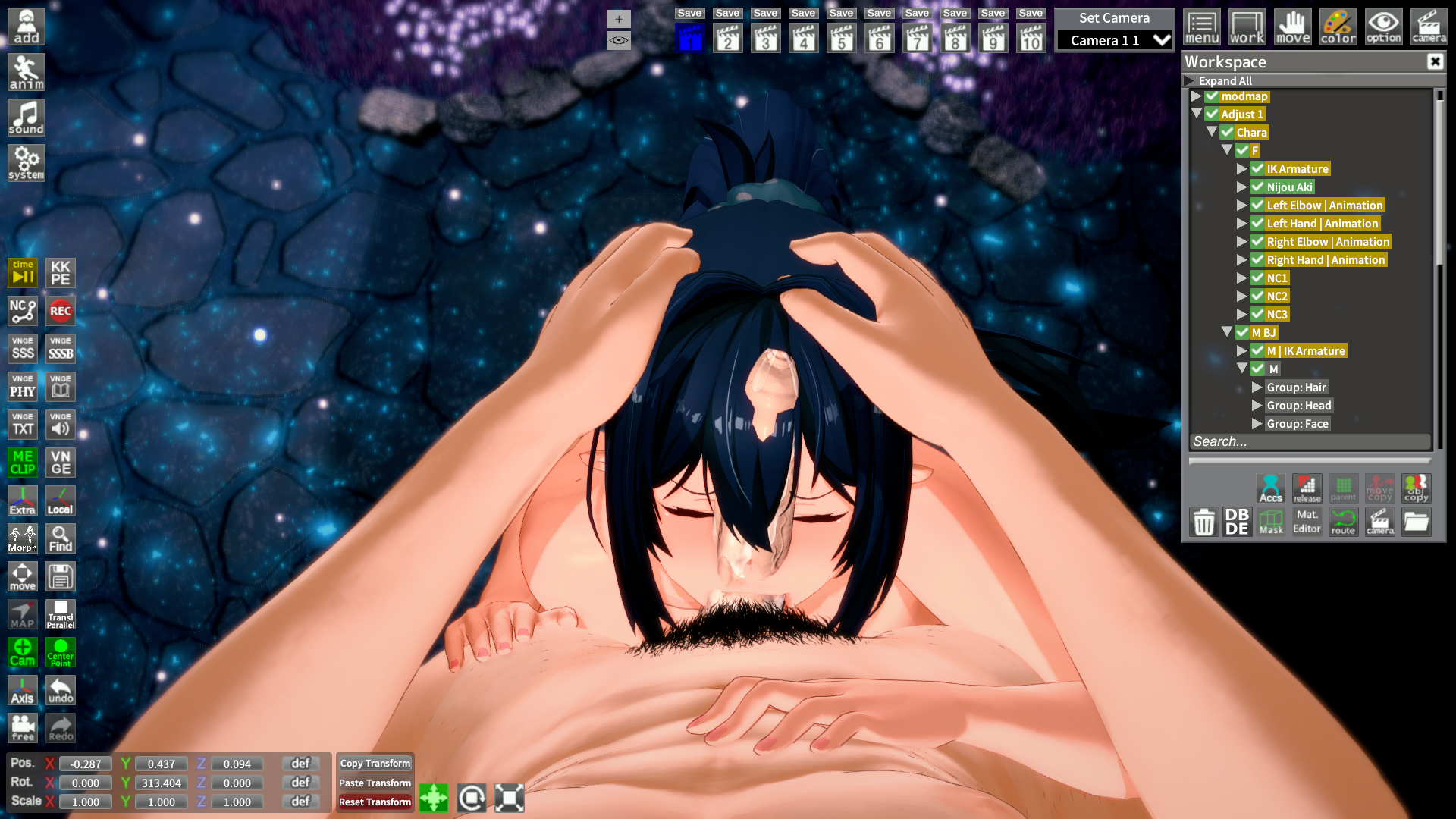
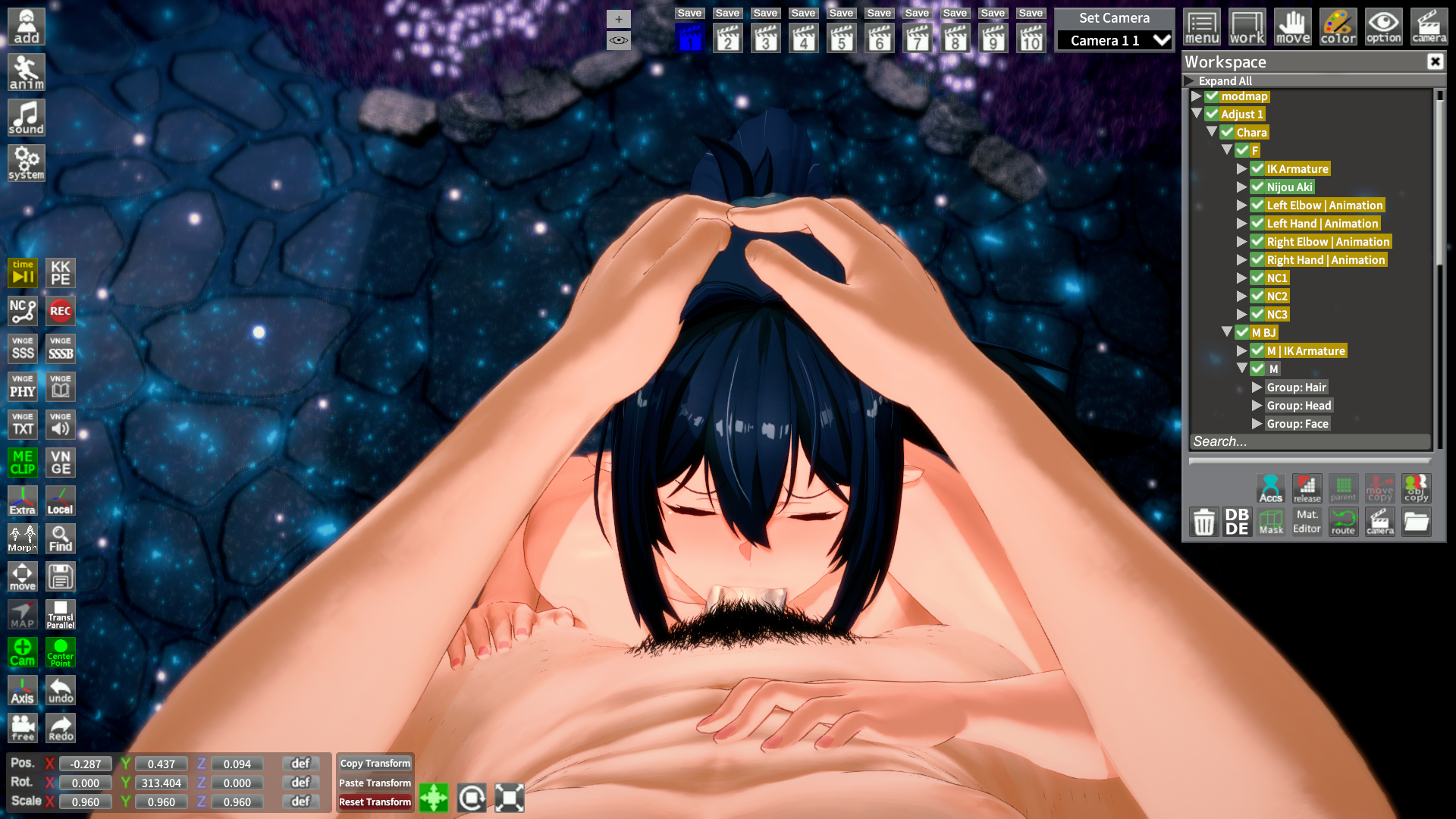 gofile.io
video exportWhat programs are used to record and upload GIFs on pixiv? I have some scenes with timelines that I want to upload to my account, but I'm not quite sure how to do it.
 www.pixiv.net


So
The wonders of trying to make your own hair accessory (or accessory hair as wog calls it) zipmod...
I'm not quite understanding what went wrong. I set up the AssetBundles, put the material in the mesh (pure white texture in Maintex for testing purposes), set up the accessory and custom hair components, made sure that the shader used for the material is main_hair as instructed...
While the csv is adapted from the example and thus this is technically "fringe" accessory hair, it shouldn't matter.
Oh, and the mesh misalignment is just some rigging jank I'll work out on the next .fbx iteration I send in (exported from 2.9)
Something weird I noted is that an iteration of the built zipmod was slightly screwed and didn't have the mesh in it, but it was then it showed the accessory hair colouring settings.
With the mesh in, however, the hair colour settings are now gone.
Big combined image of how the relevant parts* look like right now (pcloud upload of them separate, plus some extras in the folder after I edited the big image)
*I'm not sure if anyone needs any more info from me but
History of how I made the thing in question:
Made with bezier curves with suitable optimization at curve-level, but overlaps generally left as-is
Left side was mirrored
A few vertex modelling fixes
Then each curve while separate had their UVs set up to what made sense
Joined the meshes to the three pieces
Tested the colour mask in Blender to see that it worked (it does)
Did some basic rigging on the main "tail"
Originally treated as three separate meshes, but I joined them upon first getting problems at the Unity step
We're basically at where we are right now
What I've tried and haven't that I think is relevant to fixing the material issue:
Tried:
Different variants of putting the SkinnedMeshRenderer somewhere in the components
Double-triple-loop sanity checked the textures (not that it matters)
Double-triple-loop sanity checked the other settings I can remember being relevant
Changed shader back and forth from/to Main_hair
Grabbed the example hair's shaders
Changed maintex
(I think that's it, from my memory)
Have yet to:
Try changing the category and kind in the accessory .csv (It shouldn't matter... But also I legit just don't know them and I've yet to find a coherent list that's not digging into a mod's files)
Tried doing the same to a basic cube exported from blender
Can't come up with any other potential holes currently
The one time it actually got colour in previous attempts was when it was responding to the material's own settings, but no accessory stuff.
Oh, and as the siggy indicates, I don't have discord, and I have my reasons to avoid discord. If you do wish to refer to something in there, I suggest getting screencaps or exporting the chat.
TL;DR: While I can probably work around materials in generals not working, the accessory not being recognized as accessory hair is the main issue
I want it to be affected by the hair colour picker in which the Wogrim guide says to apply the hair componentSo
Your problem is that the hair is not being affected by the color picker?
What I see is that you are trying to use the accessory component and the custom hair component together
Afaik
You don't need both, just pick one (accessory one is the usual way)
Everything else looks okay (at least of what you show in the screenshots)

Not him, but KKUS/KKUTS shaders are lit entirely from the "Character Lighting" menu. These shaders are ALMOST completely unaffected from added environment lights. They are also largely unaffected by chosen shadow types in "Scene Effects".Thank you for your response. Unfortunately, I’m currently unable to use Discord (it’s banned in my country and I have to use a VPN, so sometimes messages don’t appear). I have a question for you. I changed the shaders in the example you provided to KKUSS. To compare, I saved the same character again with a different shader (xukmi). The character with the KKUSS shader looks great on some maps, but on certain maps, it inexplicably appears too bright or overexposed. I’ve tried turning off the lights in the map through the Workspace, but it doesn’t help. Do you know how to make the character consistently appear like the example above?
I also have a second question. The outline of the character with the KKUSS shader is unfortunately unclear. I maxed out the outline thickness in the Scene Effects, but it didn’t fix the issue. I hope my questions aren’t bothering you.

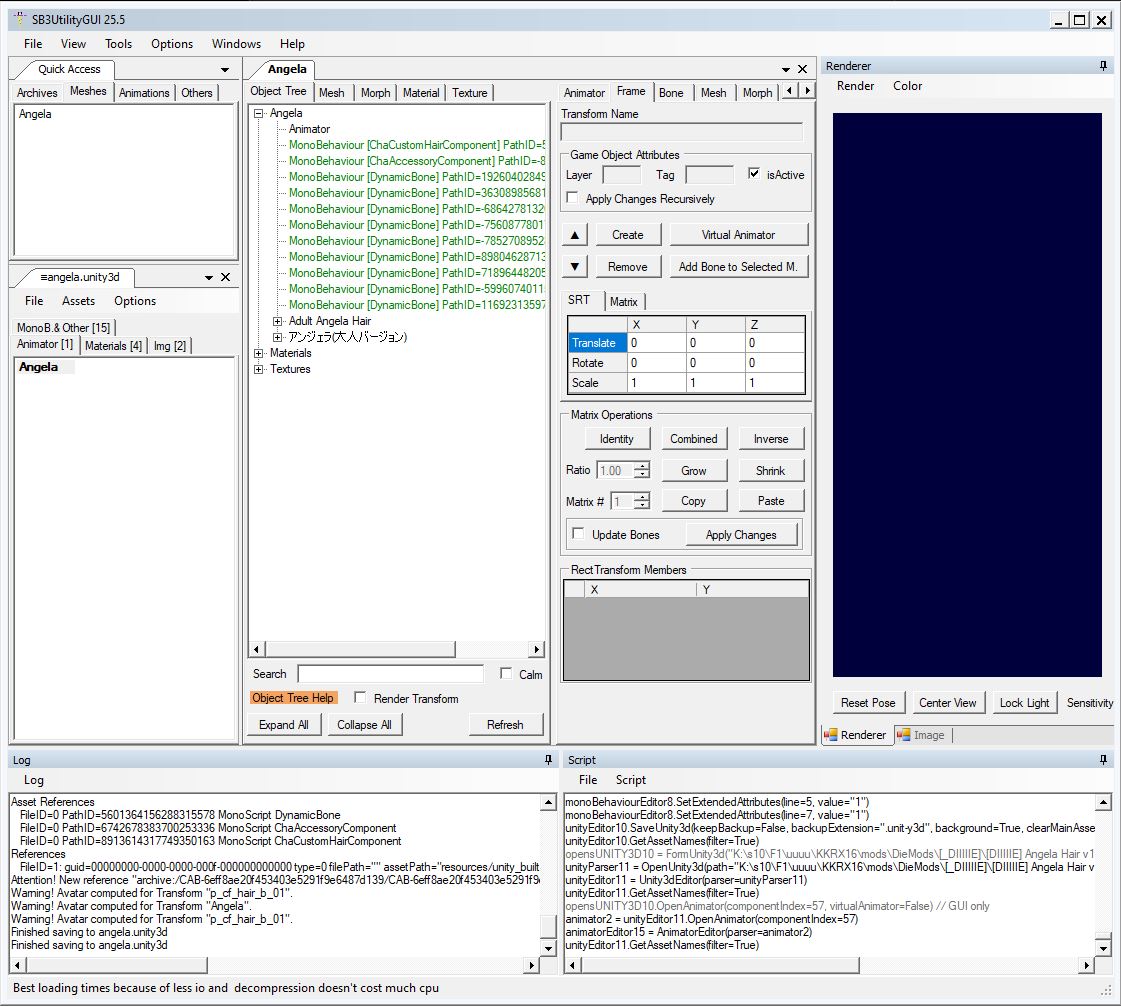
Can you take a pic of what your asset bundle looks like in SB3U? I had a similar issue before and I fixed it by rearranging the tree structure.